
FromWorkspace Document Landing
SubjectYour wiki is ready — start with one page
PreviewThree steps to a first page people actually open, plus the one we'd write first.
A document-like welcome with three numbered setup steps, a tip callout and one customer quote.
The product's own document drawn in divs, a black button and a serif display.
The 10 sections of this email from top to bottom, rendered with the sample store and recipient from the app gallery. Each one can be edited, moved or removed.
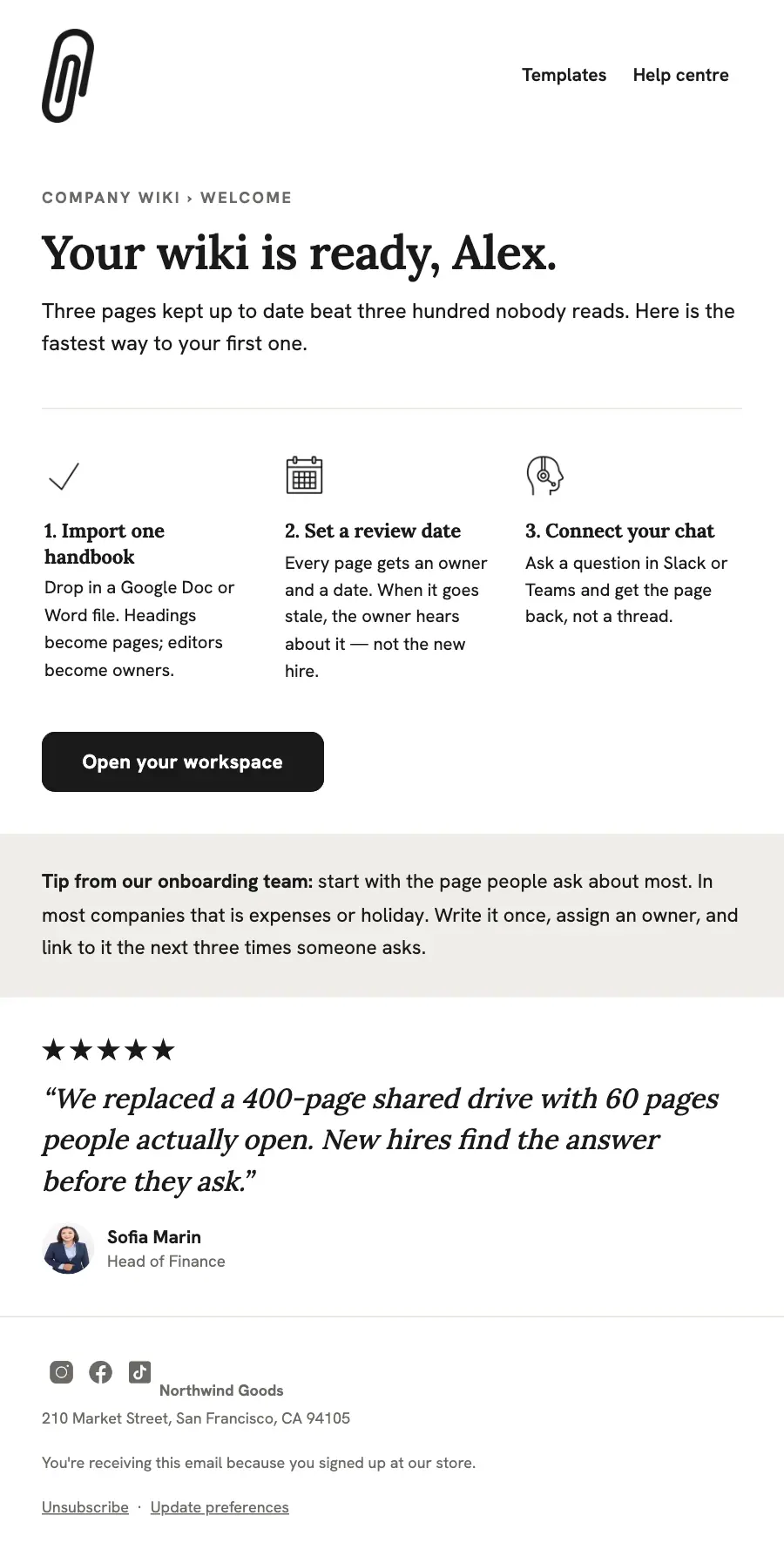
1Logo header
2A small label, a heading and text
3Divider
4Three columns, each with an icon, a heading and text
5Button
6Spacer
7Text
8Quote
9Divider
10Footer with the unsubscribe link
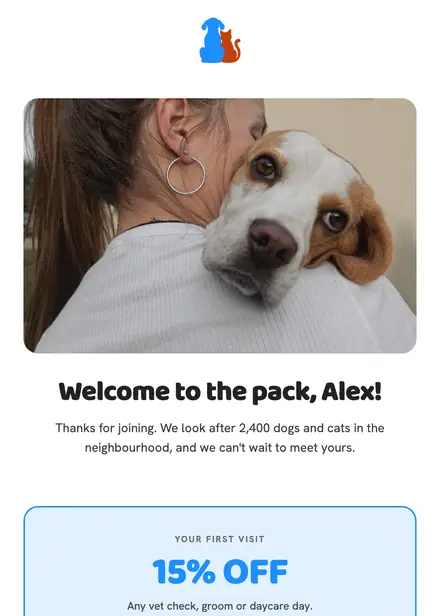
Health & clinics · Welcome
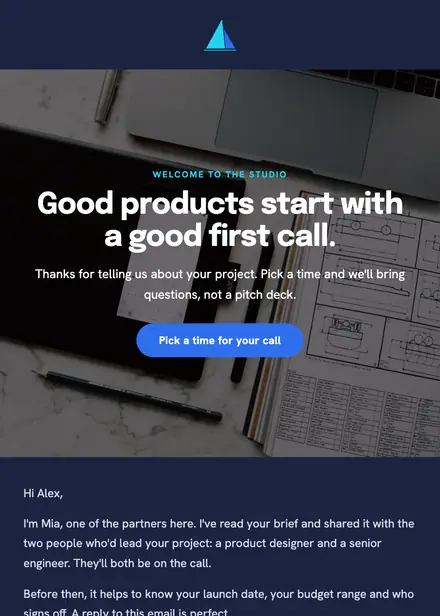
Creative & agency · Welcome

Events & entertainment · Welcome
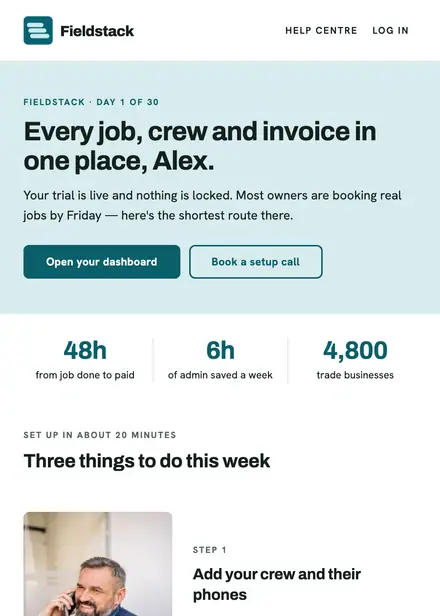
Software & SaaS · Welcome
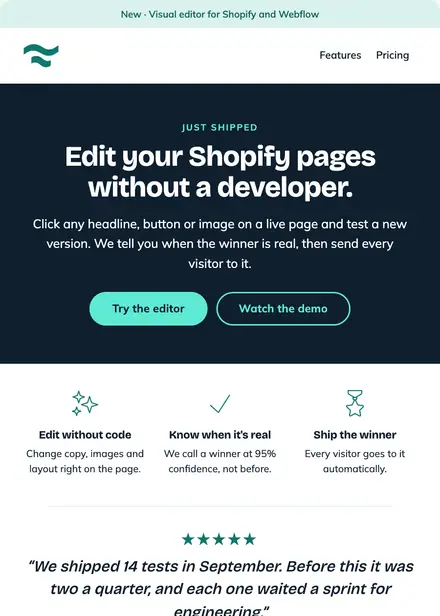
Software & SaaS · Product launch
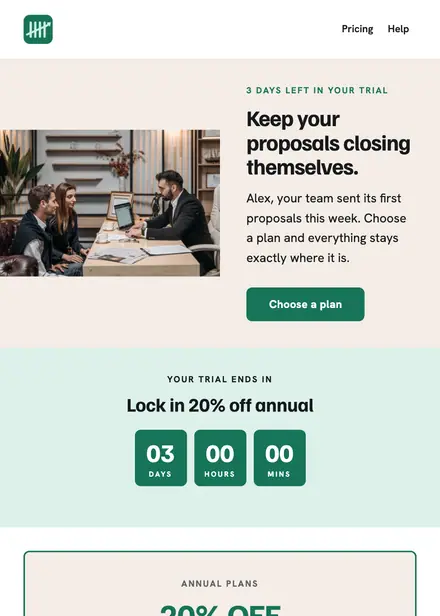
Software & SaaS · Promotion
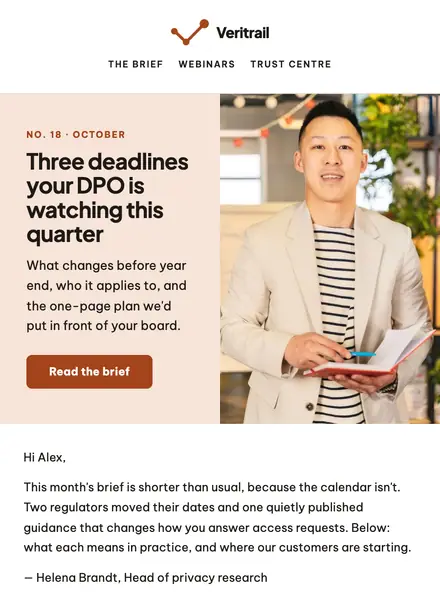
Software & SaaS · Newsletter
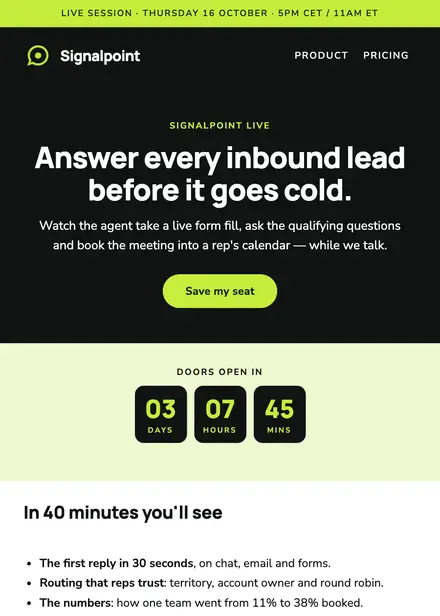
Software & SaaS · Event & booking
Create a free Growthly account, open Templates, then the template gallery, and pick “Workspace docs — onboarding welcome”. It opens in the editor with every section ready to change.
Yes. Add your logo, two colours and two fonts to the brand kit and apply them, or edit any section and element on its own.
Yes. Add it to any flow as a Send email step, or send it as a one-off campaign.