
FromData Privacy Platform
SubjectThe Privacy Brief, No. 18: three deadlines to watch
PreviewThe EU AI Act clock, CPRA audits and why DSAR volumes rose 38% this year.
Monthly compliance digest: lead story, three regulatory briefs, a webinar invite and a customer quote.
A beige hero with an email form beside a portrait carrying floating product cards, a checker of module cells, two photo-and-beige splits, two plans, a quote card, a hairline FAQ, a team of portraits and drawn step cards.
The 10 sections of this email from top to bottom, rendered with the sample store and recipient from the app gallery. Each one can be edited, moved or removed.
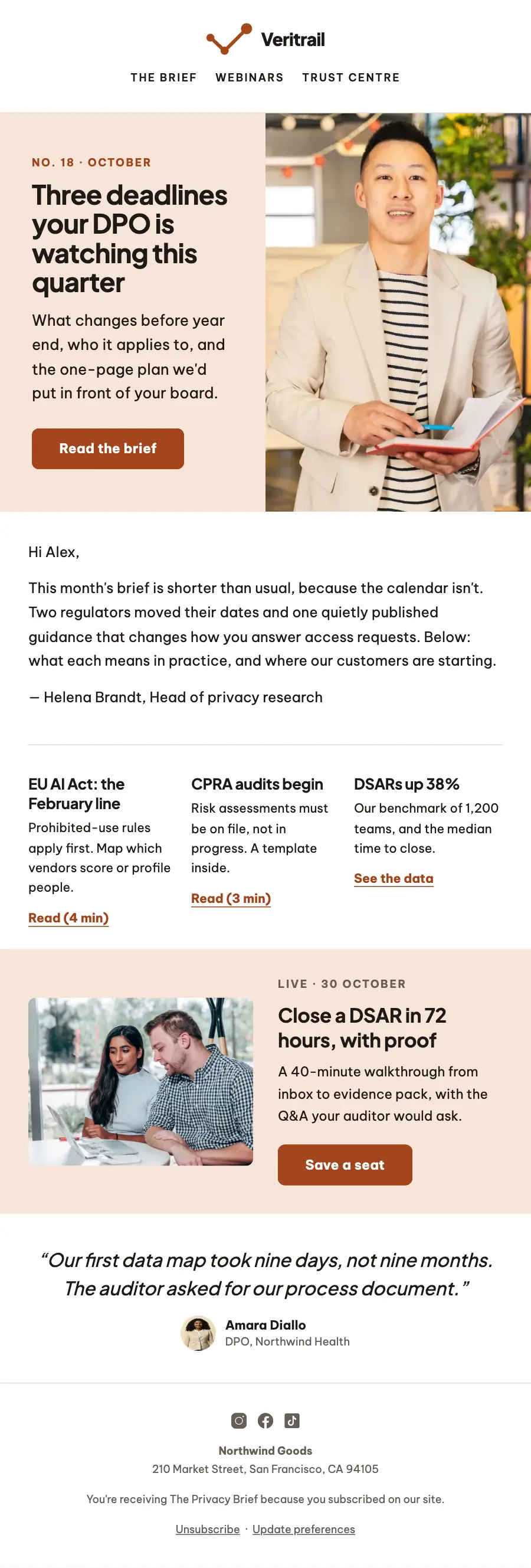
1Logo header
2Divider
3Two columns: a heading, text and a button beside a photo
4Text
5Divider
6Three columns, each with a heading and text
7Two columns: a photo beside a heading, text and a button
8Quote
9Divider
10Footer with the unsubscribe link
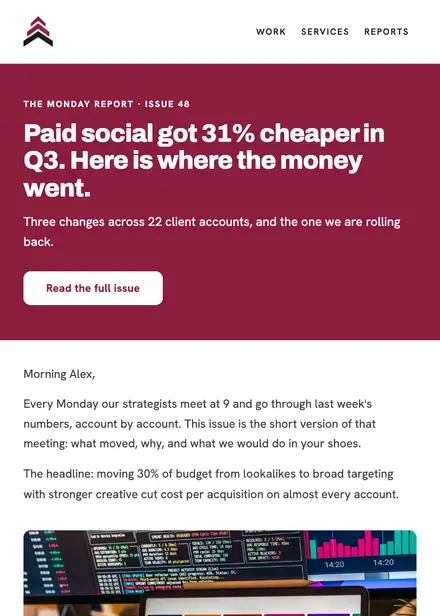
Professional services · Newsletter
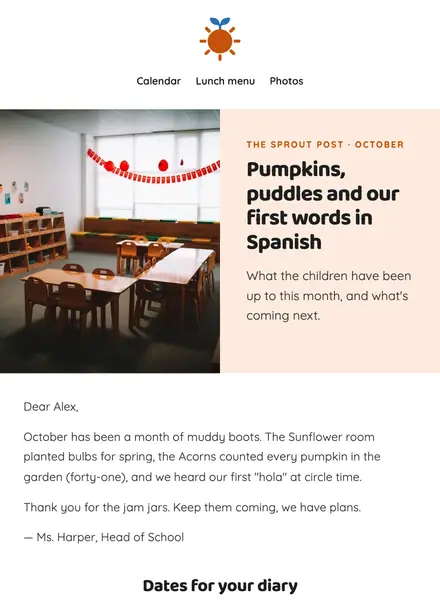
Education · Newsletter
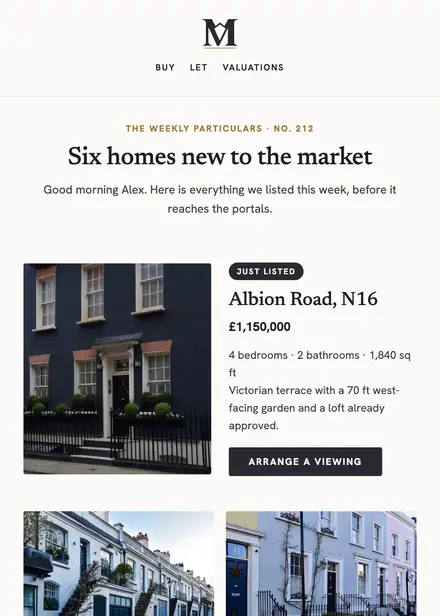
Real estate · Newsletter
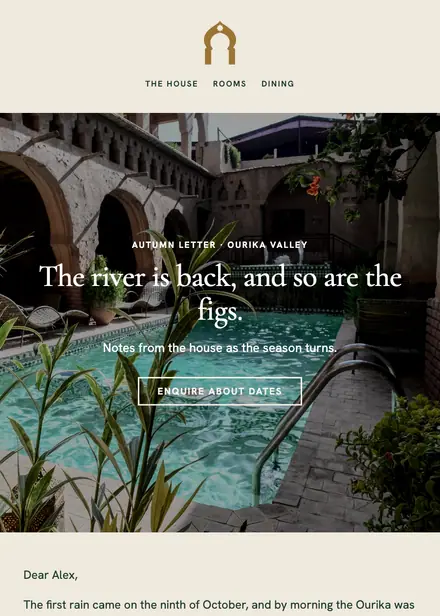
Travel & hospitality · Newsletter
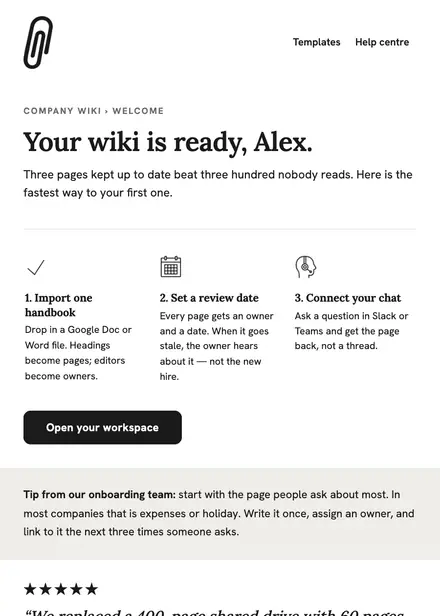
Software & SaaS · Welcome
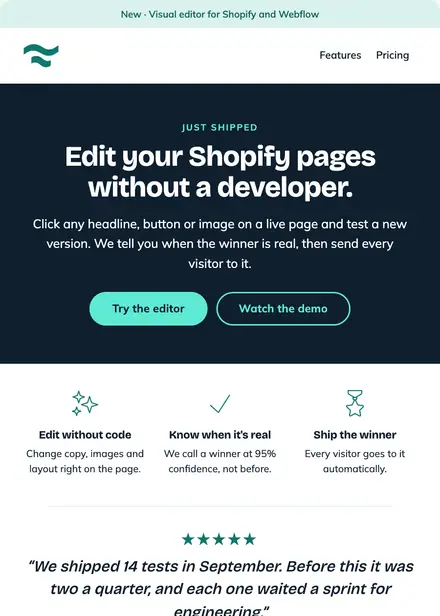
Software & SaaS · Product launch
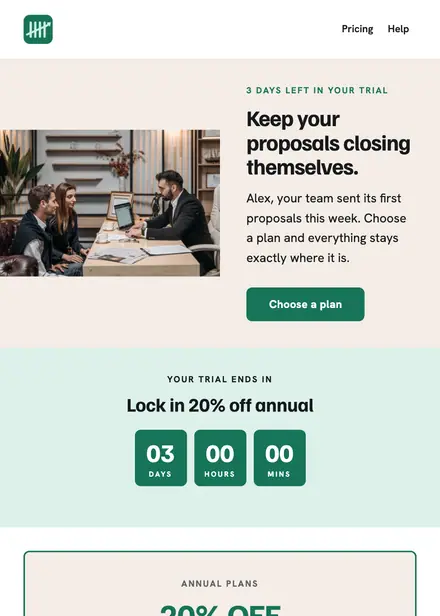
Software & SaaS · Promotion
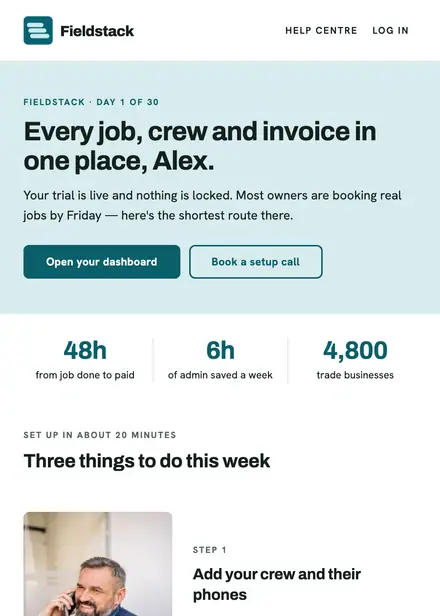
Software & SaaS · Welcome
Create a free Growthly account, open Templates, then the template gallery, and pick “The Privacy Brief — B2B newsletter”. It opens in the editor with every section ready to change.
Yes. Add your logo, two colours and two fonts to the brand kit and apply them, or edit any section and element on its own.
Yes. Add it to any flow as a Send email step, or send it as a one-off campaign.