
FromAI Inbound Agent
SubjectLive: watch an AI agent answer a lead in 30 seconds
PreviewThursday, 40 minutes, real inbound from a real revenue team. Save your seat, get the recording.
Webinar invitation with a lime date bar, dark hero, countdown, agenda and host bio.
A centred promise and one pill email form in a soft lime glow, a drawn analytics console rising out of it, a beige bento on drafting lines, a dark integrations panel, wide plan rows and FAQ pills.
The 9 sections of this email from top to bottom, rendered with the sample store and recipient from the app gallery. Each one can be edited, moved or removed.
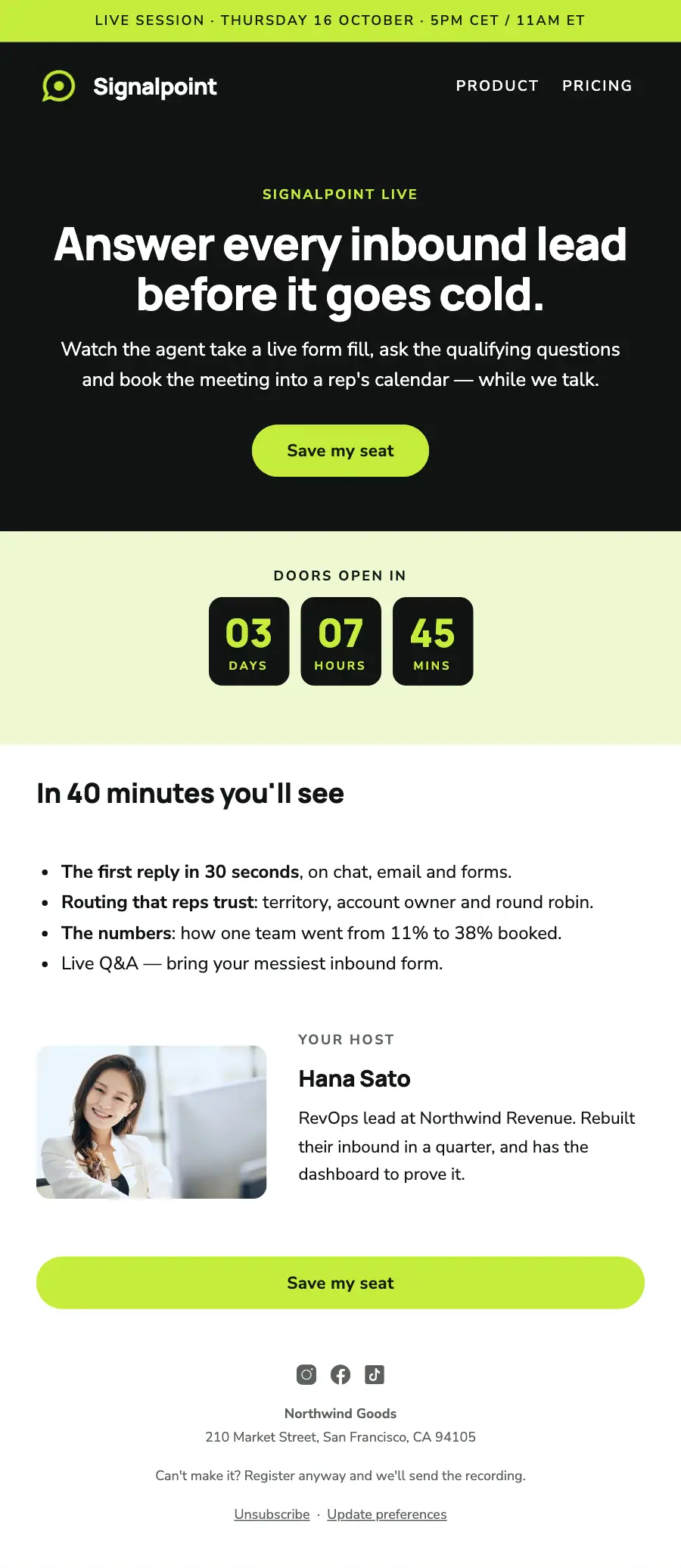
1Text
2Logo header
3A small label, a heading, text and a button
4A small label and a countdown timer
5Section title
6Text
7Two columns: a photo beside a heading and text
8Button
9Footer with the unsubscribe link
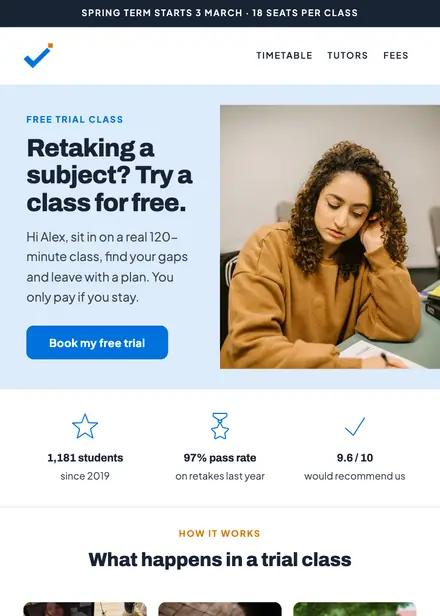
Education · Event & booking
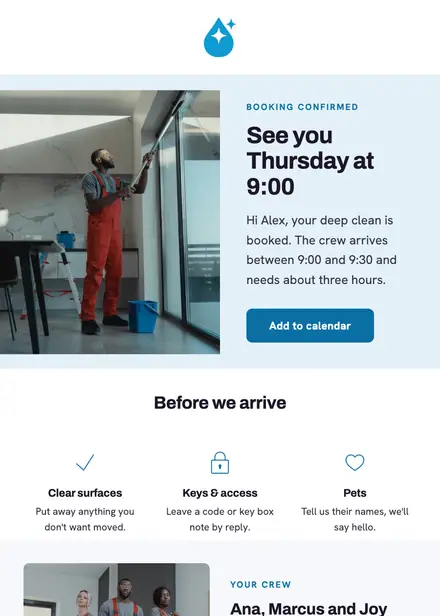
Home services · Event & booking
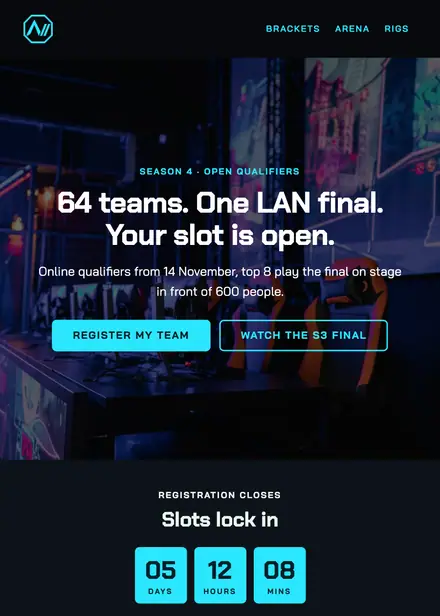
Events & entertainment · Event & booking
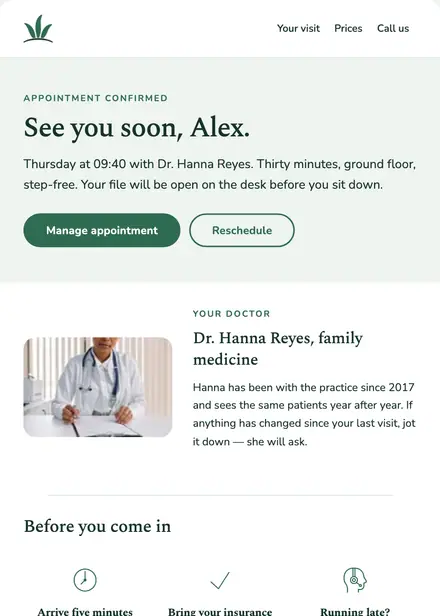
Health & clinics · Event & booking
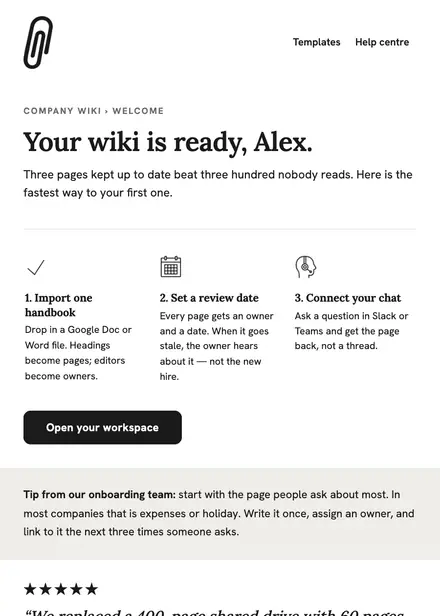
Software & SaaS · Welcome
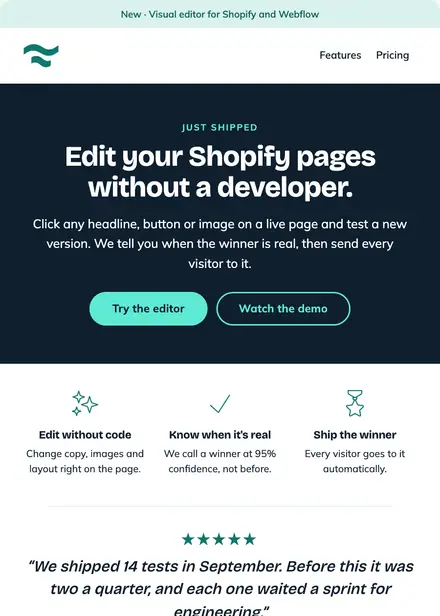
Software & SaaS · Product launch
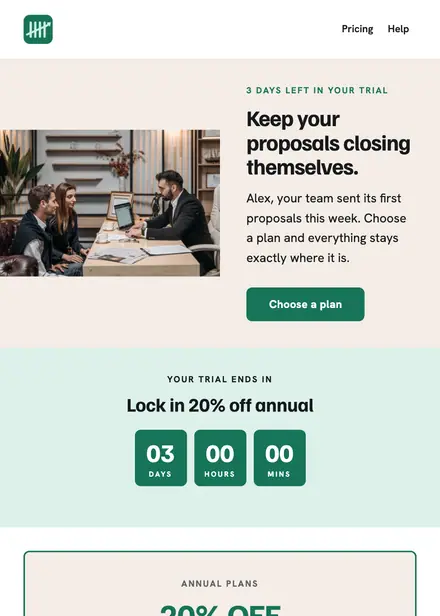
Software & SaaS · Promotion
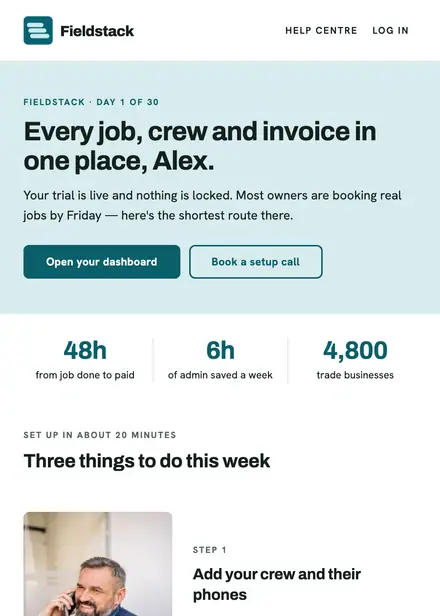
Software & SaaS · Welcome
Create a free Growthly account, open Templates, then the template gallery, and pick “Live demo invite — AI sales tool”. It opens in the editor with every section ready to change.
Yes. Add your logo, two colours and two fonts to the brand kit and apply them, or edit any section and element on its own.
Yes. Add it to any flow as a Send email step, or send it as a one-off campaign.