
FromProject Finance Dashboard
SubjectYour trial is live{% if contact.first_name != blank %}, {{ contact.first_name }}{% endif %}
PreviewConnect your timesheets and invoices this afternoon and see which projects make money this week.
Warm cream hero over the drawn dashboard, numbered feature rows on yellow and pink tints with customer quotes, and an ink doodle offering a setup call.
A centred hero over a large dashboard drawn in HTML, numbered feature rows with quotes, a dark tools band, one customer story and a doodled trial form.
The 9 sections of this email from top to bottom, rendered with the sample store and recipient from the app gallery. Each one can be edited, moved or removed.
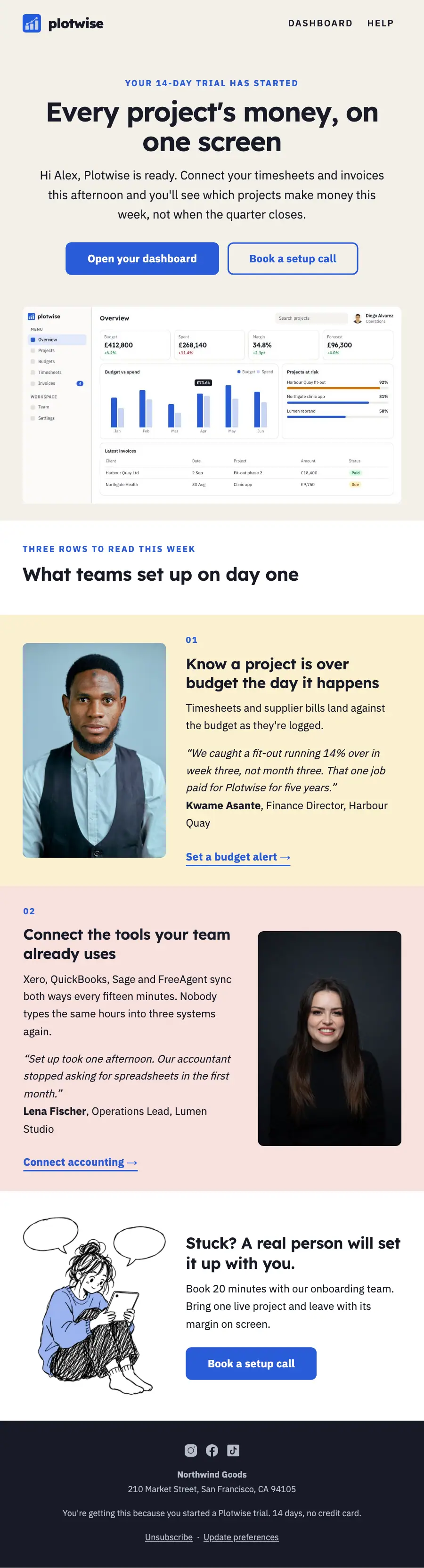
1Logo header
2A small label, a heading, text and a button
3Full-width photo
4Spacer
5Section title with a small label
6Two columns: a photo beside a heading, text and a button
7Two columns: a heading, text and a button beside a photo
8Two columns: a photo beside a heading, text and a button
9Footer with the unsubscribe link
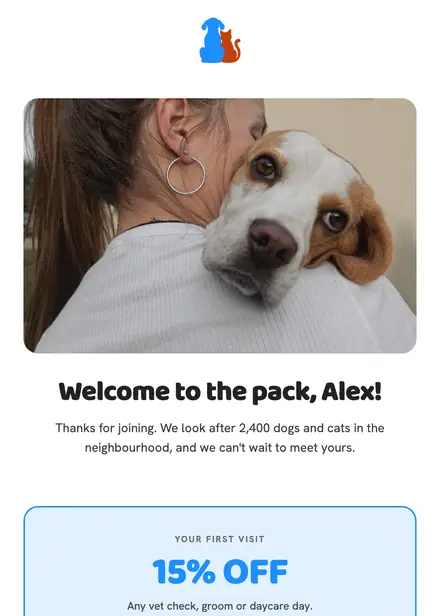
Health & clinics · Welcome
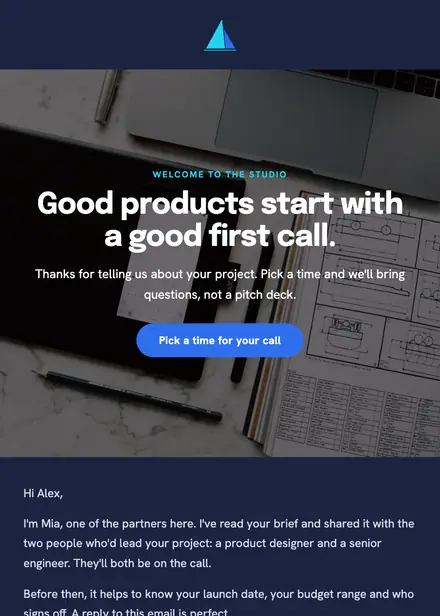
Creative & agency · Welcome
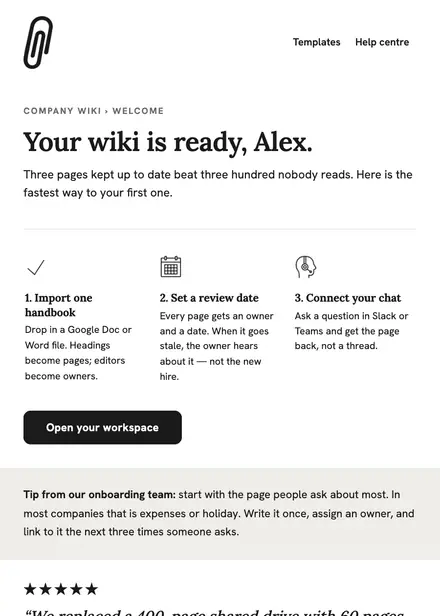
Software & SaaS · Welcome

Events & entertainment · Welcome
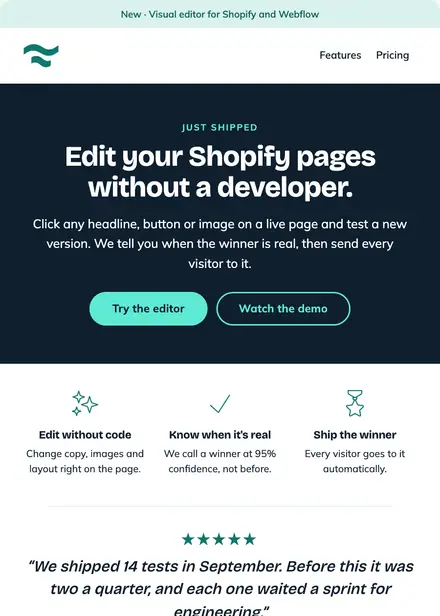
Software & SaaS · Product launch
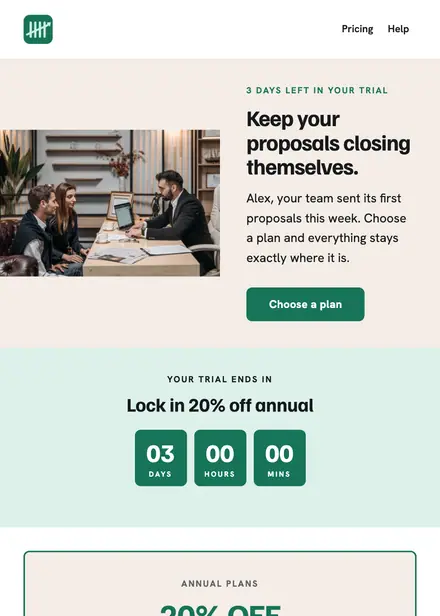
Software & SaaS · Promotion
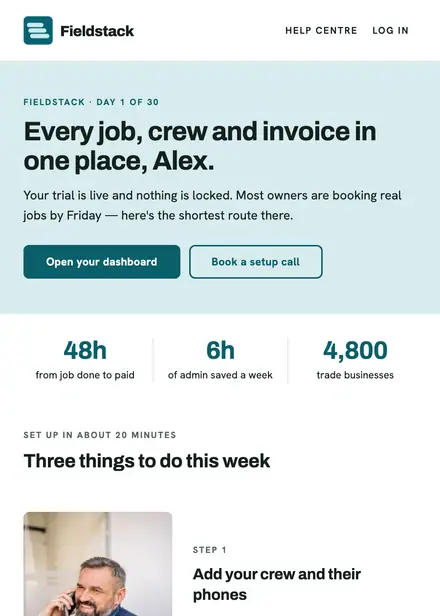
Software & SaaS · Welcome
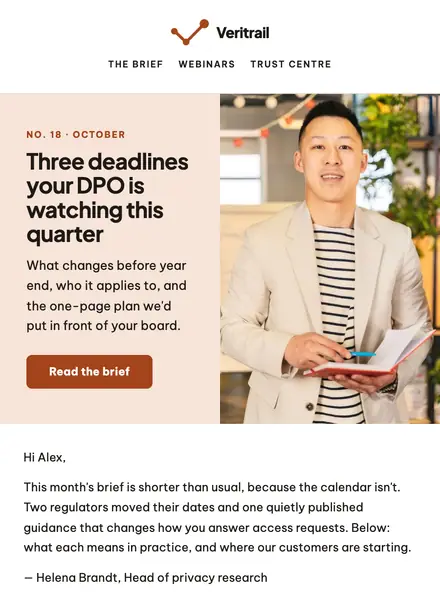
Software & SaaS · Newsletter
Create a free Growthly account, open Templates, then the template gallery, and pick “Trial started: margins by Friday”. It opens in the editor with every section ready to change.
Yes. Add your logo, two colours and two fonts to the brand kit and apply them, or edit any section and element on its own.
Yes. Add it to any flow as a Send email step, or send it as a one-off campaign.