
FromCostume Shop Editorial
SubjectStill deciding who to become?
PreviewThe costume you looked at is still waiting, plus four more characters our stylists would cast you as
A monochrome costume-shop nudge: the character they looked at, four more our stylists would cast them as and a build-your-look call.
A monochrome Halloween costume shop: a crowned hero, full-width character bands, accessories, a candlelit lookbook and a build-your-look form.
The 9 sections of this email from top to bottom, rendered with the sample store and recipient from the app gallery. Each one can be edited, moved or removed.
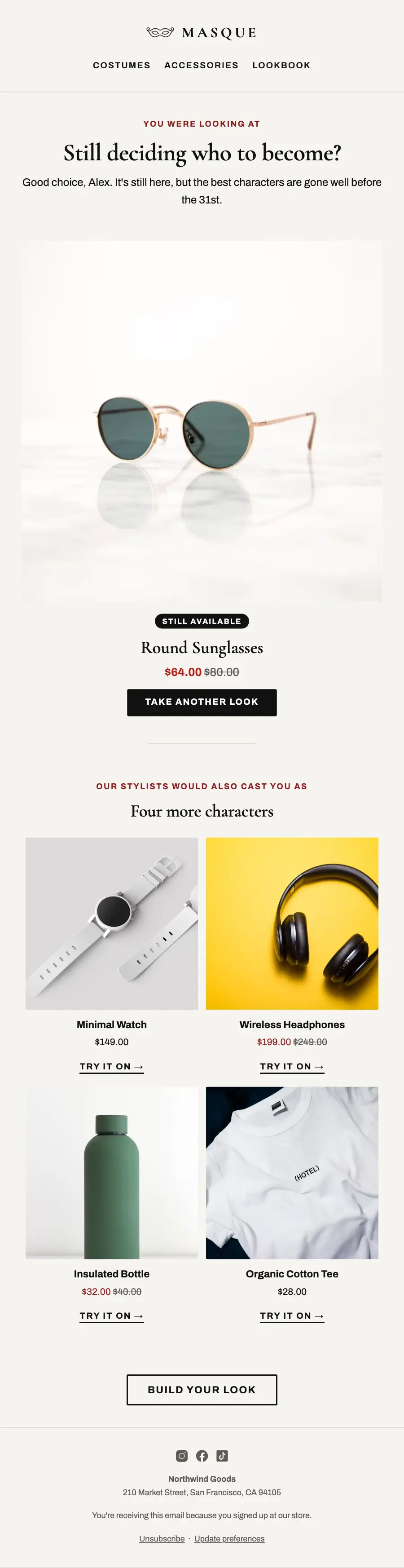
1Logo header
2Divider
3A small label, a heading and text
4Product block, filled from your store
5Divider
6Product grid, filled from your store when it sends
7Button
8Divider
9Footer with the unsubscribe link
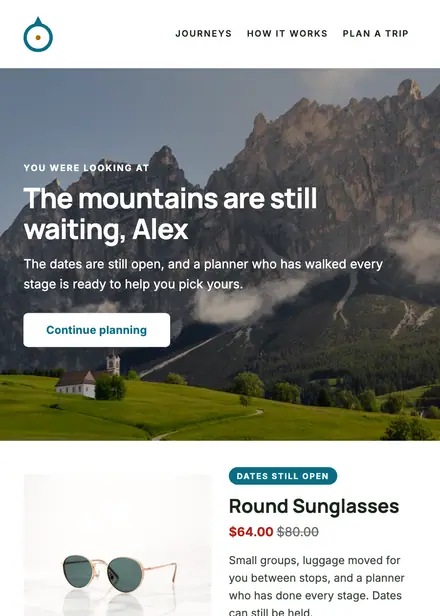
Travel & hospitality · Browse abandonment
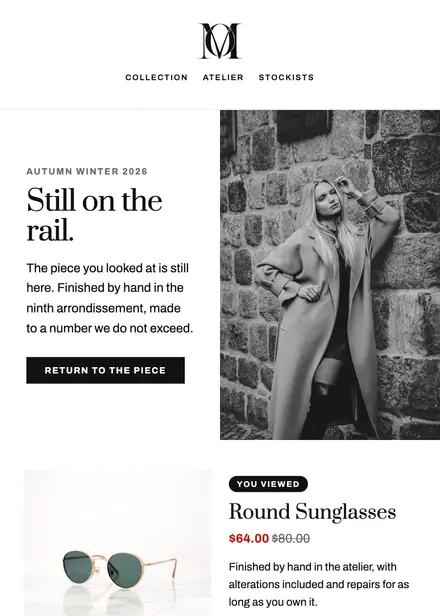
Fashion & apparel · Browse abandonment
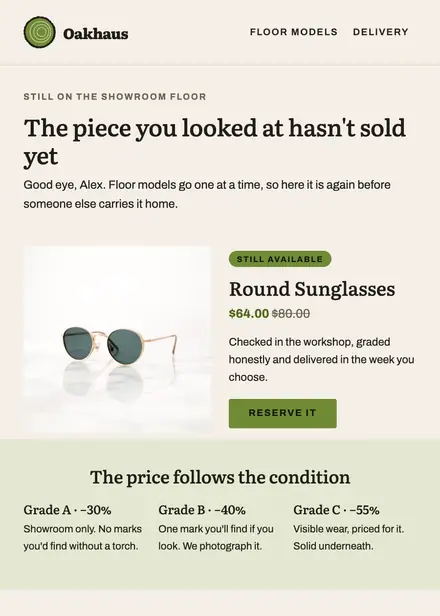
Home & living · Browse abandonment
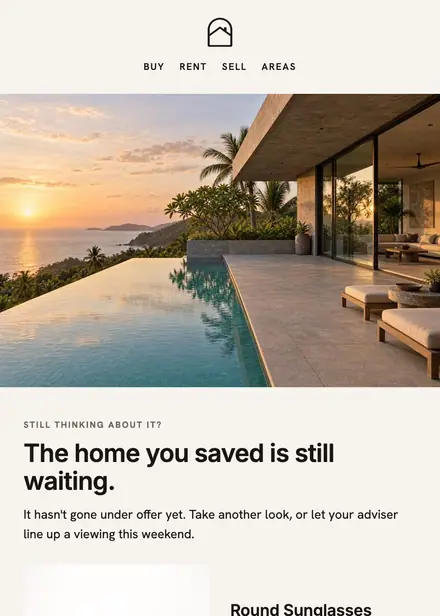
Real estate · Browse abandonment
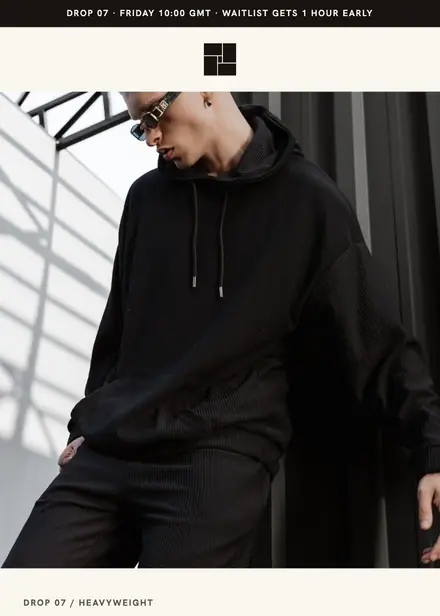
Fashion & apparel · Product launch
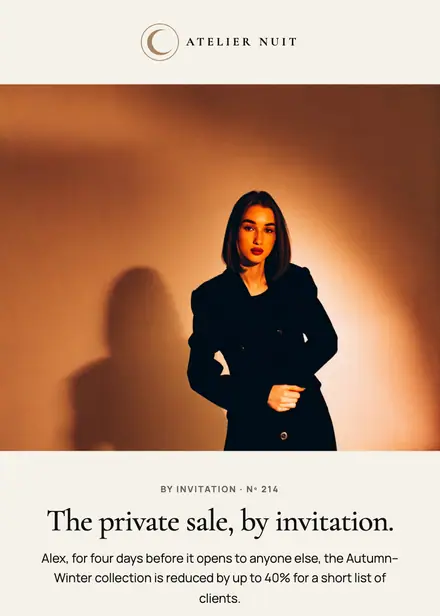
Fashion & apparel · Event & booking
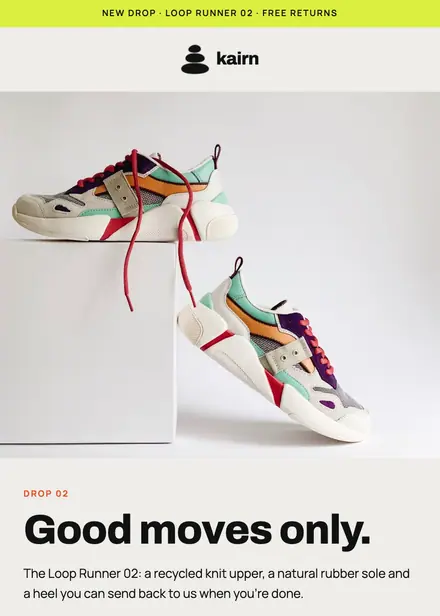
Fashion & apparel · Product launch
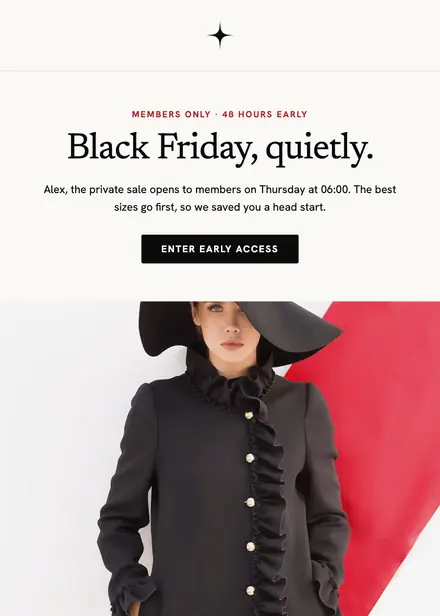
Fashion & apparel · Promotion
Create a free Growthly account, open Templates, then the template gallery, and pick “Masque — still deciding who to become?”. It opens in the editor with every section ready to change.
Yes. Add your logo, two colours and two fonts to the brand kit and apply them, or edit any section and element on its own.
Yes. Add it to any flow as a Send email step, or send it as a one-off campaign.
Product blocks are filled from your connected store when the email goes out: best sellers, the newest arrivals, what the shopper viewed or what is in their cart.