
FromHaven Estate
Subject{{ event.product.title | default: "The home you saved" }} is still available
PreviewTake another look before it goes under offer, plus similar coastal homes with viewings open this weekend.
Coastal property agency follow-up: the saved home (the viewed product), a grid of similar listings and a personal adviser.
A coastal property agency in one warm greige and near-black ink: a full-bleed hero with the header on its sky, a white search card lifting onto the paper, ruled listing cards, an area table and one adviser form.
The 6 sections of this email from top to bottom, rendered with the sample store and recipient from the app gallery. Each one can be edited, moved or removed.
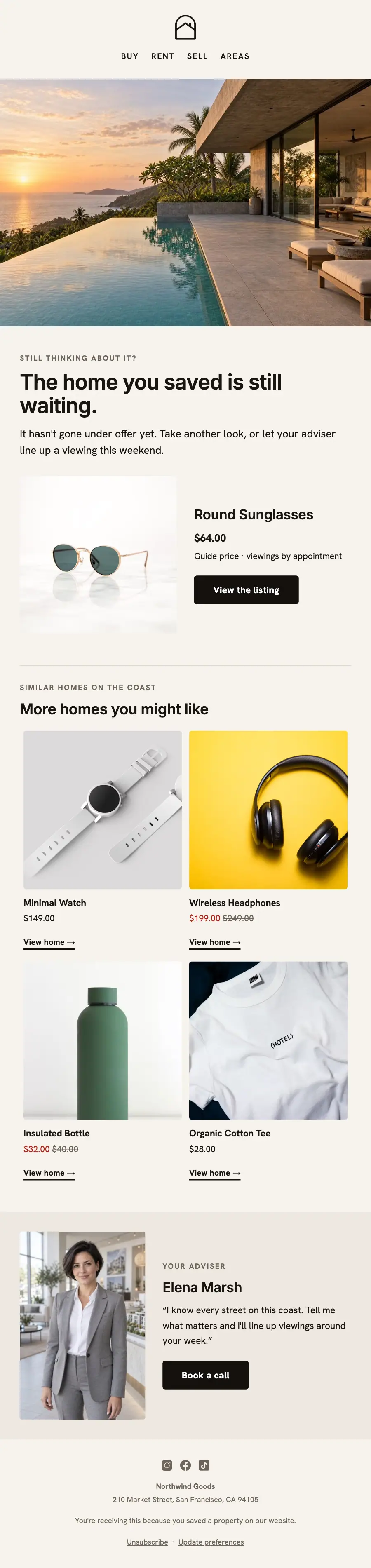
1Logo header
2Full-width photo
3Two columns: a photo beside a heading, text and a button, under a heading
4Product grid, filled from your store when it sends
5Two columns: a photo beside a heading, text and a button
6Footer with the unsubscribe link
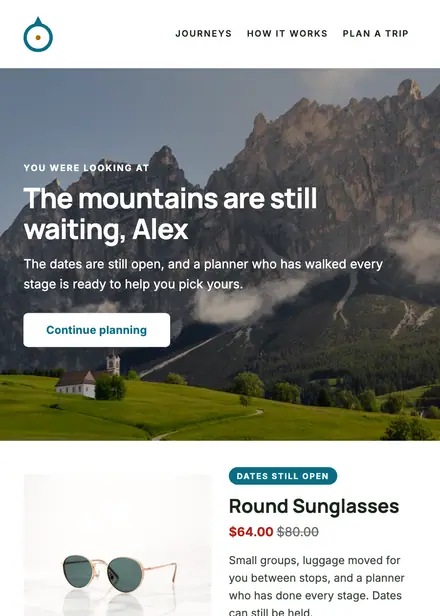
Travel & hospitality · Browse abandonment
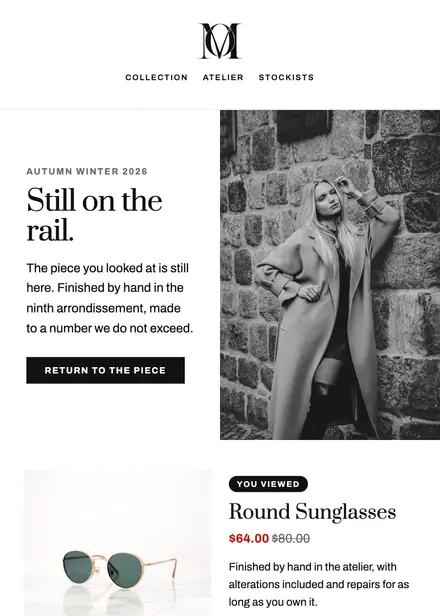
Fashion & apparel · Browse abandonment
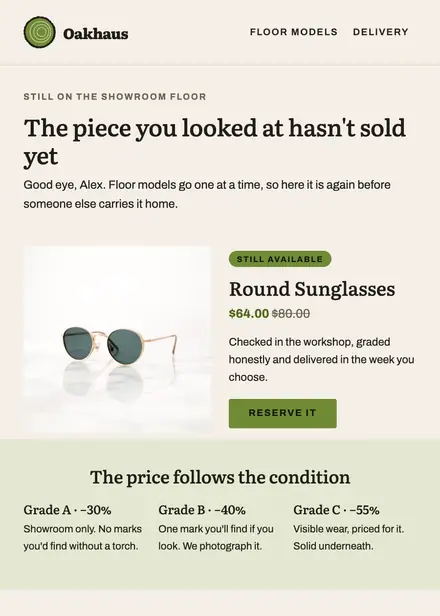
Home & living · Browse abandonment
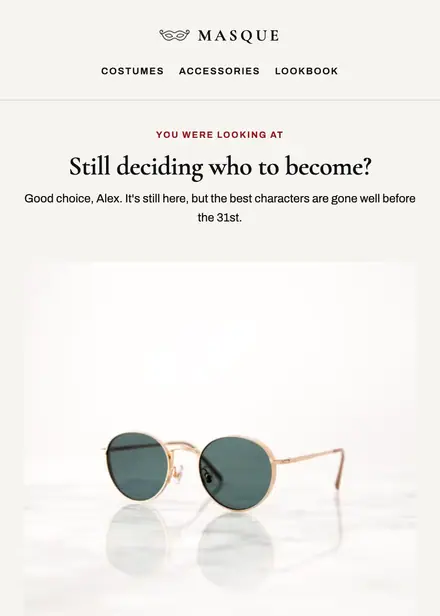
Fashion & apparel · Browse abandonment
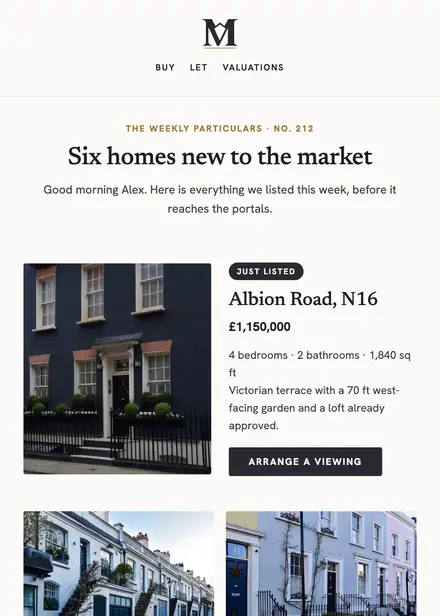
Real estate · Newsletter
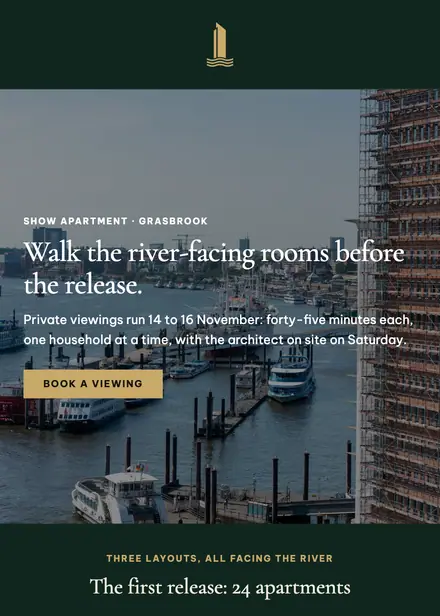
Real estate · Event & booking
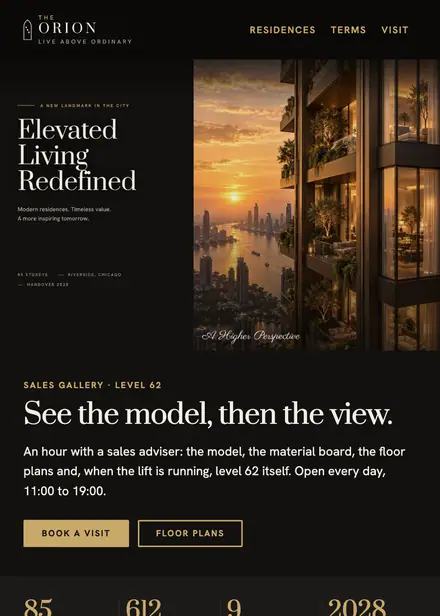
Real estate · Event & booking
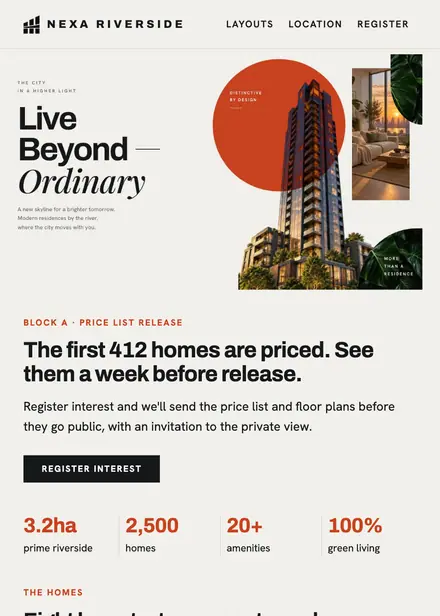
Real estate · Announcement
Create a free Growthly account, open Templates, then the template gallery, and pick “Homes like the one you viewed”. It opens in the editor with every section ready to change.
Yes. Add your logo, two colours and two fonts to the brand kit and apply them, or edit any section and element on its own.
Yes. Add it to any flow as a Send email step, or send it as a one-off campaign.
Product blocks are filled from your connected store when the email goes out: best sellers, the newest arrivals, what the shopper viewed or what is in their cart.