
FromSpeedlab
Subject// Audit received. Four days, start to fix list.
PreviewYour site is in the queue. Here is what we measure, what you get on Friday and how to read it.
Technical brutalism: FASTER WEBSITES WIN. poster, // labels in mono, the blue numbers band, the four-day process, the metrics table and a case quote.
Technical brutalism for a performance practice: a near-black ground, one acid green and one electric blue, condensed capitals shouting over a monospace that labels everything with // and />, high-contrast black-and-white photography and two marks drawn by hand.
The 10 sections of this email from top to bottom, rendered with the sample store and recipient from the app gallery. Each one can be edited, moved or removed.
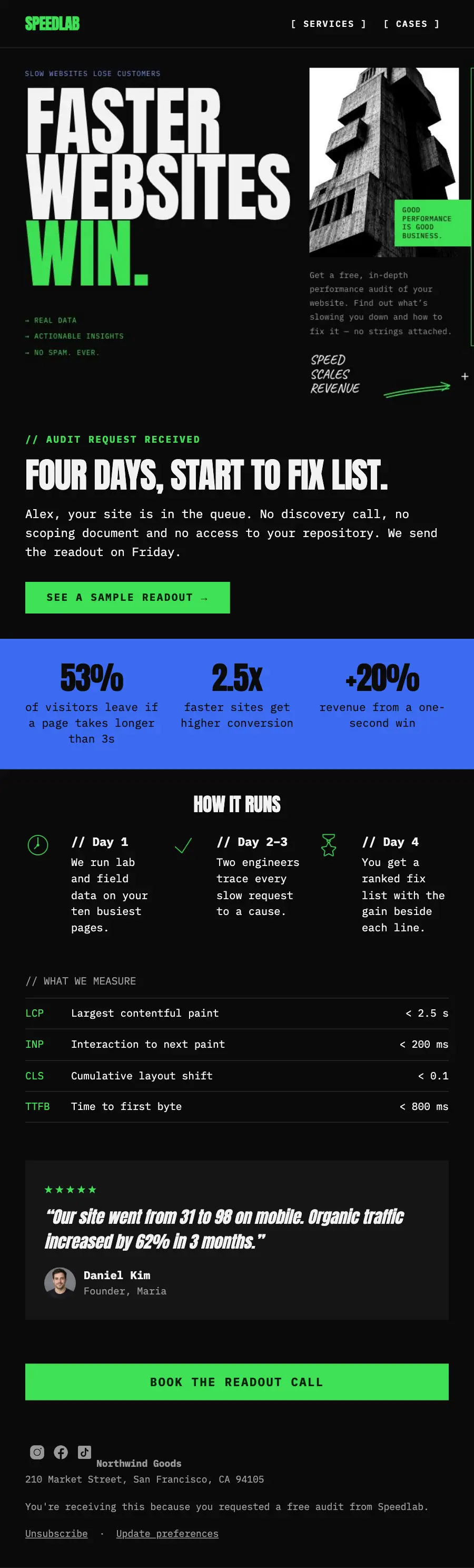
1Logo header
2Divider
3Full-width photo
4A small label, a heading, text and a button
5Three columns, each with a number
6Three columns, each with an icon, under a heading
7Text
8Quote
9Button
10Footer with the unsubscribe link
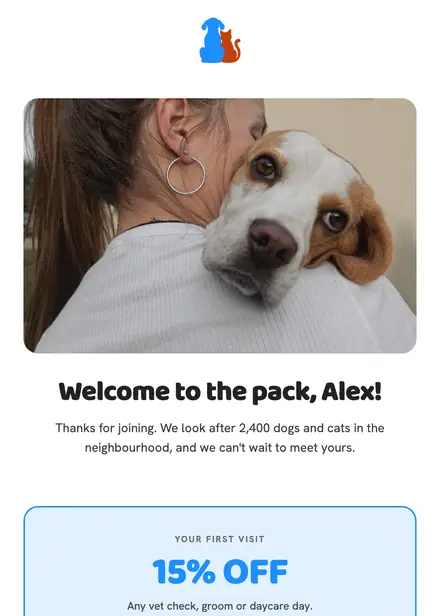
Health & clinics · Welcome
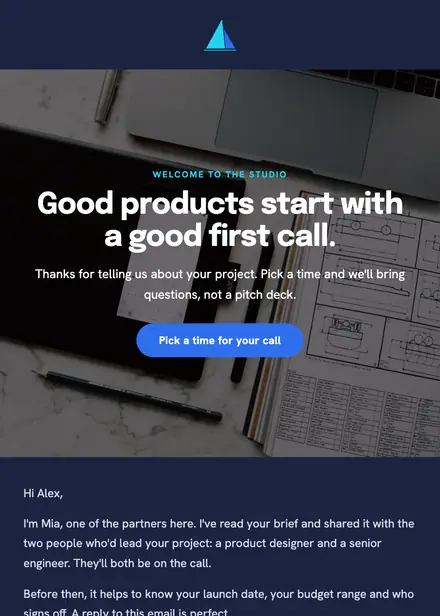
Creative & agency · Welcome
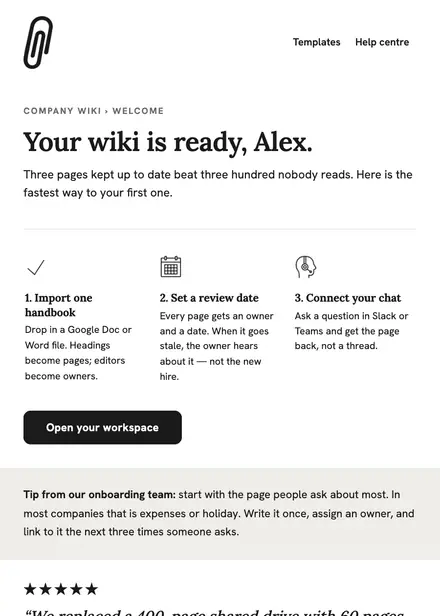
Software & SaaS · Welcome

Events & entertainment · Welcome
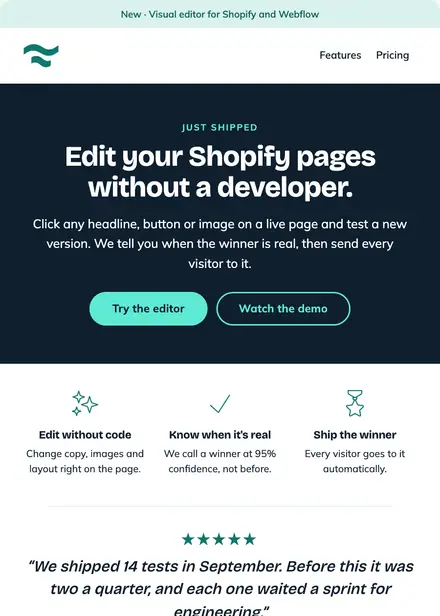
Software & SaaS · Product launch
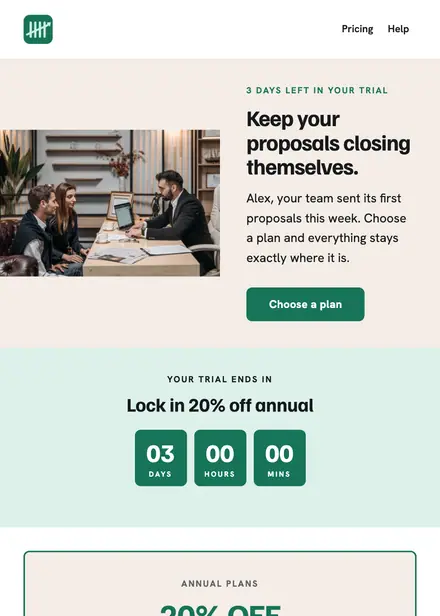
Software & SaaS · Promotion
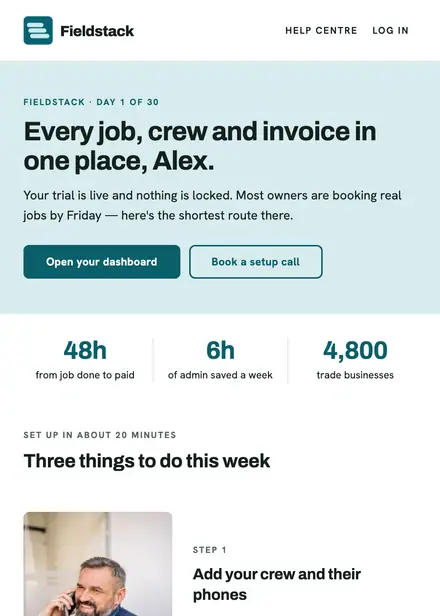
Software & SaaS · Welcome
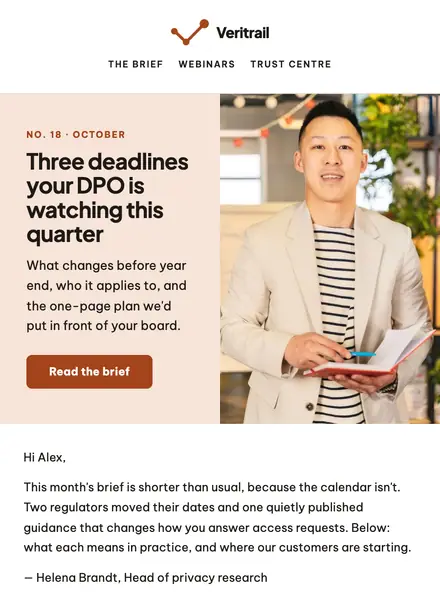
Software & SaaS · Newsletter
Create a free Growthly account, open Templates, then the template gallery, and pick “Audit request received”. It opens in the editor with every section ready to change.
Yes. Add your logo, two colours and two fonts to the brand kit and apply them, or edit any section and element on its own.
Yes. Add it to any flow as a Send email step, or send it as a one-off campaign.