
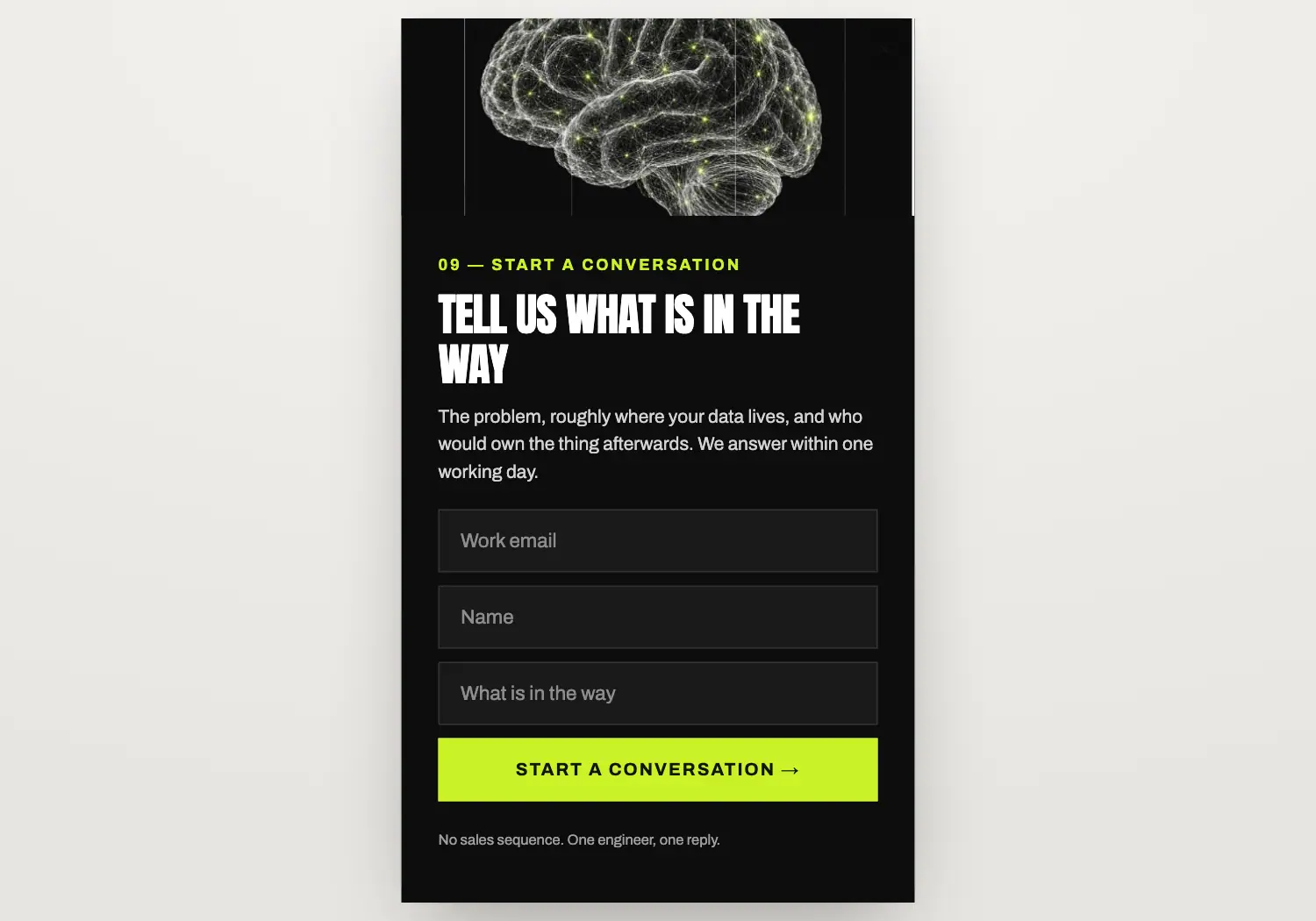
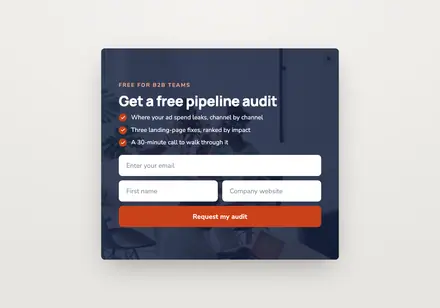
Near-black flyout under the lime-lit brain: name, work email and the problem; one engineer replies.
It is styled after Synapse AI Consultancy, one of the brands in our template library. It pairs with the “AI field notes” email.
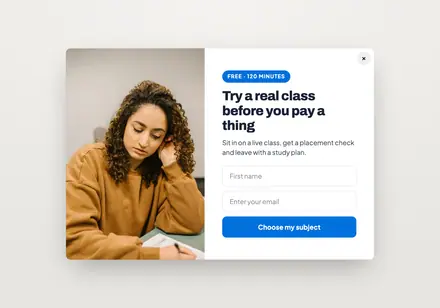
Popup · Lead capture
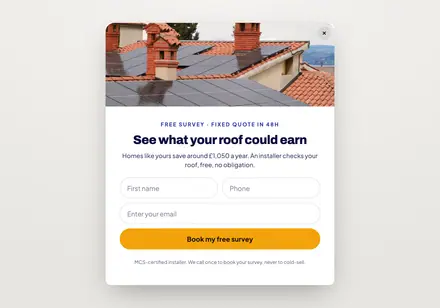
Popup · Lead capture
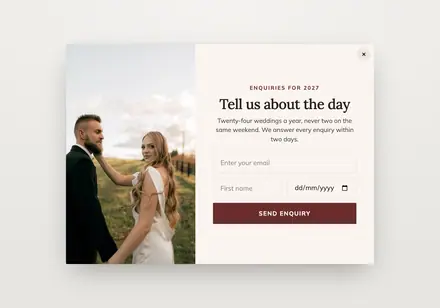
Popup · Lead capture
Popup · Lead capture
Yes. On Shopify it runs through the “Growthly popups & tracking” theme app embed. On other stores you add the Growthly storefront script once.
Yes. Targeting has page rules to include or exclude pages, a device choice for desktop or mobile, and a frequency: every visit, every few days or only once.
Not if you choose the “Not subscribed yet” audience in targeting.
The success step thanks them, they join the list you pick, and the signup can start a flow such as Form welcome.