
FromSynapse AI Consultancy
SubjectField notes 07: four stages, no pilots that die
PreviewNineteen of our first twenty-four engagements still run in production. Here is the pattern we keep.
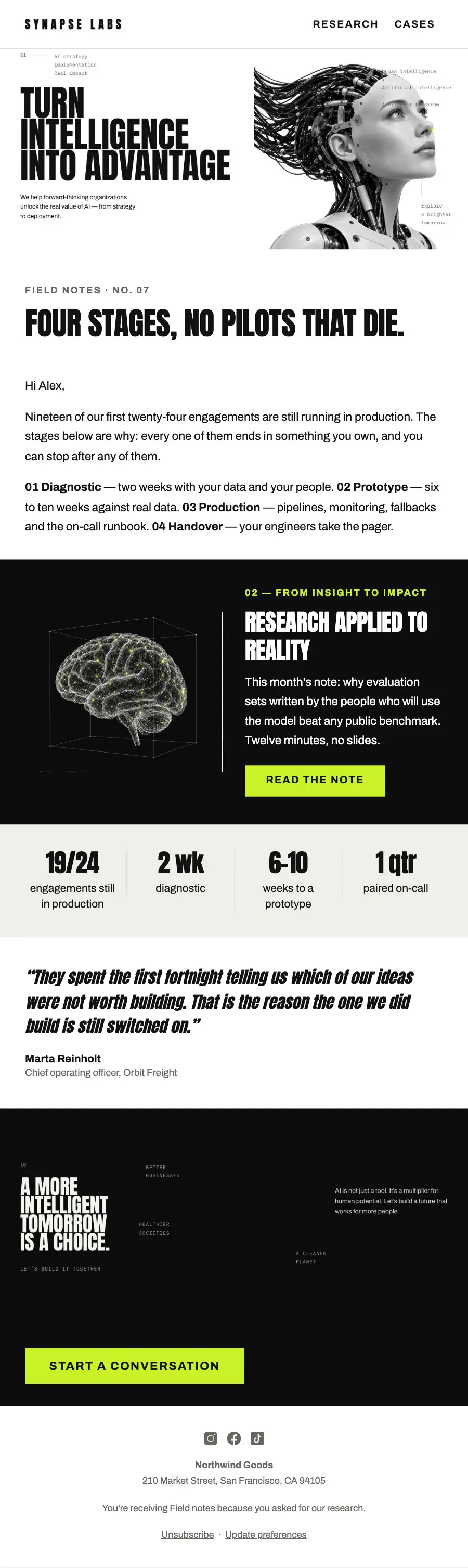
Instrumentation, not marketing: the condensed statement beside the android, a near-black research split, measured stats, a client quote and the acid-lime closing band.
A technical consultancy set like a lab sheet: monospace labels against condensed poster capitals, a subject shot on white, a split research band and an engagement ladder.
The 12 sections of this email from top to bottom, rendered with the sample store and recipient from the app gallery. Each one can be edited, moved or removed.
1Logo header
2Divider
3Full-width photo
4Section title with a small label
5Text
6Spacer
7Two columns: a photo beside a heading, text and a button
8Four columns, each with a number
9Quote
10Full-width photo
11Button
12Footer with the unsubscribe link
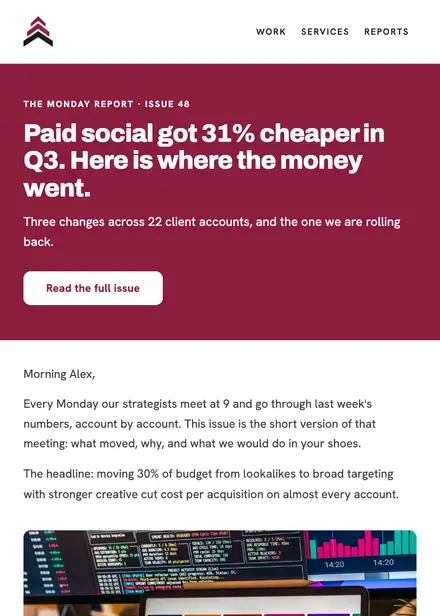
Professional services · Newsletter
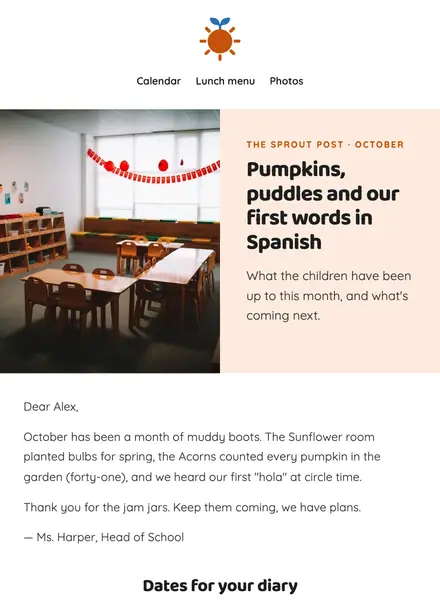
Education · Newsletter
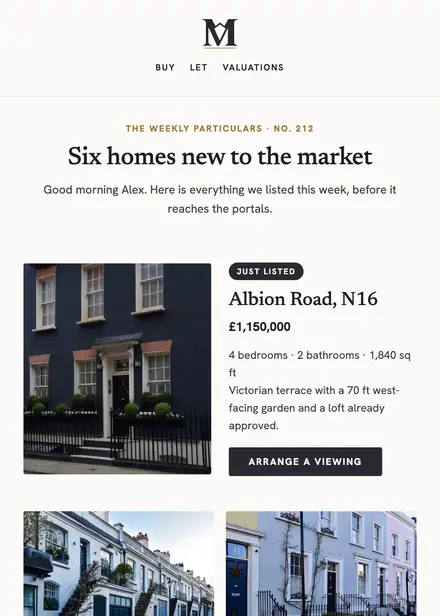
Real estate · Newsletter
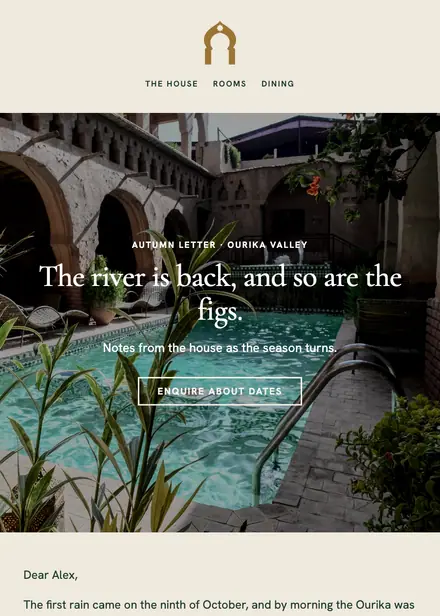
Travel & hospitality · Newsletter
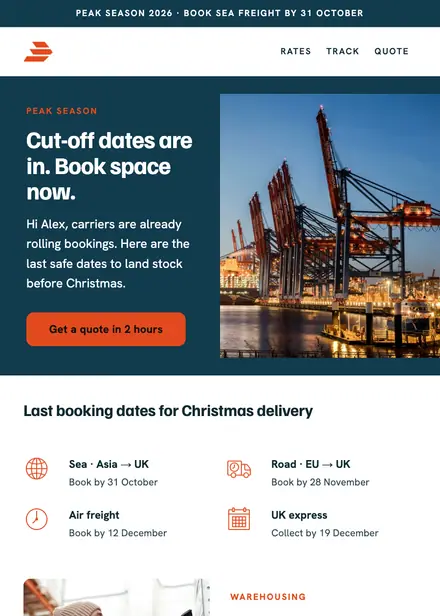
Professional services · Announcement
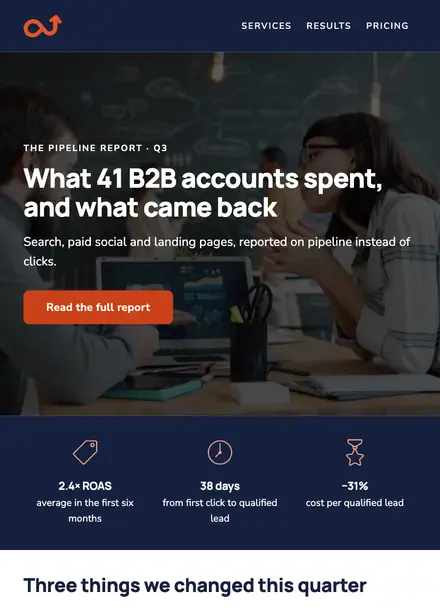
Professional services · Newsletter
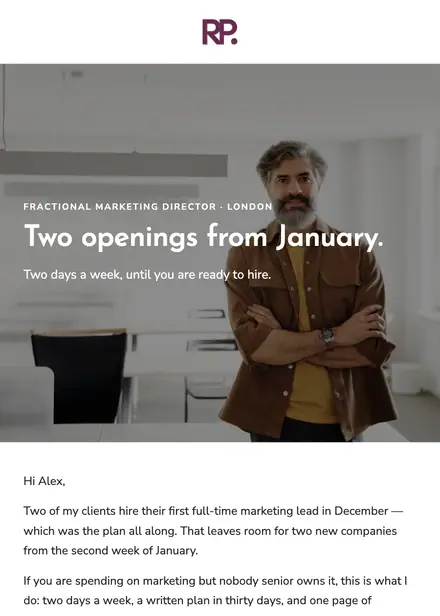
Professional services · Announcement
Professional services · Newsletter
Create a free Growthly account, open Templates, then the template gallery, and pick “AI field notes”. It opens in the editor with every section ready to change.
Yes. Add your logo, two colours and two fonts to the brand kit and apply them, or edit any section and element on its own.
Yes. Add it to any flow as a Send email step, or send it as a one-off campaign.