
FromVoid Sneakers
Subject01 / The Void One drops Friday. Not for everyone.
PreviewBlack, white, red. One silhouette born from the streets, 600 pairs, and a link that goes live at 10:00 sharp.
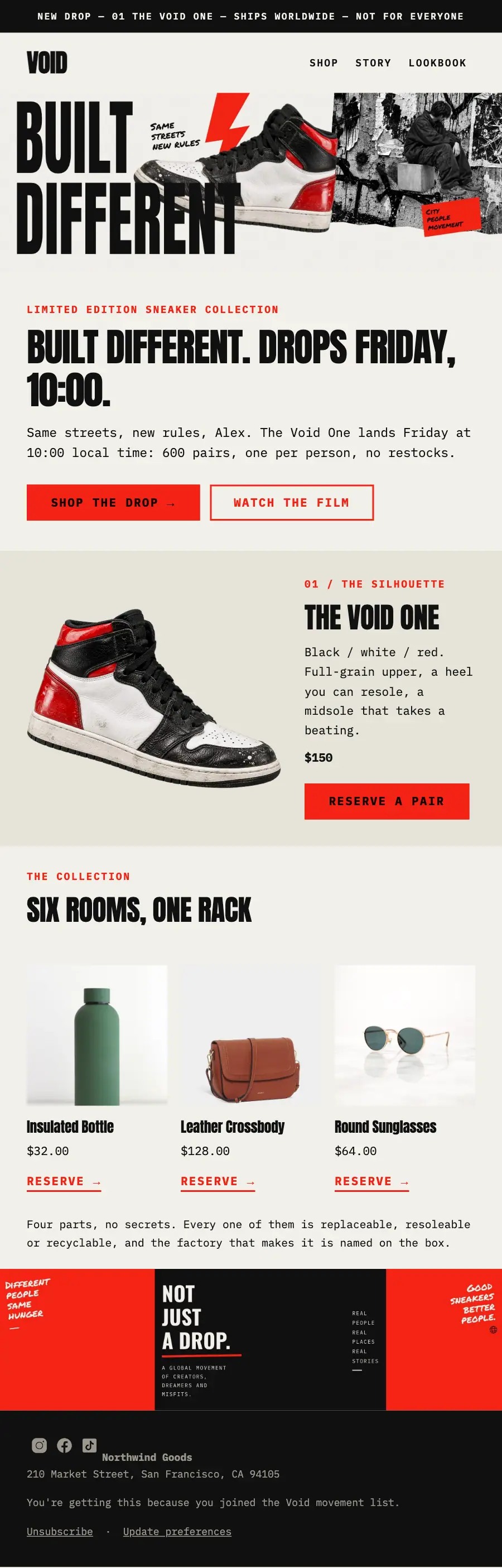
Punk collage poster: the cut-out high-top across BUILT DIFFERENT, a red ticker, the silhouette with its price, the rest of the rack and the red movement strip.
Punk collage on photocopied cream: an ultra-compressed poster grotesque, a cut-out sneaker laid across the headline, torn graffiti at an angle, red brush strokes and taped labels, and one email capture in the footer.
The 10 sections of this email from top to bottom, rendered with the sample store and recipient from the app gallery. Each one can be edited, moved or removed.
1Text
2Logo header
3Full-width photo
4A small label, a heading, text and a button
5Two columns: a photo beside a heading, text and a button
6Section title with a small label
7Three columns, each with a photo, a heading, text and a button
8Text
9Full-width photo
10Footer with the unsubscribe link
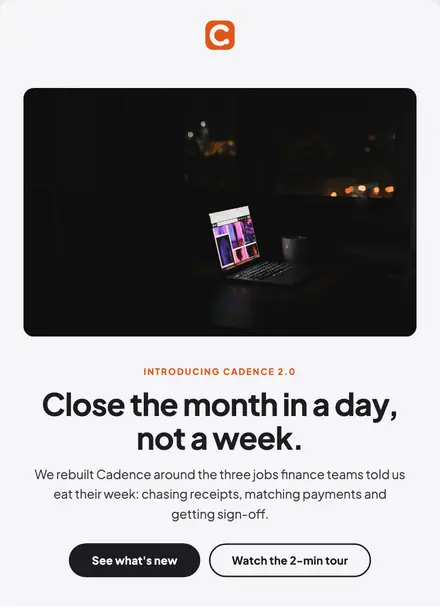
Electronics & tech · Product launch
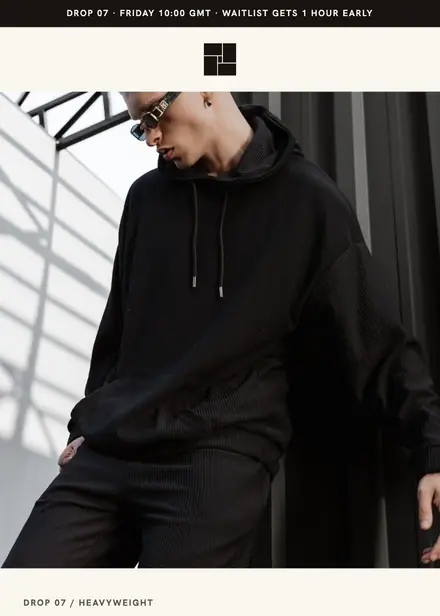
Fashion & apparel · Product launch
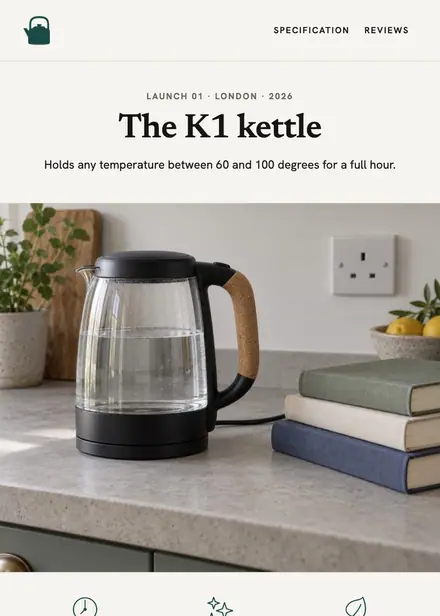
Home & living · Product launch
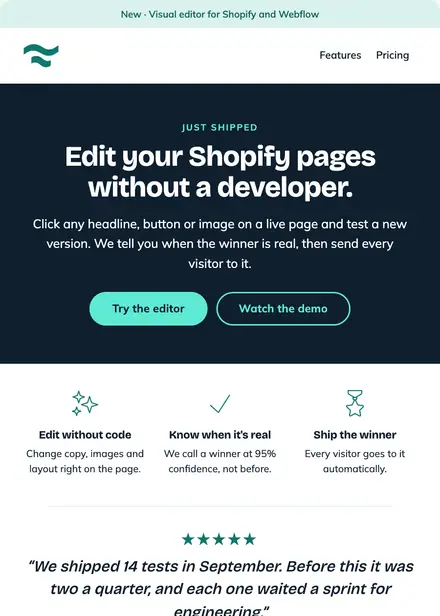
Software & SaaS · Product launch
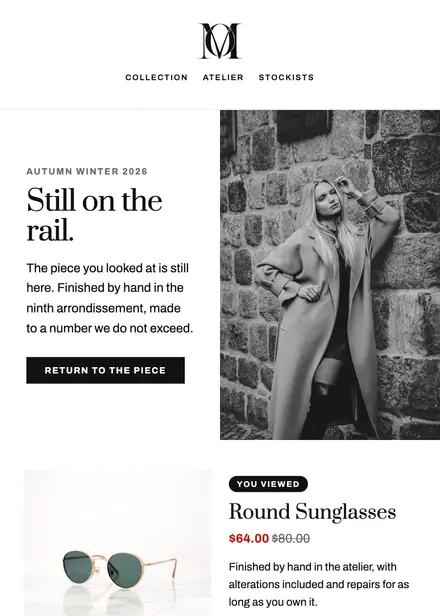
Fashion & apparel · Browse abandonment
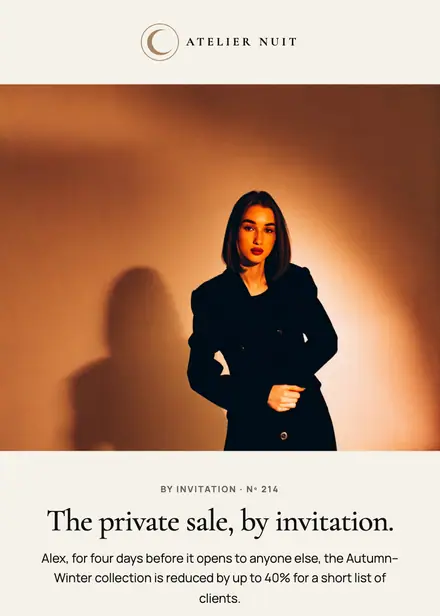
Fashion & apparel · Event & booking
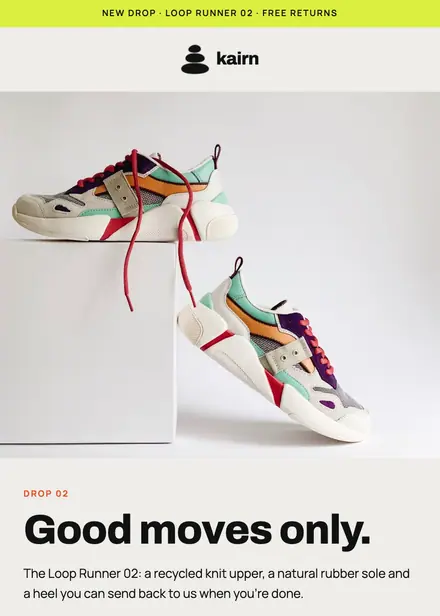
Fashion & apparel · Product launch
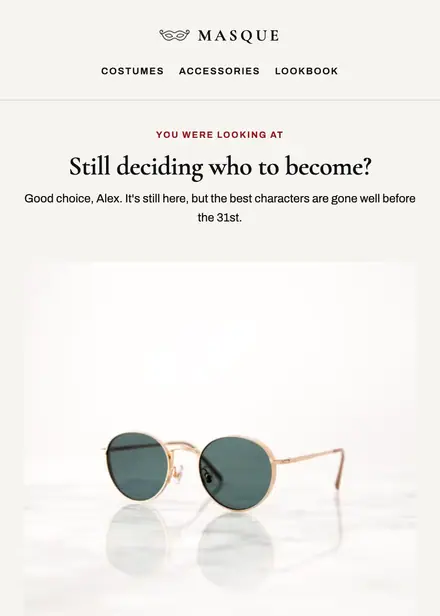
Fashion & apparel · Browse abandonment
Create a free Growthly account, open Templates, then the template gallery, and pick “Void One sneaker drop”. It opens in the editor with every section ready to change.
Yes. Add your logo, two colours and two fonts to the brand kit and apply them, or edit any section and element on its own.
Yes. Add it to any flow as a Send email step, or send it as a one-off campaign.