
FromKids Play Brand
SubjectSomebody left their cart behind
PreviewYour picks are saved, sizes and all. Free shipping over $50 and 60-day returns, as always.
Playful abandoned-cart reminder for a kids brand: heavy stacked headline, cobalt accents, cart items and pairings.
A children's clothing and toy brand in eight-hundred-weight grotesk: stacked headlines, flush photo grids on flat painted props, handwritten notes and one bundle.
The 9 sections of this email from top to bottom, rendered with the sample store and recipient from the app gallery. Each one can be edited, moved or removed.
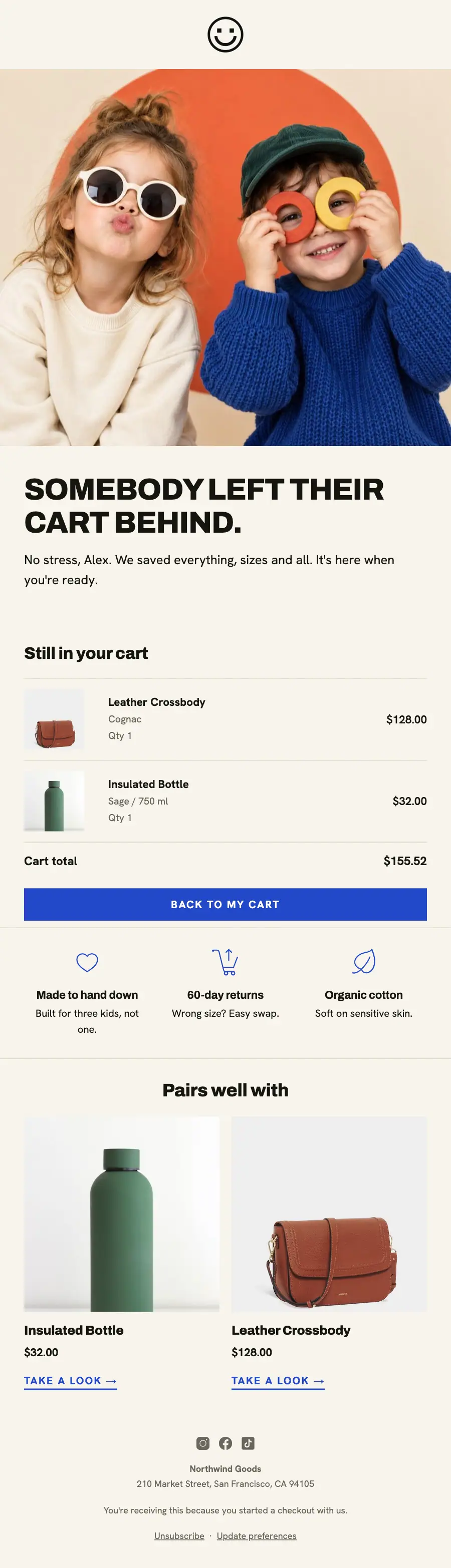
1Logo header
2Full-width photo
3A heading and text
4Cart or order items, filled from the shopper’s cart or order
5Divider
6Three columns, each with an icon, a heading and text
7Divider
8Two columns, each with a photo, a heading, text and a button, under a heading
9Footer with the unsubscribe link
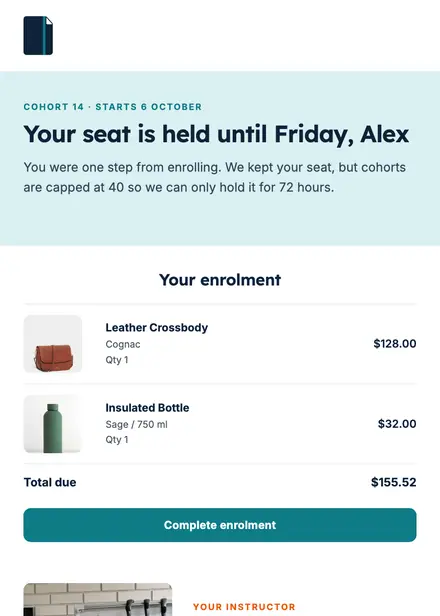
Education · Abandoned cart
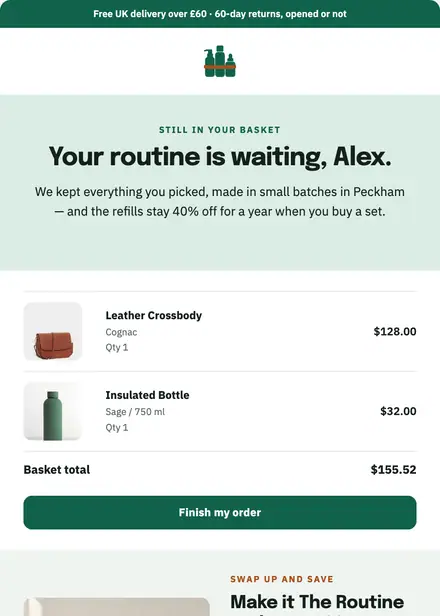
Beauty & wellness · Abandoned cart
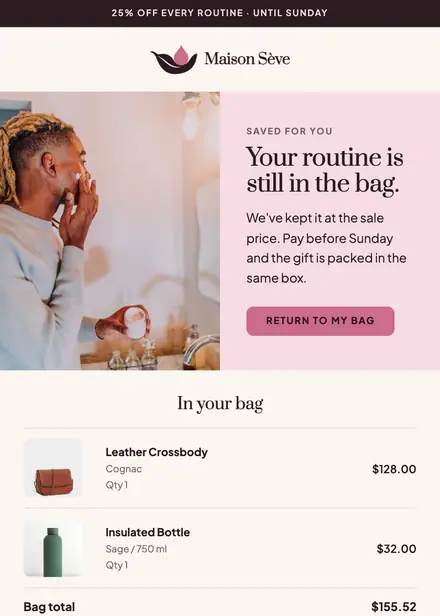
Beauty & wellness · Abandoned cart
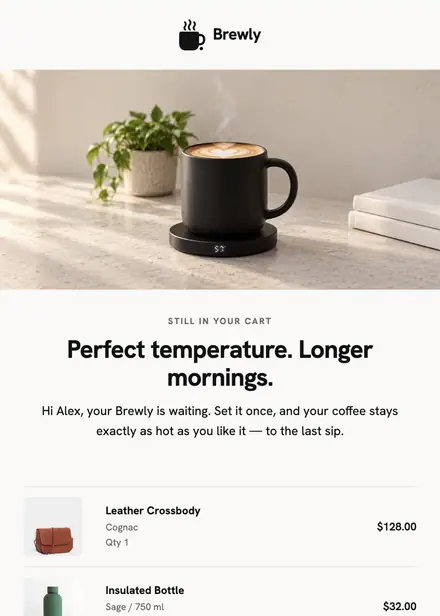
Home & living · Abandoned cart
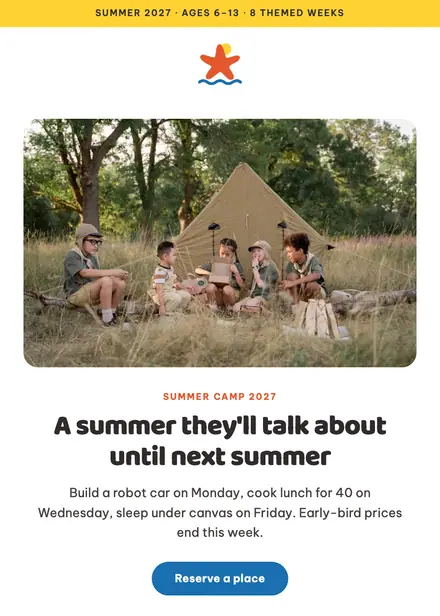
Kids & toys · Promotion
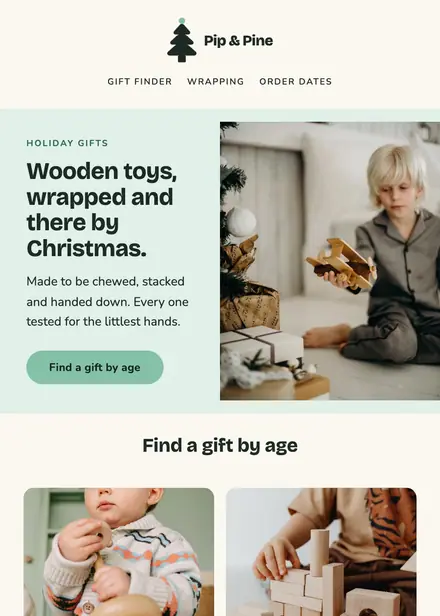
Kids & toys · Holiday
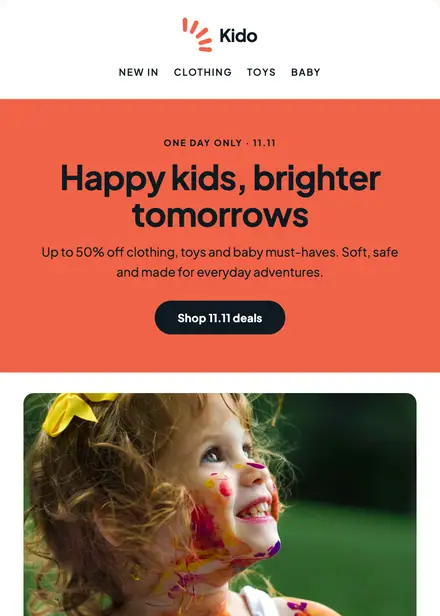
Kids & toys · Holiday
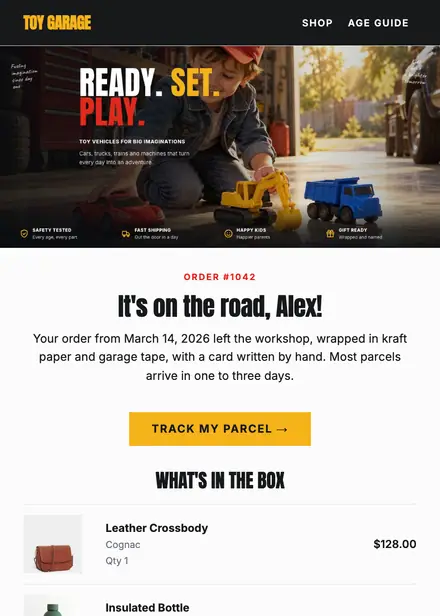
Kids & toys · Order & shipping
Create a free Growthly account, open Templates, then the template gallery, and pick “Somebody left their cart”. It opens in the editor with every section ready to change.
Yes. Add your logo, two colours and two fonts to the brand kit and apply them, or edit any section and element on its own.
Yes. Add it to any flow as a Send email step, or send it as a one-off campaign.
Product blocks are filled from your connected store when the email goes out: best sellers, the newest arrivals, what the shopper viewed or what is in their cart.