
FromSmart Mug DTC
SubjectYour coffee's getting cold ☕
PreviewYour Brewly is still in your cart — with free shipping and a 30-day trial
A calm warm-grey cart reminder for a smart mug: morning-light photo, the cart, the product detail and three short reviews.
A calm warm-grey product page for a smart temperature mug: black buttons, morning-light photography, handwritten notes, colour picks, sets and one order form.
The 10 sections of this email from top to bottom, rendered with the sample store and recipient from the app gallery. Each one can be edited, moved or removed.
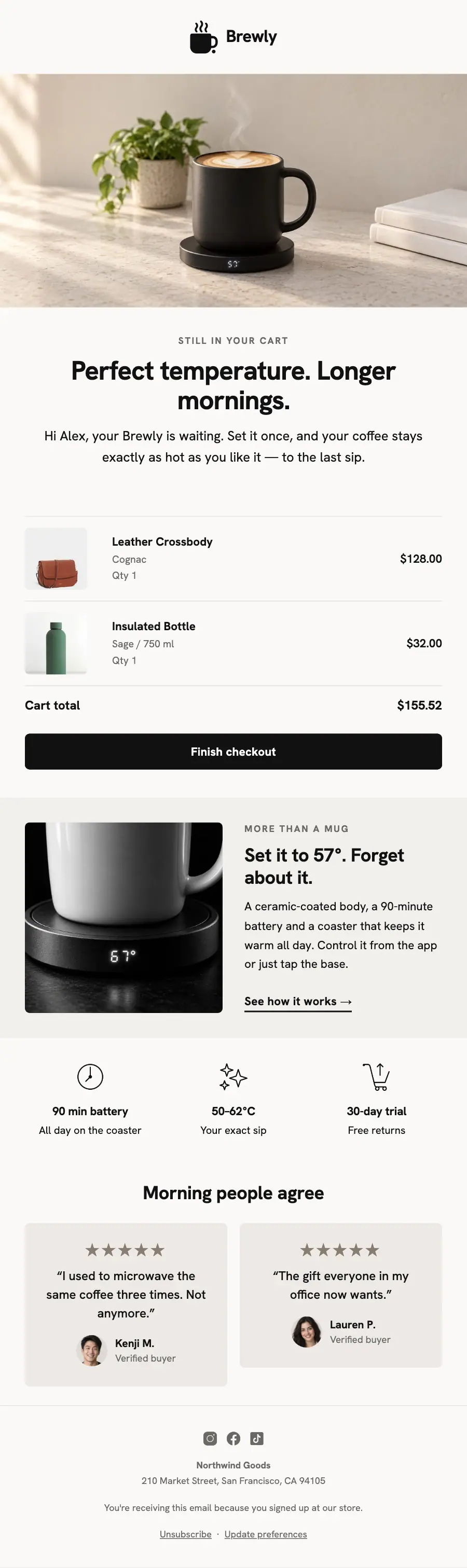
1Logo header
2Full-width photo
3A small label, a heading and text
4Cart or order items, filled from the shopper’s cart or order
5Spacer
6Two columns: a photo beside a heading, text and a button
7Three columns, each with an icon, a heading and text
8Two columns, each with a quote, under a heading
9Divider
10Footer with the unsubscribe link
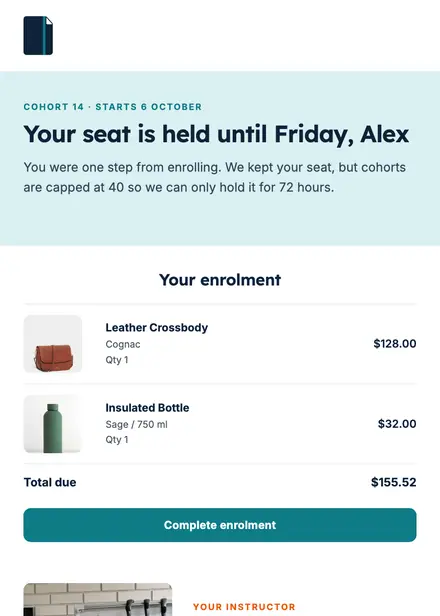
Education · Abandoned cart
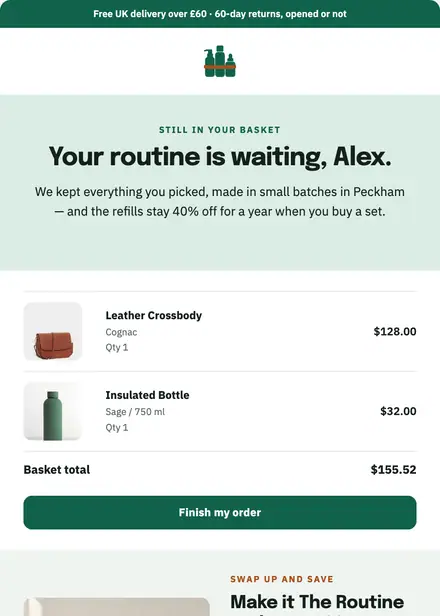
Beauty & wellness · Abandoned cart
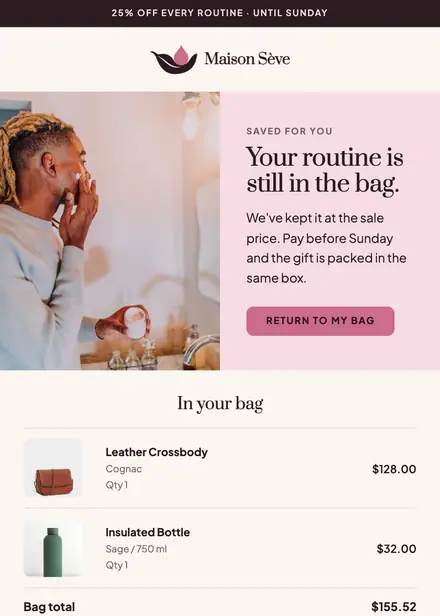
Beauty & wellness · Abandoned cart

Kids & toys · Abandoned cart
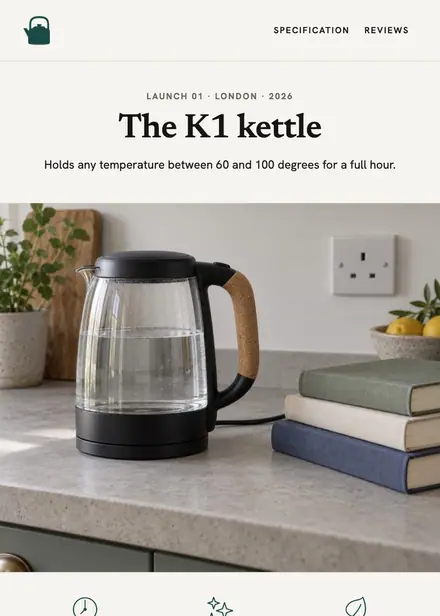
Home & living · Product launch
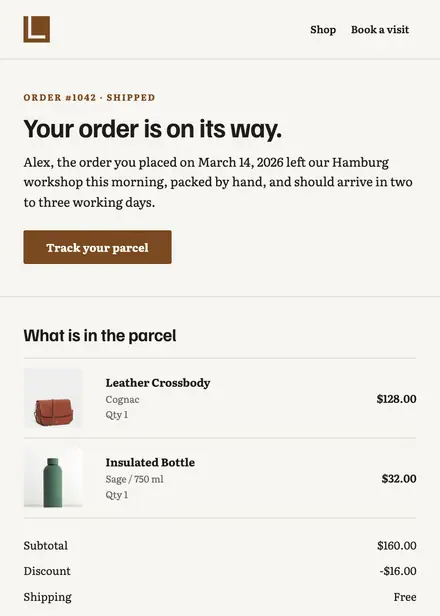
Home & living · Order & shipping
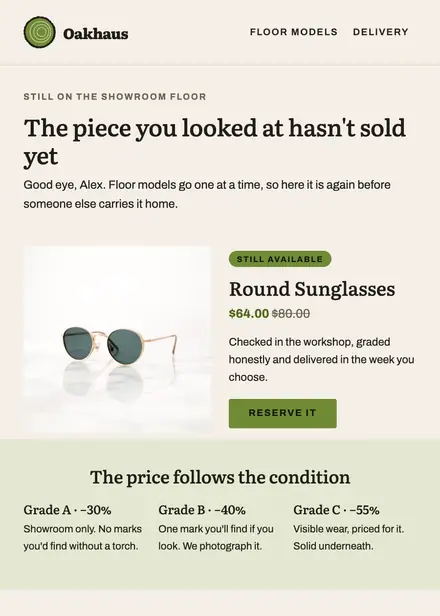
Home & living · Browse abandonment

Home & living · Holiday
Create a free Growthly account, open Templates, then the template gallery, and pick “Brewly — your coffee's getting cold”. It opens in the editor with every section ready to change.
Yes. Add your logo, two colours and two fonts to the brand kit and apply them, or edit any section and element on its own.
Yes. Add it to any flow as a Send email step, or send it as a one-off campaign.
Product blocks are filled from your connected store when the email goes out: best sellers, the newest arrivals, what the shopper viewed or what is in their cart.