
FromChristmas Treats Bakery
SubjectHow were the cookies? 🍪
PreviewTap a star for each treat. Add a photo and we'll send 10% off your next box before the last bake
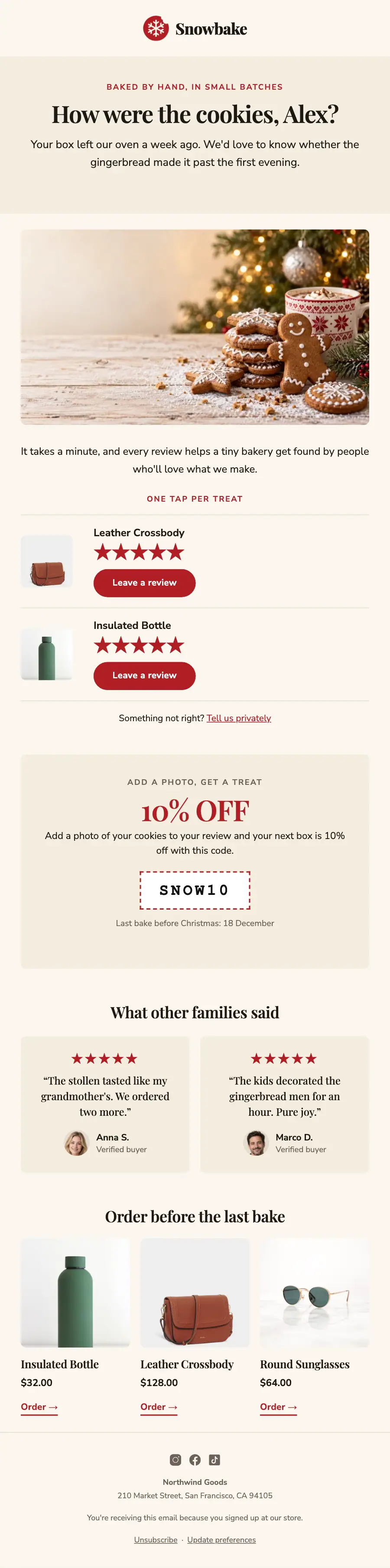
A cream, red and green review request for a small-batch holiday bakery: gingerbread photo, star links for each treat, a photo-review code and what others said.
A small-batch holiday bakery in cream, deep red and forest green: a gingerbread hero, a filterable treat collection, a red milk-and-cookies banner, gift boxes, a countdown to the last bake and one order form.
The 10 sections of this email from top to bottom, rendered with the sample store and recipient from the app gallery. Each one can be edited, moved or removed.
1Logo header
2A small label, a heading and text
3Full-width photo
4Text
5Review request with star ratings
6A small label, a big number, text and a coupon code
7Two columns, each with a quote, under a heading
8Three columns, each with a photo, a heading, text and a button, under a heading
9Divider
10Footer with the unsubscribe link
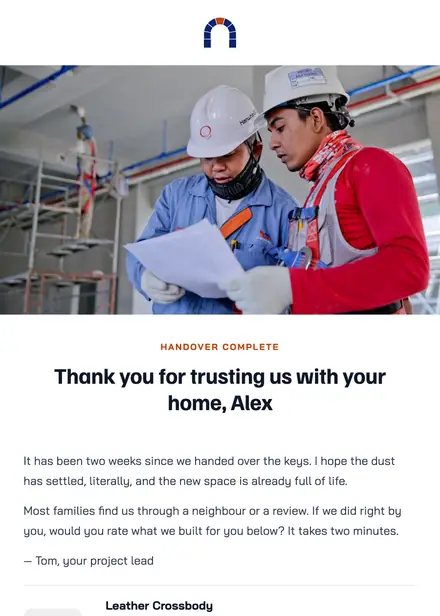
Home services · Review request
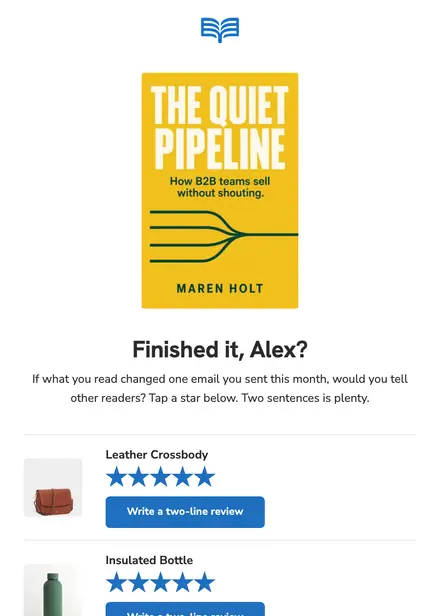
Education · Review request
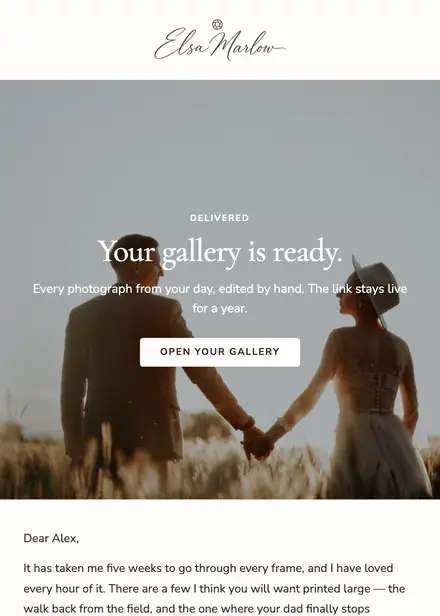
Creative & agency · Review request
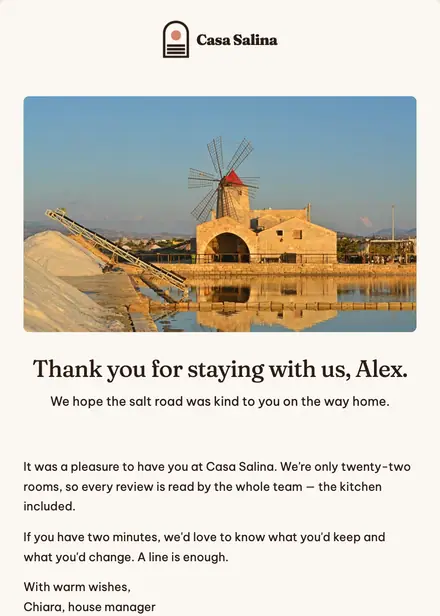
Travel & hospitality · Review request
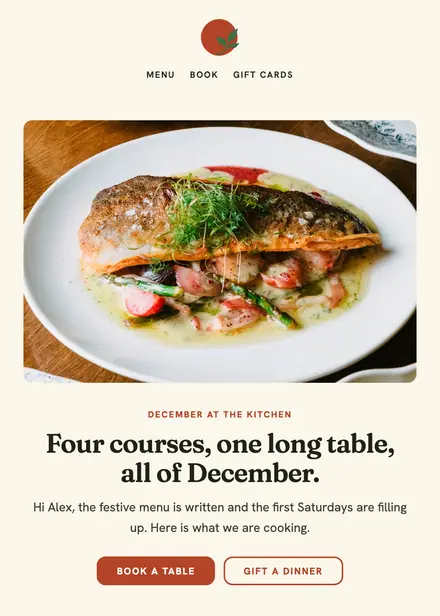
Food & drink · Holiday
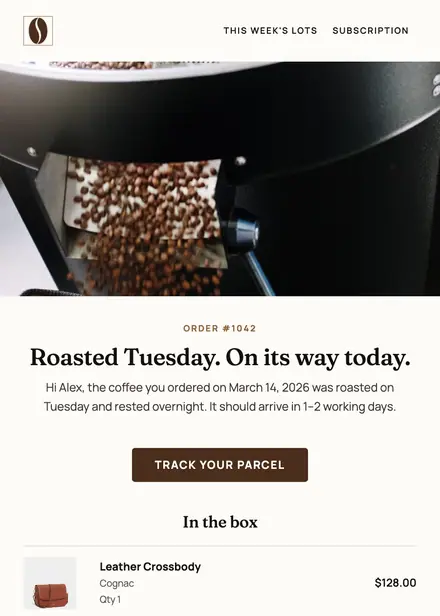
Food & drink · Order & shipping
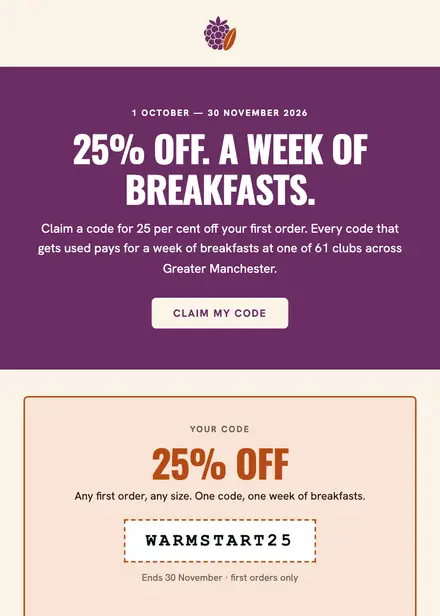
Food & drink · Promotion
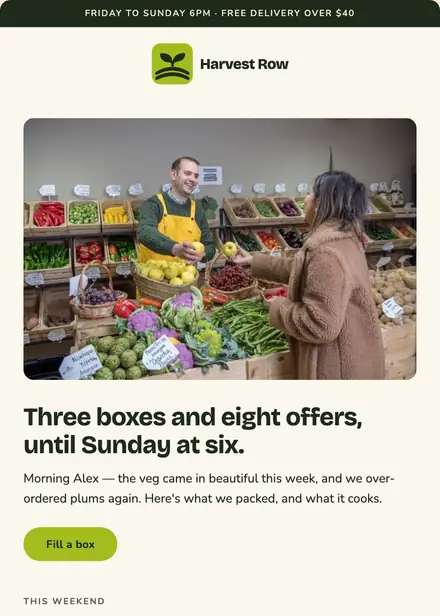
Food & drink · Newsletter
Create a free Growthly account, open Templates, then the template gallery, and pick “Snowbake — how were the cookies?”. It opens in the editor with every section ready to change.
Yes. Add your logo, two colours and two fonts to the brand kit and apply them, or edit any section and element on its own.
Yes. Add it to any flow as a Send email step, or send it as a one-off campaign.
The coupon block draws from a coupon pool: one code for everyone, a list of codes you upload, or a unique code per person created in Shopify, WooCommerce or BigCommerce.