
FromSeasonal Kitchen
SubjectThe festive menu is here. Book your table
PreviewFour courses for £58, served lunch and dinner from 1 to 23 December. Groups of up to 24.
Warm, serif restaurant email for the festive season: the table photo, the priced set menu course by course, groups and farms.
Terracotta on warm cream, dishes priced, a table held.
The 10 sections of this email from top to bottom, rendered with the sample store and recipient from the app gallery. Each one can be edited, moved or removed.
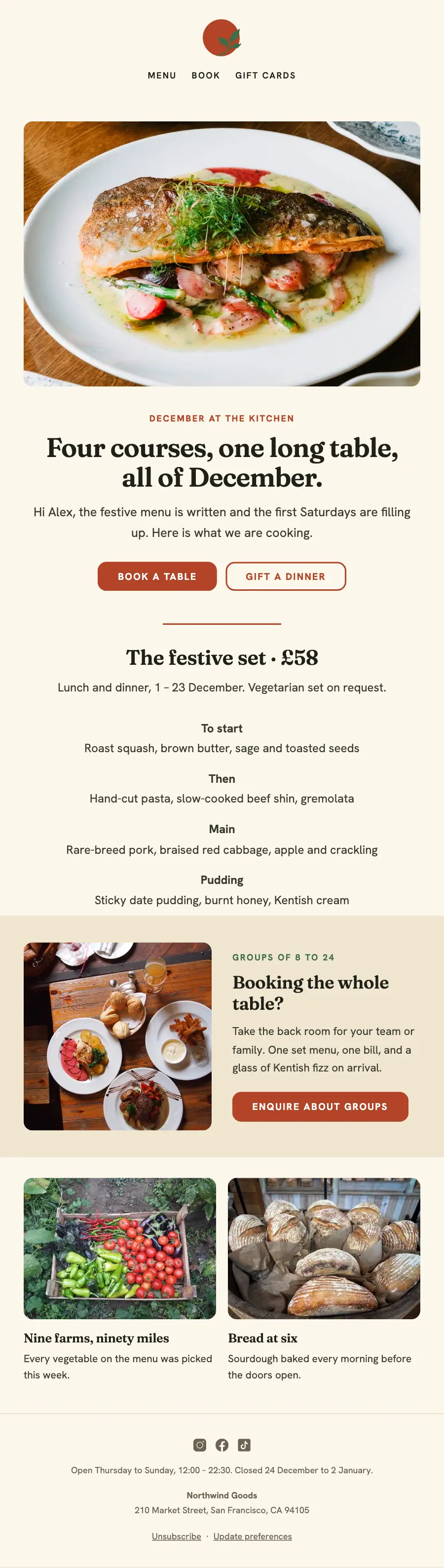
1Logo header
2Full-width photo
3A small label, a heading, text and a button
4Divider
5A heading and text
6Text
7Two columns: a photo beside a heading, text and a button
8Two columns, each with a photo, a heading and text
9Divider
10Footer with the unsubscribe link
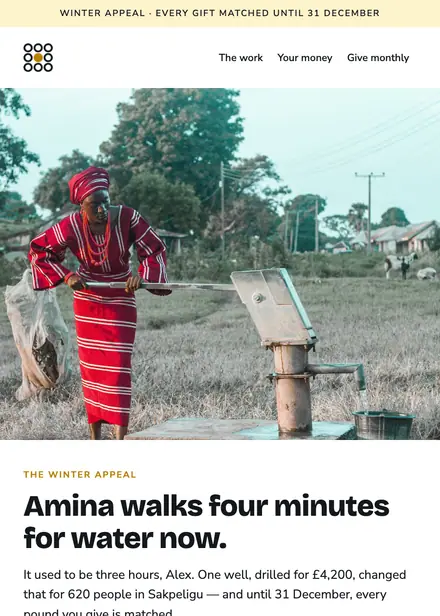
Nonprofit · Holiday
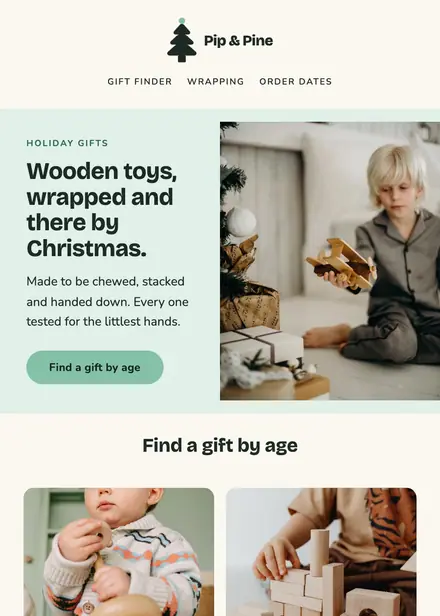
Kids & toys · Holiday
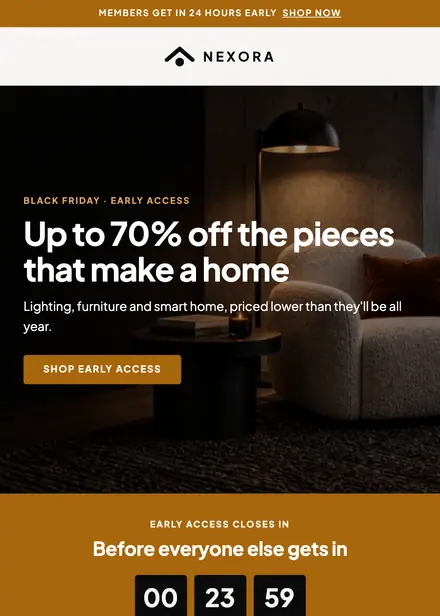
Home & living · Holiday

Kids & toys · Holiday
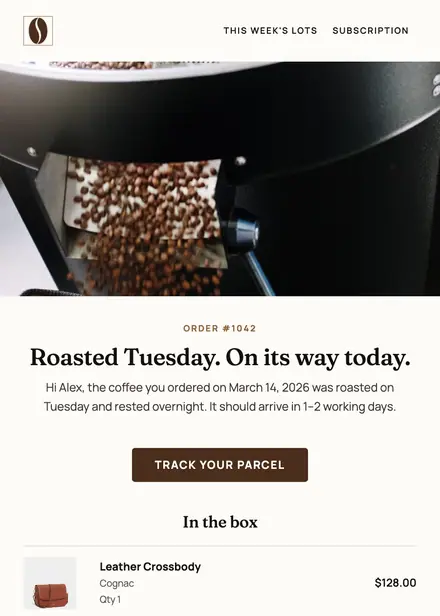
Food & drink · Order & shipping
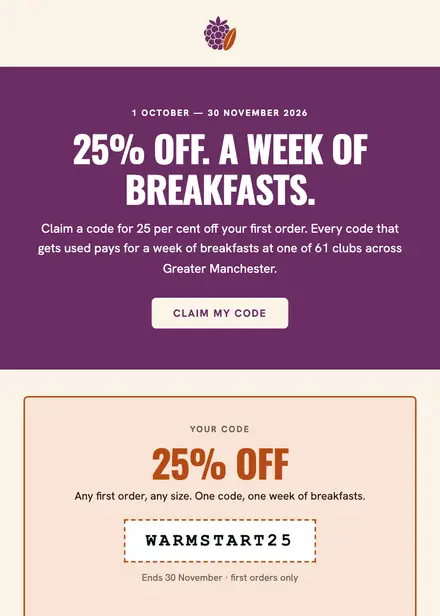
Food & drink · Promotion
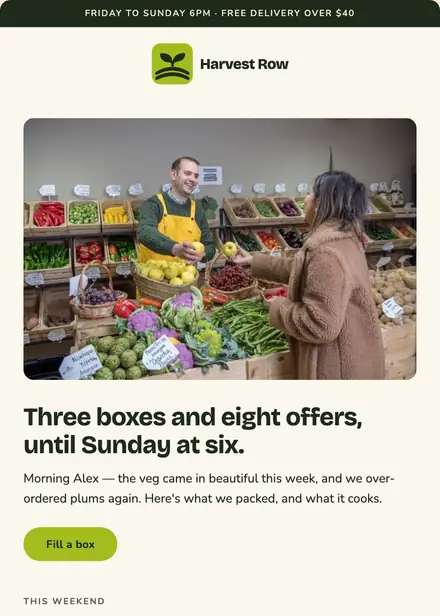
Food & drink · Newsletter
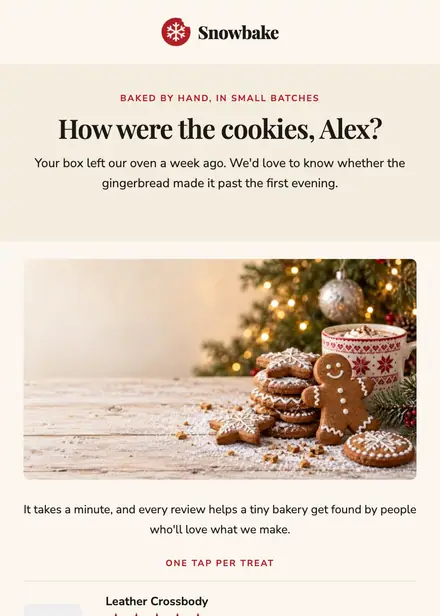
Food & drink · Review request
Create a free Growthly account, open Templates, then the template gallery, and pick “Festive set menu”. It opens in the editor with every section ready to change.
Yes. Add your logo, two colours and two fonts to the brand kit and apply them, or edit any section and element on its own.
Yes. Add it to any flow as a Send email step, or send it as a one-off campaign.