
FromForge Operations
SubjectNew in Forge: workflows that run themselves
PreviewAutomation rules, approvals in Slack and a redrawn analytics view. Everything shipped in October.
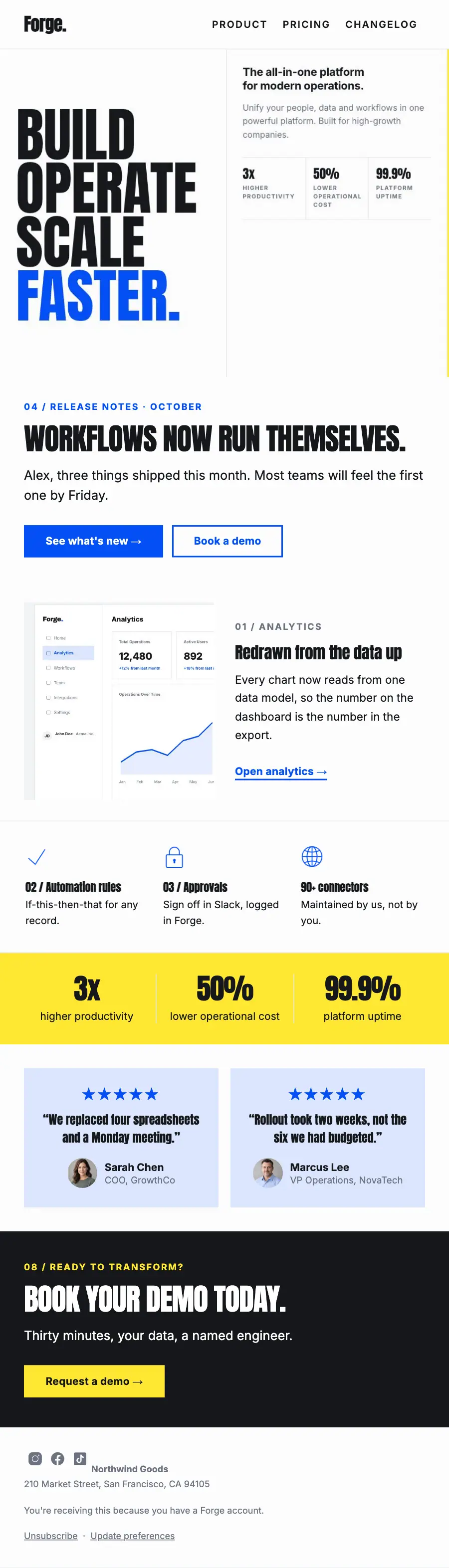
One ruled grid edge to edge: BUILD OPERATE SCALE FASTER. in condensed capitals, the drawn dashboard, a yellow figures band and a black demo close.
A B2B operations platform set as one ruled grid that runs edge to edge: a demo form flooded yellow in the hero, the product drawn rather than photographed, and a blue panel spanning two rows.
The 12 sections of this email from top to bottom, rendered with the sample store and recipient from the app gallery. Each one can be edited, moved or removed.
1Logo header
2Divider
3Full-width photo
4A small label, a heading, text and a button
5Two columns: a photo beside a heading, text and a button
6Divider
7Three columns, each with an icon, a heading and text
8Divider
9Three columns, each with a number
10Two columns, each with a quote
11A small label, a heading, text and a button
12Footer with the unsubscribe link

Professional services · Announcement
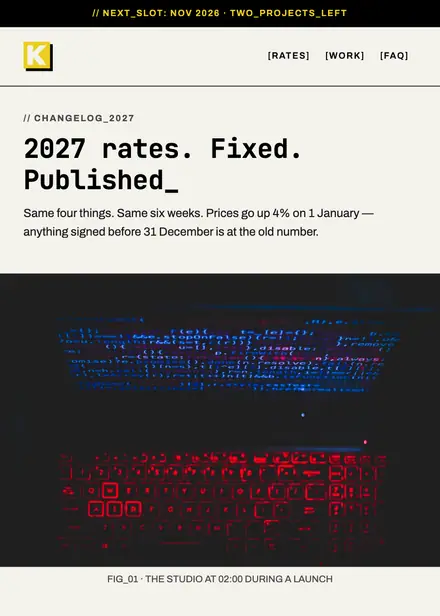
Creative & agency · Announcement

Professional services · Announcement
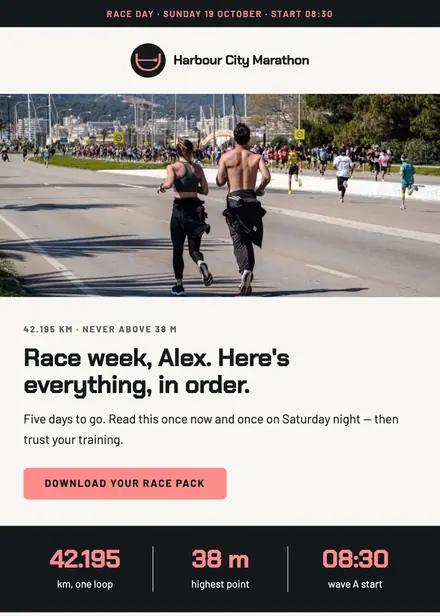
Sports & outdoor · Announcement
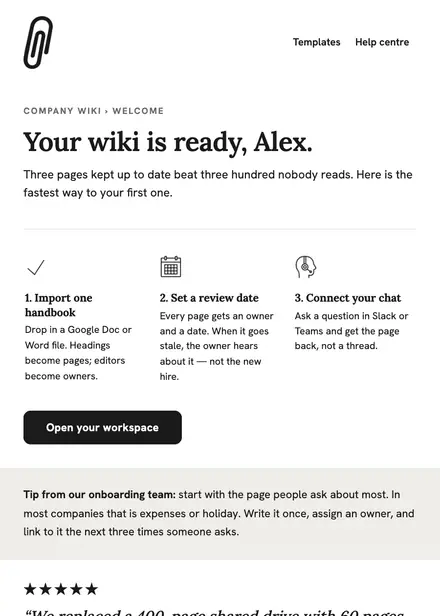
Software & SaaS · Welcome
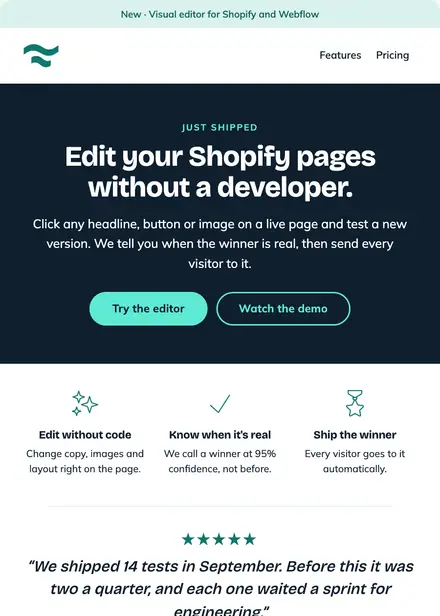
Software & SaaS · Product launch
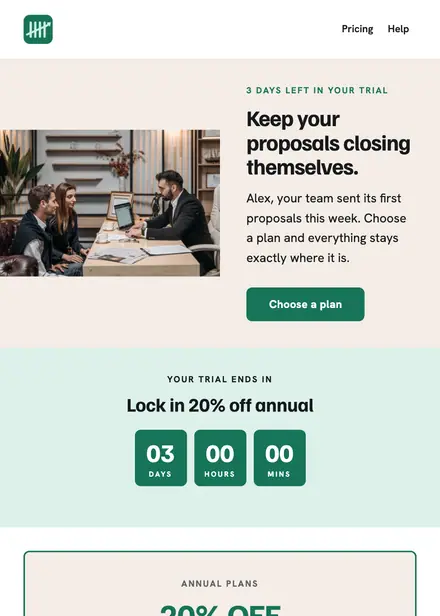
Software & SaaS · Promotion
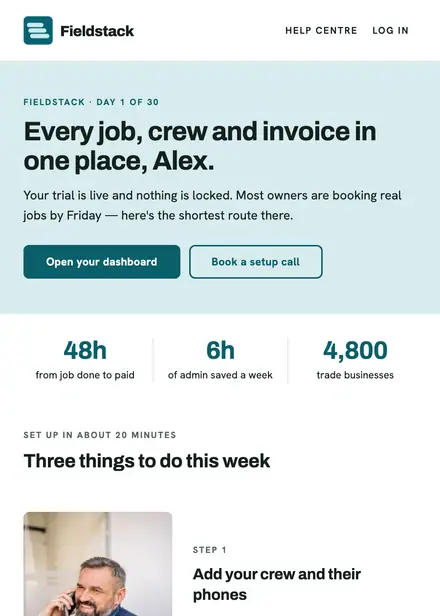
Software & SaaS · Welcome
Create a free Growthly account, open Templates, then the template gallery, and pick “Release notes: automation”. It opens in the editor with every section ready to change.
Yes. Add your logo, two colours and two fonts to the brand kit and apply them, or edit any section and element on its own.
Yes. Add it to any flow as a Send email step, or send it as a one-off campaign.