
FromSmartwatch Launch
SubjectNeya is here. Reserve yours for $29
PreviewSeven-day battery, 100+ workout modes, ships 20 November. Pre-order prices end with the countdown.
Premium wearable launch: the watch on a misty ridge with a handwritten note, big numbers, the black 7-day battery band, three models with pre-order prices and a countdown.
A premium wearable pre-order page in near-white and black: a misty ridge hero with the watch on a rock, tall dark feature cards, a black battery band with huge 7 DAYS type, drawn app screens and handwritten notes.
The 12 sections of this email from top to bottom, rendered with the sample store and recipient from the app gallery. Each one can be edited, moved or removed.
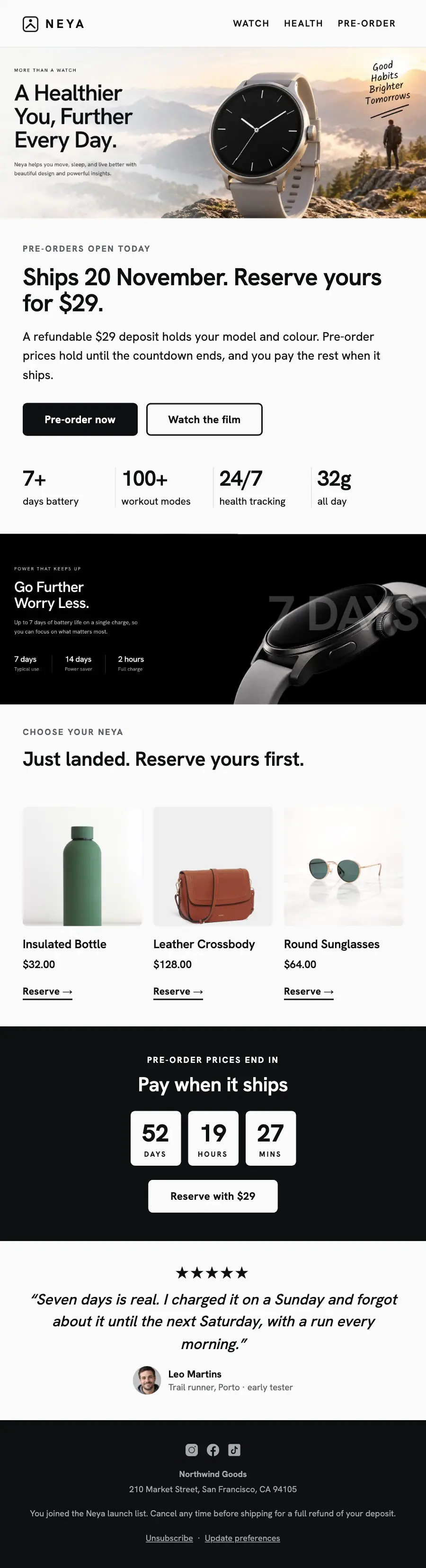
1Logo header
2Divider
3Full-width photo
4A small label, a heading, text and a button
5Four columns, each with a number
6Spacer
7Full-width photo
8Section title with a small label
9Three columns, each with a photo, a heading, text and a button
10A small label, a heading, a countdown timer and a button
11Quote
12Footer with the unsubscribe link
Electronics & tech · Product launch
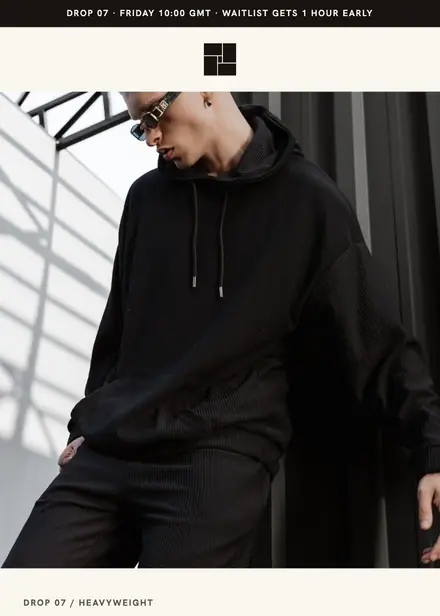
Fashion & apparel · Product launch
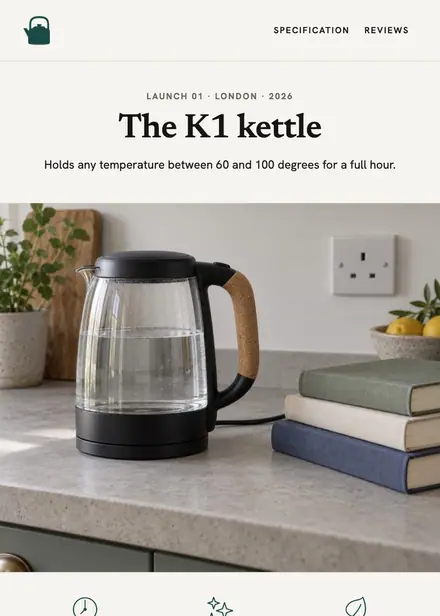
Home & living · Product launch
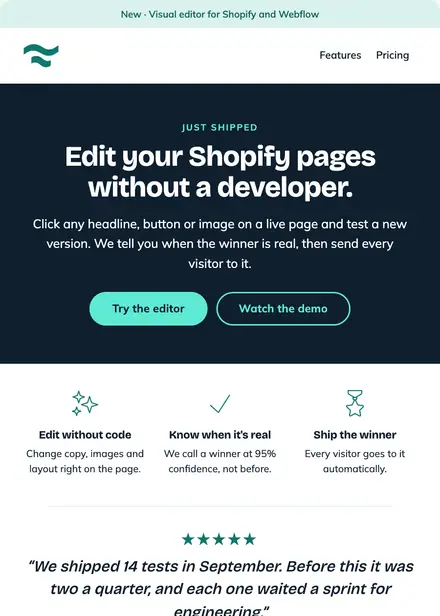
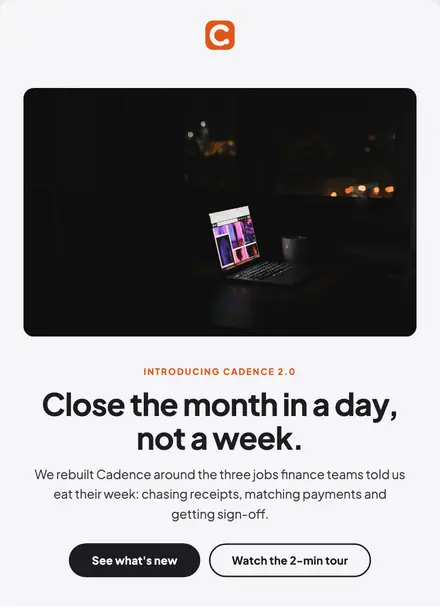
Software & SaaS · Product launch
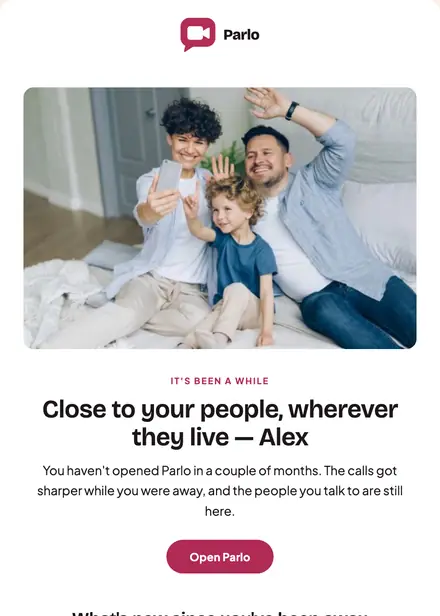
Electronics & tech · Win-back
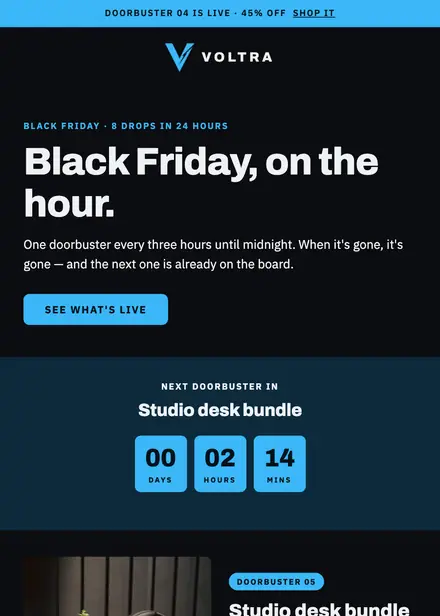
Electronics & tech · Promotion
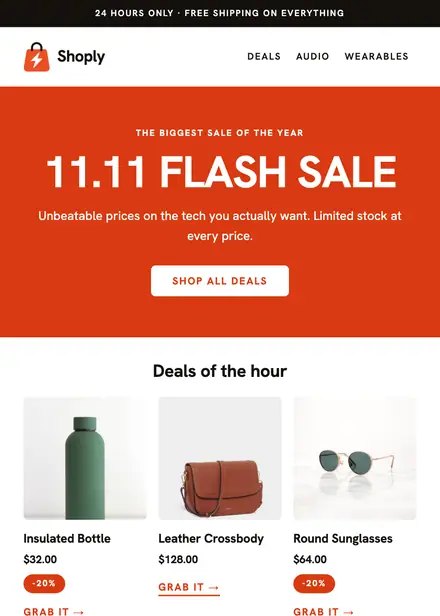
Electronics & tech · Promotion
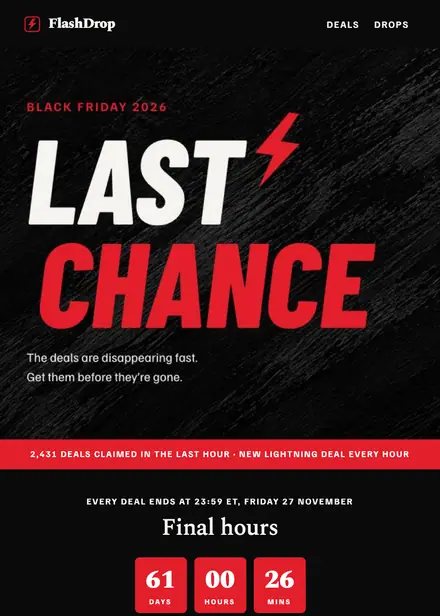
Electronics & tech · Holiday
Create a free Growthly account, open Templates, then the template gallery, and pick “Pre-orders open”. It opens in the editor with every section ready to change.
Yes. Add your logo, two colours and two fonts to the brand kit and apply them, or edit any section and element on its own.
Yes. Add it to any flow as a Send email step, or send it as a one-off campaign.