
FromBlack Friday Drop Board
SubjectBlack Friday, on the hour: doorbuster 05 drops at noon
PreviewEight doorbusters, one every three hours. Was and now prices — we didn't raise them in October.
Near-black drop board: hourly doorbusters, a countdown to the next drop, a hero bundle and the full range.
Doorbusters by the hour on a near-black board, was and now prices, and one ice-blue for the price now.
The 10 sections of this email from top to bottom, rendered with the sample store and recipient from the app gallery. Each one can be edited, moved or removed.
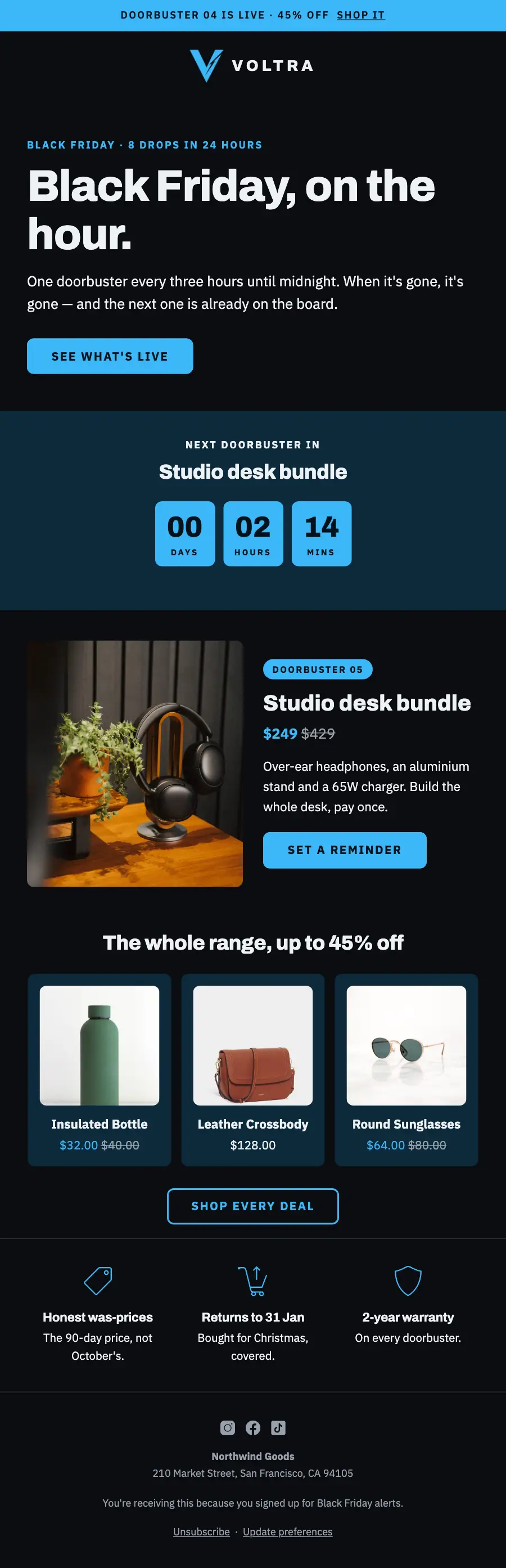
1Text
2Logo header
3A small label, a heading, text and a button
4A small label, a heading and a countdown timer
5Product block, filled from your store
6Product grid, filled from your store when it sends
7Divider
8Three columns, each with an icon, a heading and text
9Divider
10Footer with the unsubscribe link
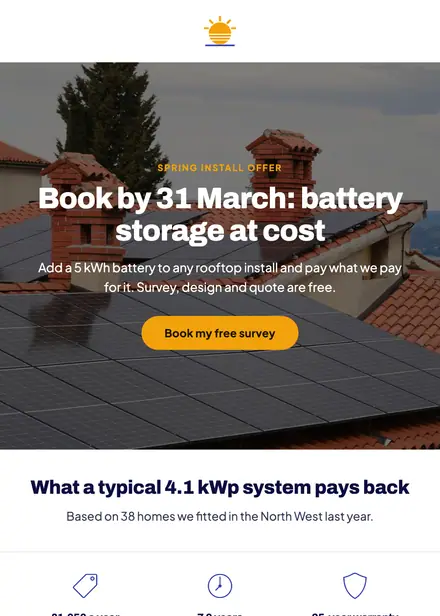
Home services · Promotion
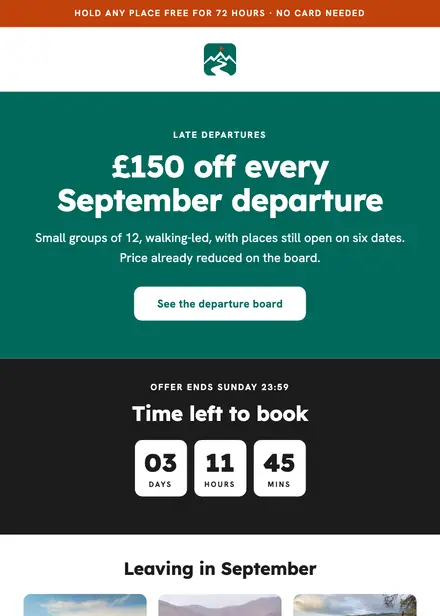
Travel & hospitality · Promotion
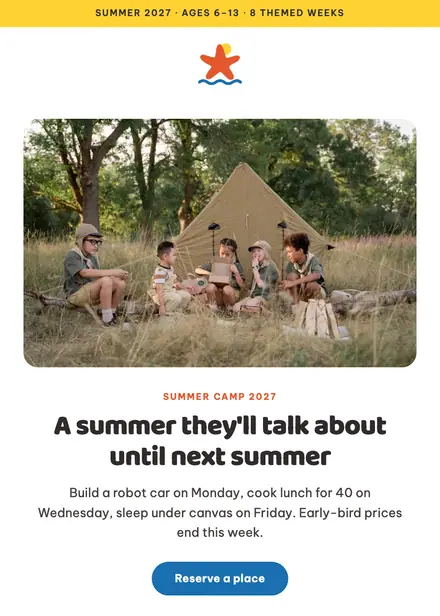
Kids & toys · Promotion
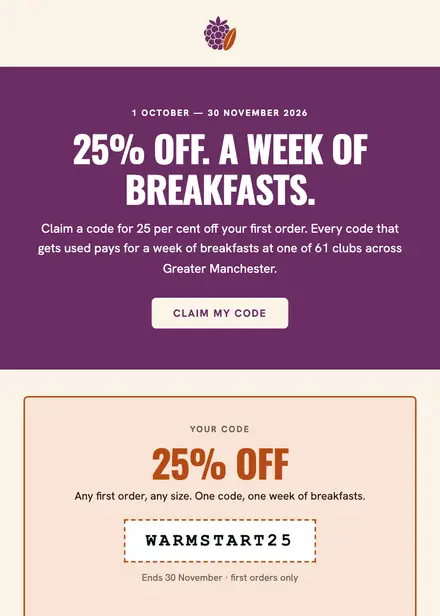
Food & drink · Promotion
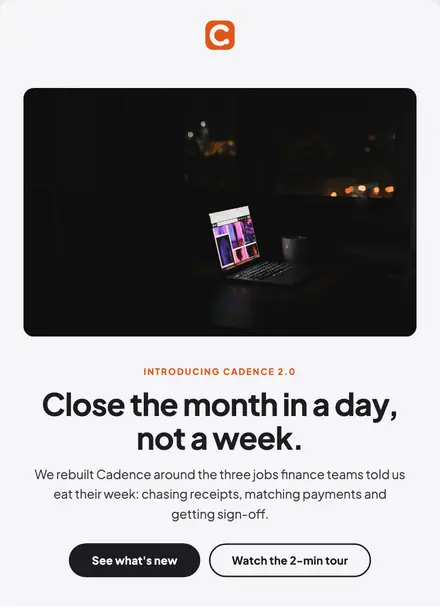
Electronics & tech · Product launch
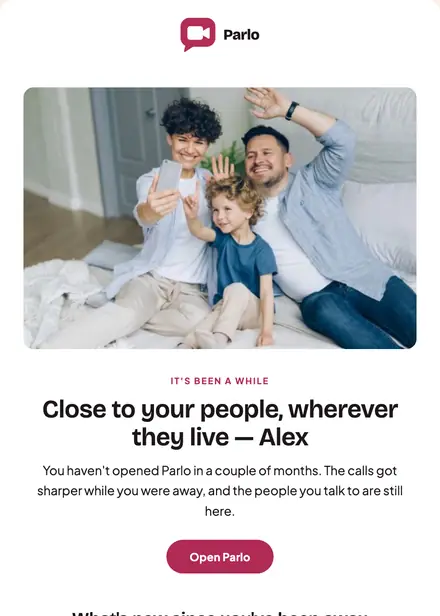
Electronics & tech · Win-back
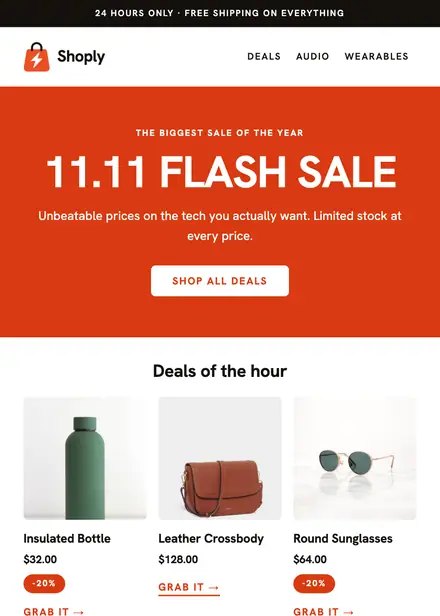
Electronics & tech · Promotion
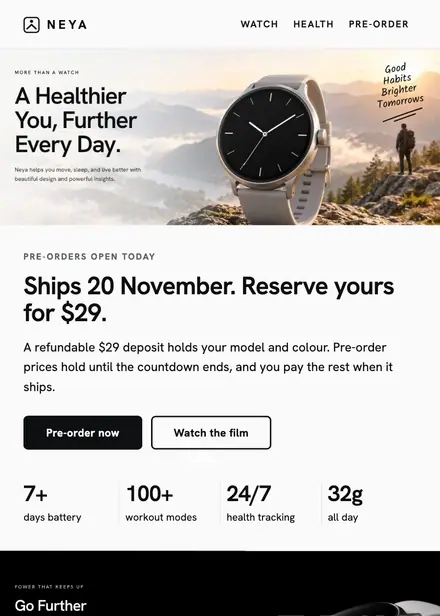
Electronics & tech · Product launch
Create a free Growthly account, open Templates, then the template gallery, and pick “Black Friday doorbusters — electronics”. It opens in the editor with every section ready to change.
Yes. Add your logo, two colours and two fonts to the brand kit and apply them, or edit any section and element on its own.
Yes. Add it to any flow as a Send email step, or send it as a one-off campaign.
Product blocks are filled from your connected store when the email goes out: best sellers, the newest arrivals, what the shopper viewed or what is in their cart.