
FromSaigon Streetwear
SubjectDrop 01 đã lên kệ: Đi Tiếp
PreviewBộ sưu tập mới lấy cảm hứng từ những con người, con phố Sài Gòn. Số lượng giới hạn, hết là hết.
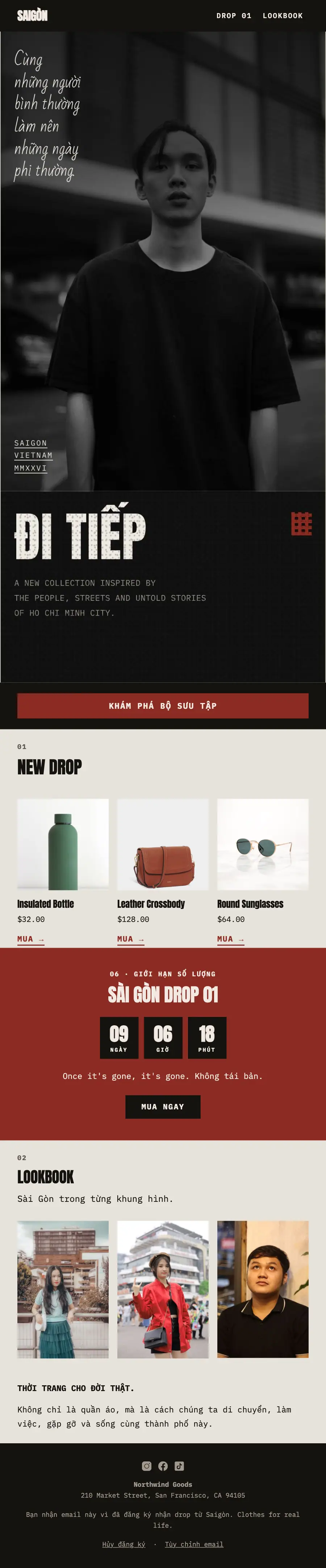
Vietnamese streetwear drop: high-contrast black-and-white street portrait, 'Đi Tiếp' in huge condensed capitals, CSS-printed blanks, the single oxblood countdown band and a lookbook row.
Streetwear Sài Gòn trên một trang điện thoại: ảnh đen trắng tương phản cao, chữ hoa nén rất lớn, nhãn mono đánh số và đúng một dải đỏ mận.
The 11 sections of this email from top to bottom, rendered with the sample store and recipient from the app gallery. Each one can be edited, moved or removed.
1Logo header
2Full-width photo
3Full-width photo
4Button
5Section title with a small label
6Three columns, each with a photo, a heading, text and a button
7A small label, a heading, text, a countdown timer and a button
8A small label, a heading and text
9Three columns, each with a photo
10Text
11Footer with the unsubscribe link
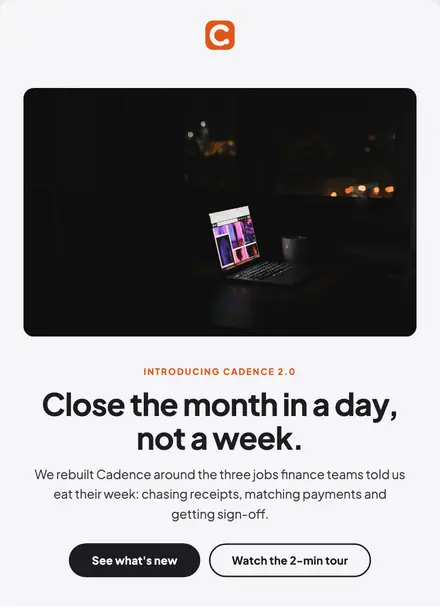
Electronics & tech · Product launch
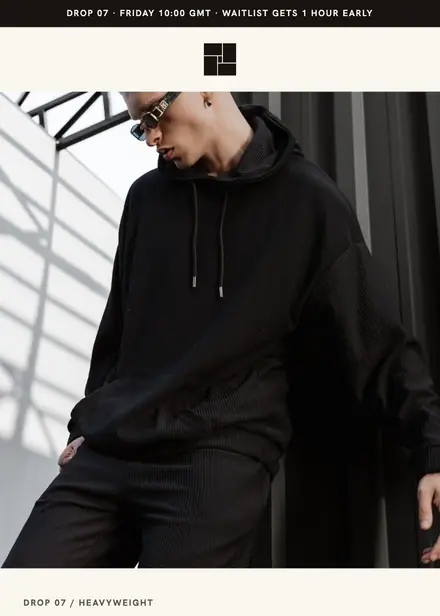
Fashion & apparel · Product launch
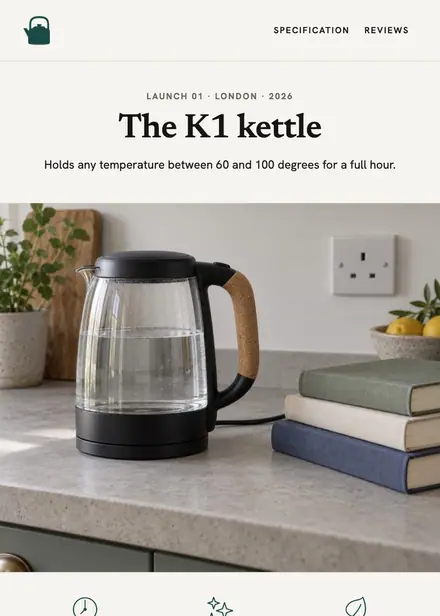
Home & living · Product launch
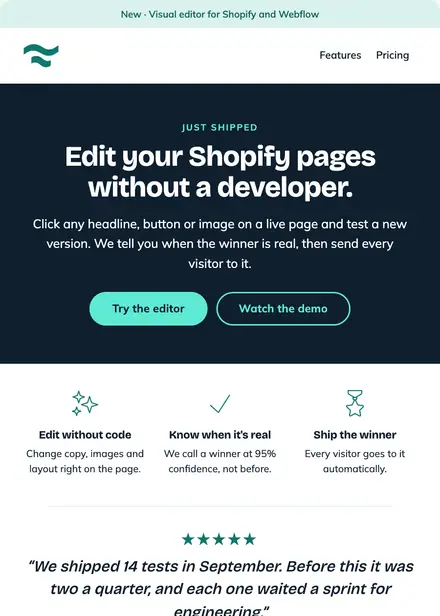
Software & SaaS · Product launch
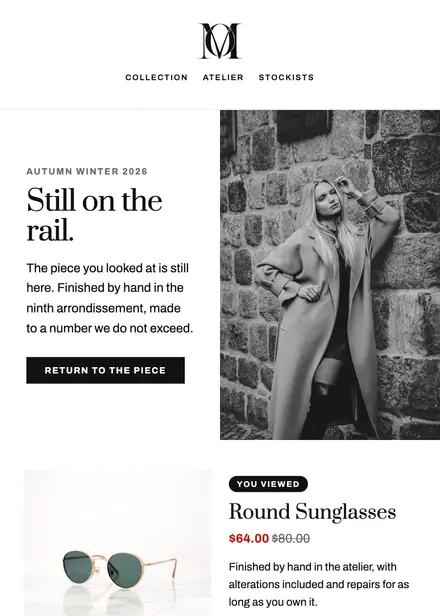
Fashion & apparel · Browse abandonment
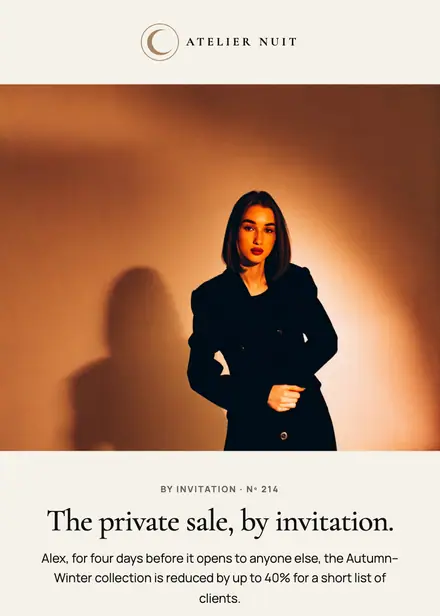
Fashion & apparel · Event & booking
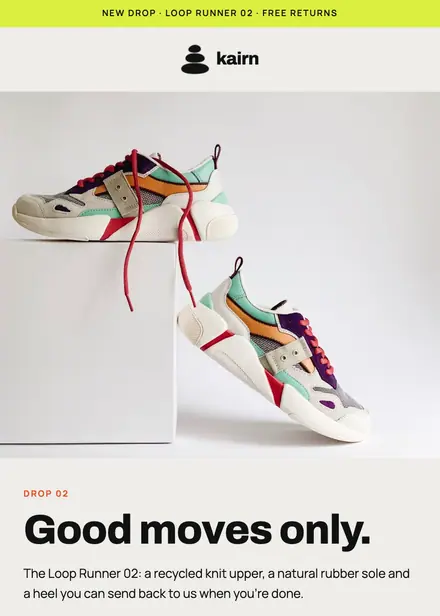
Fashion & apparel · Product launch
Fashion & apparel · Browse abandonment
Create a free Growthly account, open Templates, then the template gallery, and pick “Drop 01: Đi Tiếp”. It opens in the editor with every section ready to change.
Yes. Add your logo, two colours and two fonts to the brand kit and apply them, or edit any section and element on its own.
Yes. Add it to any flow as a Send email step, or send it as a one-off campaign.