
FromForge API Platform
Subjectv2.14: streaming tool calls, 38% faster p50
PreviewStreaming tool calls are live, batch jobs cost half and a new EU region is open. Full changelog inside.
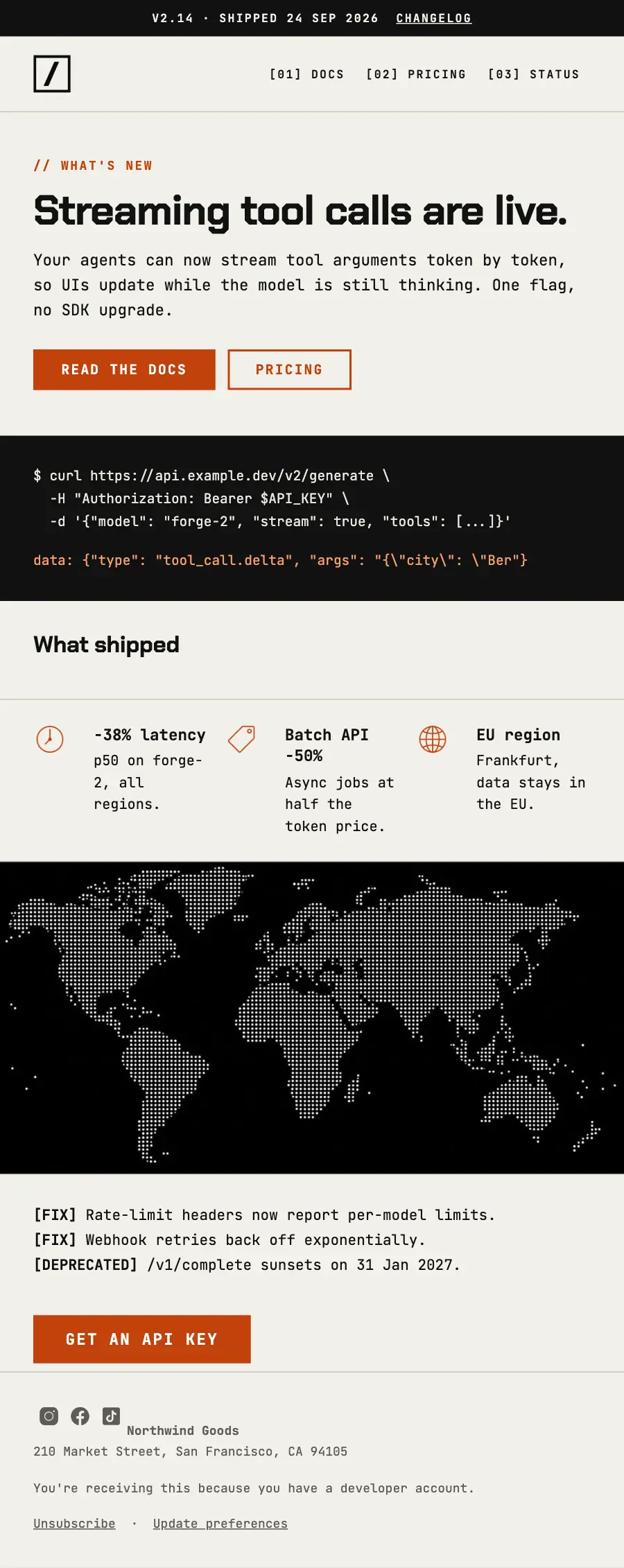
Developer product update set in monospace: version strip, terminal block, dotted world map and ruled what-shipped list.
A developer API platform set entirely in monospace on a visible rule grid: a black header bar, two syntax-coloured terminals, a black reasons band, a dotted world and pricing by the token.
The 14 sections of this email from top to bottom, rendered with the sample store and recipient from the app gallery. Each one can be edited, moved or removed.
1Text
2Logo header
3Divider
4A small label, a heading, text and a button
5Text
6Section title
7Divider
8Three columns, each with an icon
9Divider
10Full-width photo
11Text
12Button
13Divider
14Footer with the unsubscribe link
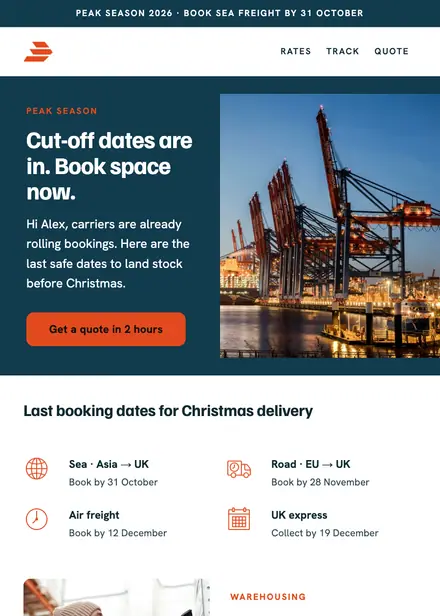
Professional services · Announcement
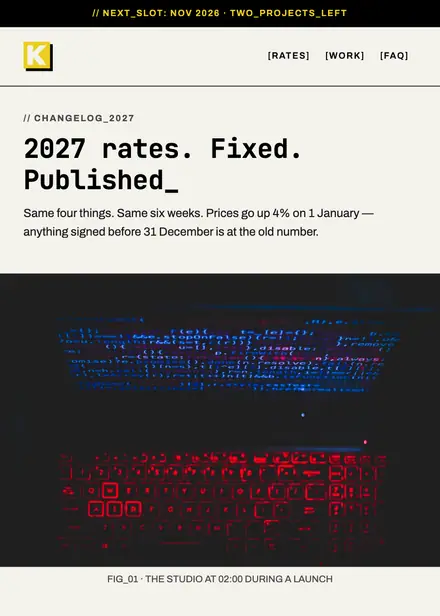
Creative & agency · Announcement

Professional services · Announcement
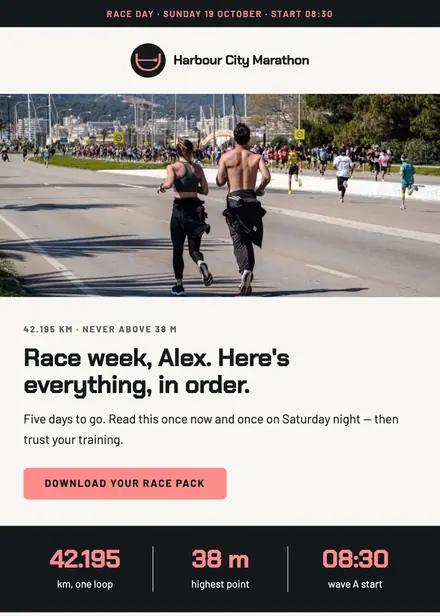
Sports & outdoor · Announcement
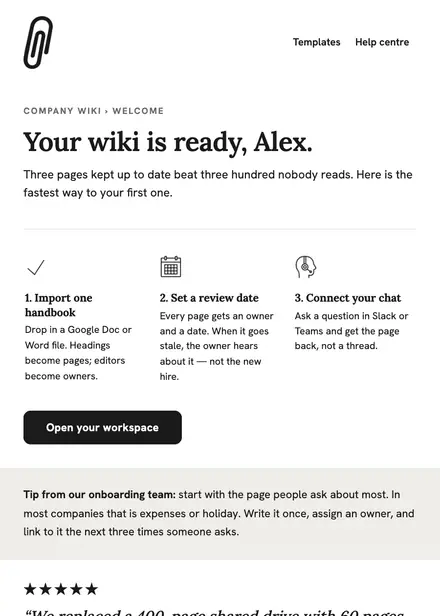
Software & SaaS · Welcome
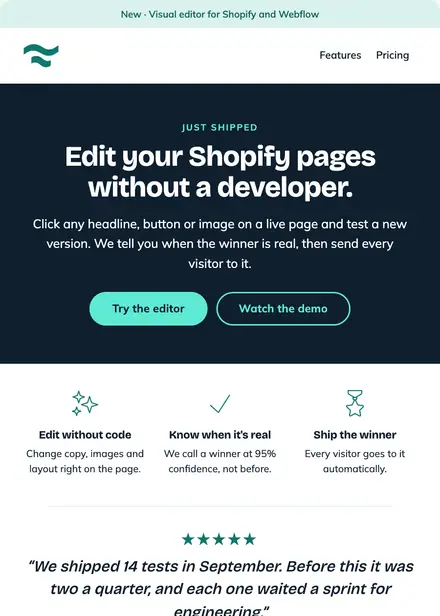
Software & SaaS · Product launch
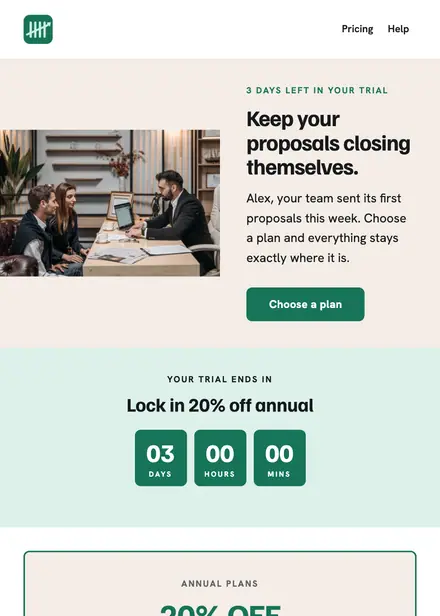
Software & SaaS · Promotion
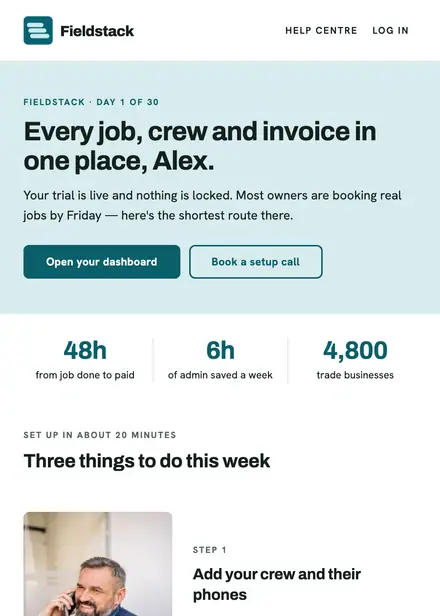
Software & SaaS · Welcome
Create a free Growthly account, open Templates, then the template gallery, and pick “API changelog”. It opens in the editor with every section ready to change.
Yes. Add your logo, two colours and two fonts to the brand kit and apply them, or edit any section and element on its own.
Yes. Add it to any flow as a Send email step, or send it as a one-off campaign.