
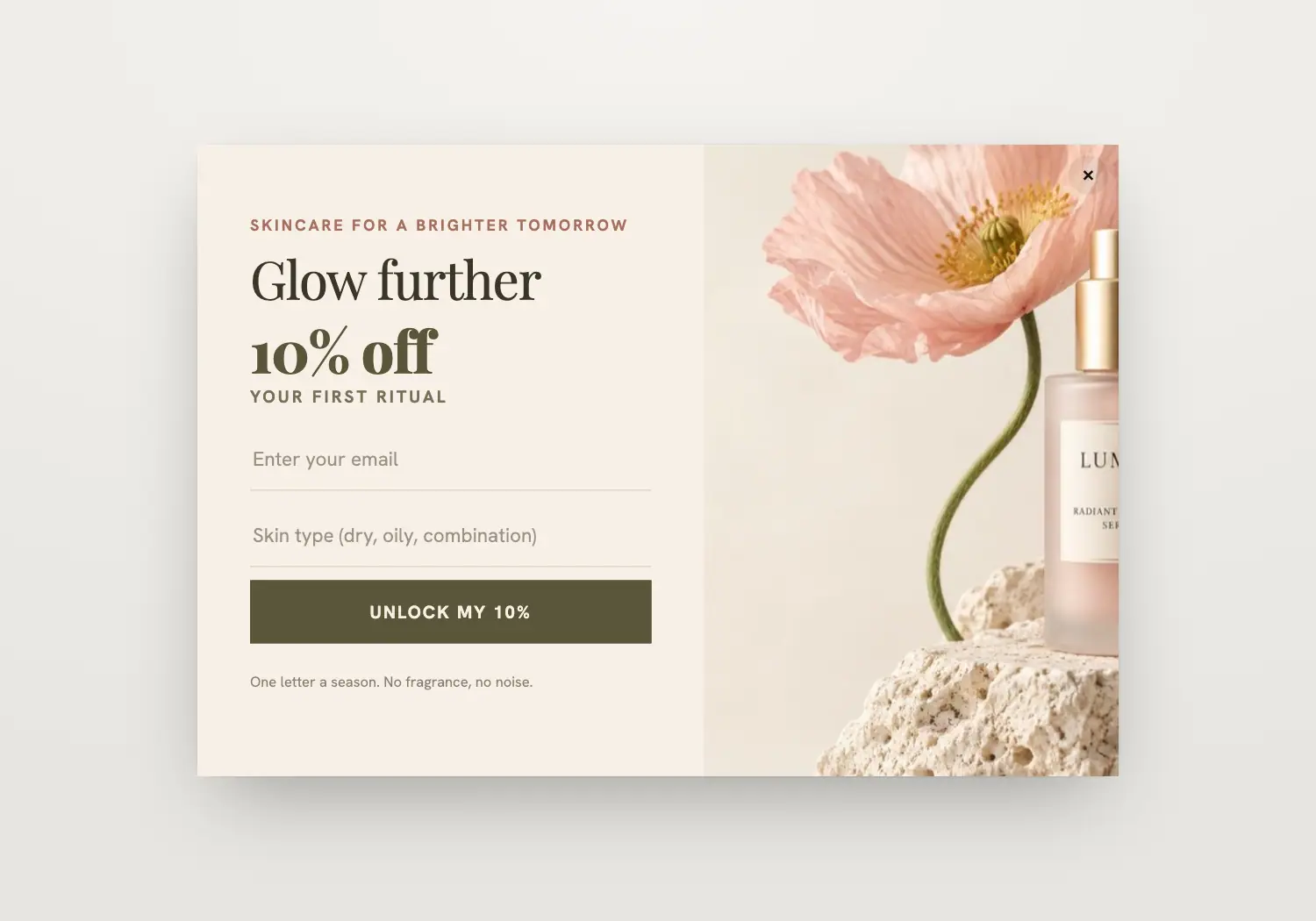
Ivory split with the serum among poppies: Glow Further in Playfair, the welcome offer, skin type and the code revealed on success.
It is styled after Lumea, one of the brands in our template library. It pairs with the “Welcome to the ritual” email.
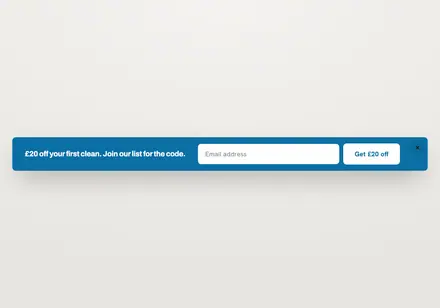
Bar · Welcome discount
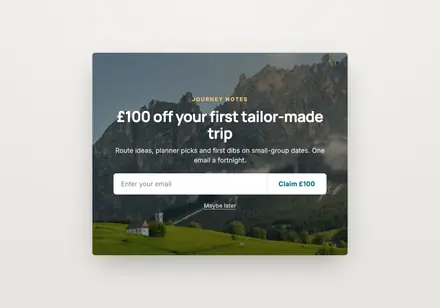
Popup · Welcome discount
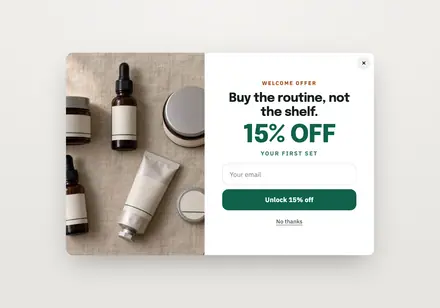
Popup · Welcome discount
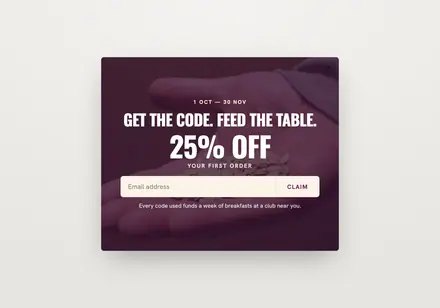
Popup · Welcome discount
Yes. On Shopify it runs through the “Growthly popups & tracking” theme app embed. On other stores you add the Growthly storefront script once.
Yes. Targeting has page rules to include or exclude pages, a device choice for desktop or mobile, and a frequency: every visit, every few days or only once.
Not if you choose the “Not subscribed yet” audience in targeting.
The success step shows their code, they join the list you pick, and the signup can start a flow such as Form welcome, which sends the coupon by email.