
FromAtelier Watch
SubjectYour Atelier 41 is on the bench
PreviewOne watchmaker, six weeks of finishing and fifteen days of testing. Here is where your watch is now.
Quiet and expensive: the 'More than time' Didone poster, a watchmaker's note, the order lines and summary, the Chronometre panel and three ruled stages to delivery.
A Swiss watchmaker's page: a Didone display at the height of the screen on warm paper, near-monochrome photography bleeding off one edge of every band, numbered chapters over hairline rules, small letterspaced capitals, one black buy block and one appointment line.
The 14 sections of this email from top to bottom, rendered with the sample store and recipient from the app gallery. Each one can be edited, moved or removed.
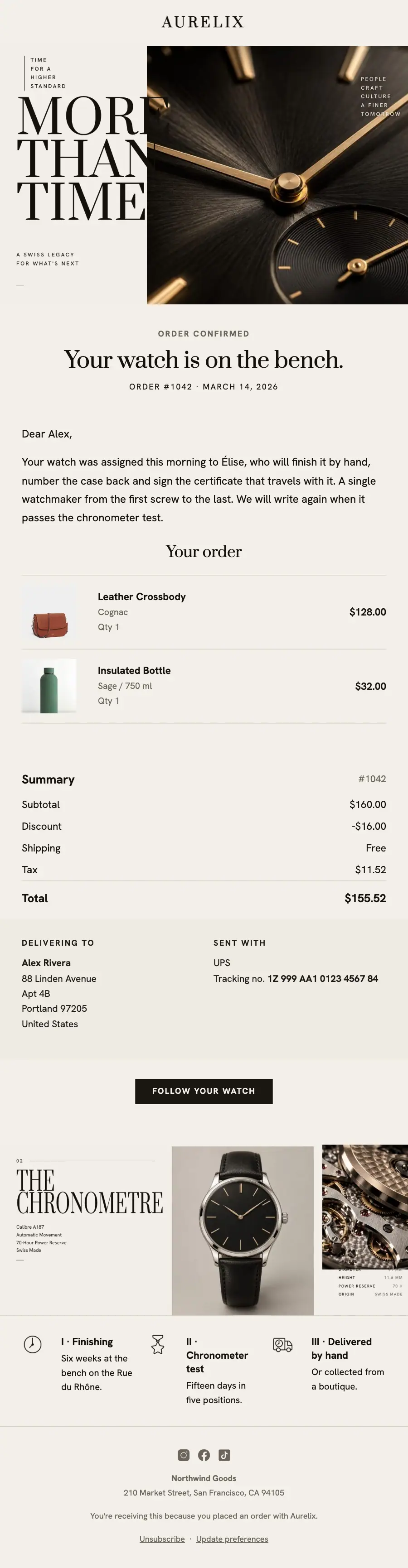
1Logo header
2Full-width photo
3A small label, a heading and text
4Text
5Cart or order items, filled from the shopper’s cart or order
6Order summary with totals
7Two columns, each with text
8Button
9Spacer
10Full-width photo
11Divider
12Three columns, each with an icon
13Divider
14Footer with the unsubscribe link
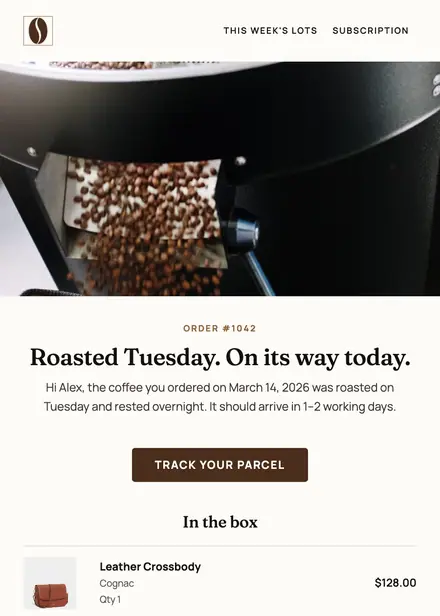
Food & drink · Order & shipping
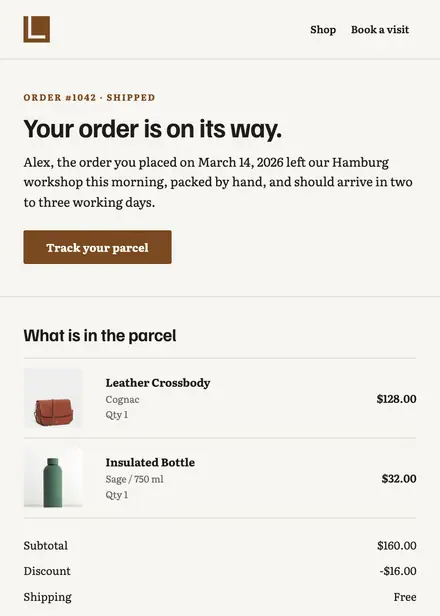
Home & living · Order & shipping
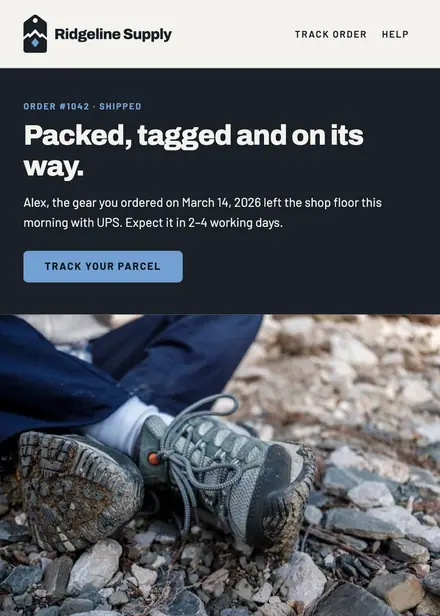
Sports & outdoor · Order & shipping
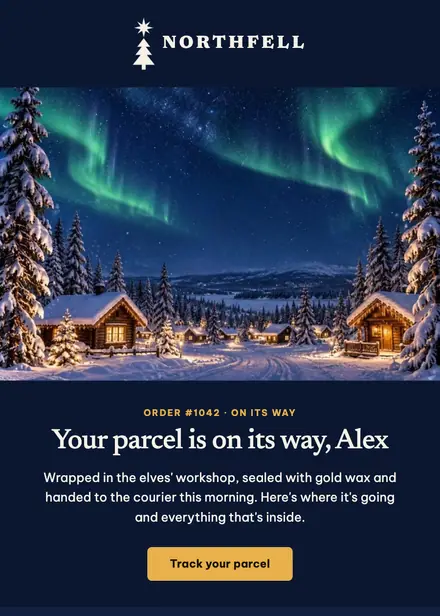
Seasonal & holidays · Order & shipping
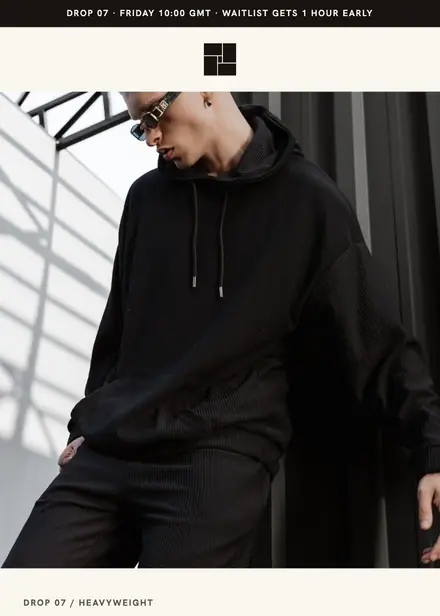
Fashion & apparel · Product launch
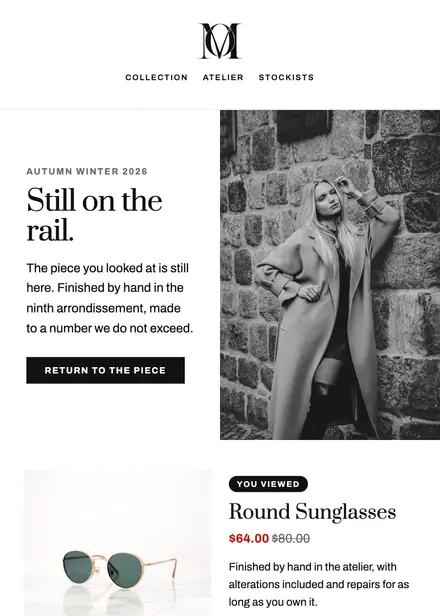
Fashion & apparel · Browse abandonment
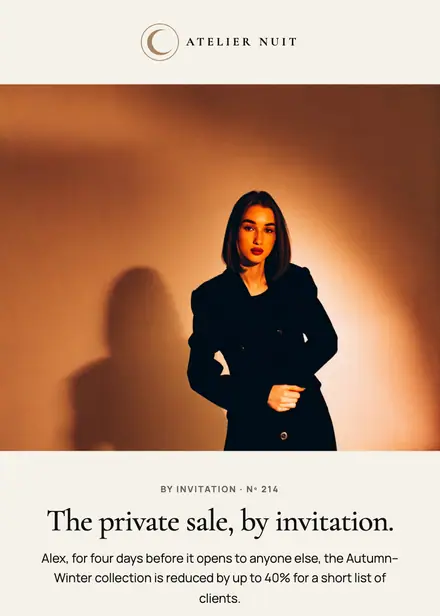
Fashion & apparel · Event & booking
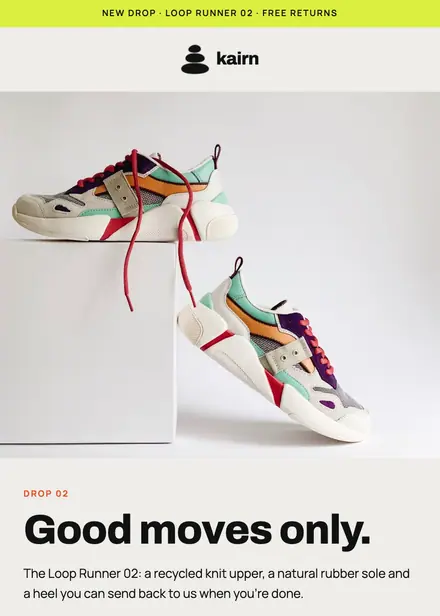
Fashion & apparel · Product launch
Create a free Growthly account, open Templates, then the template gallery, and pick “Watch on the bench order update”. It opens in the editor with every section ready to change.
Yes. Add your logo, two colours and two fonts to the brand kit and apply them, or edit any section and element on its own.
Yes. Add it to any flow as a Send email step, or send it as a one-off campaign.
Product blocks are filled from your connected store when the email goes out: best sellers, the newest arrivals, what the shopper viewed or what is in their cart.