
FromKoen
SubjectTOKYO SALE: up to 60% off, ends Sunday
PreviewIconic pieces, limited time, only at Koen. Shells, hoodies and trail sneakers while sizes last.
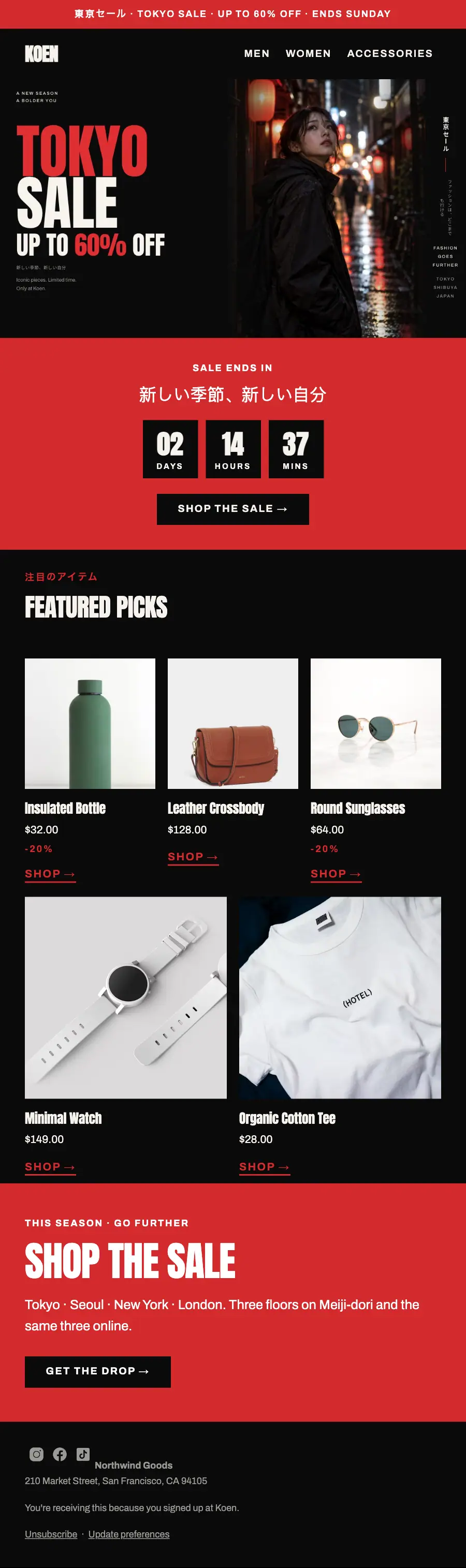
Three colours only: TOKYO in red over SALE in off-white beside the neon alley, a red countdown, featured picks and one flat red panel.
A Tokyo street-wear sale in three colours and nothing else: near-black, one red and a warm off-white, a heavy condensed shout with its first word in red, vertical Japanese holding the far edge and one flat red panel closing the shop.
The 9 sections of this email from top to bottom, rendered with the sample store and recipient from the app gallery. Each one can be edited, moved or removed.
1Text
2Logo header
3Full-width photo
4A small label, a heading, a countdown timer and a button
5Section title with a small label
6Three columns, each with a photo, a heading, text and a button
7Two columns, each with a photo, a heading, text and a button
8A small label, a heading, text and a button
9Footer with the unsubscribe link
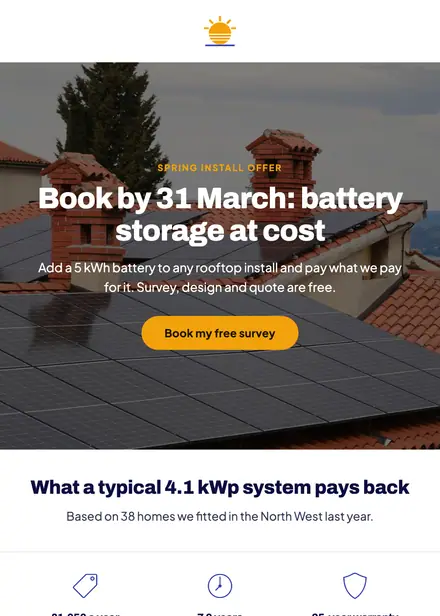
Home services · Promotion
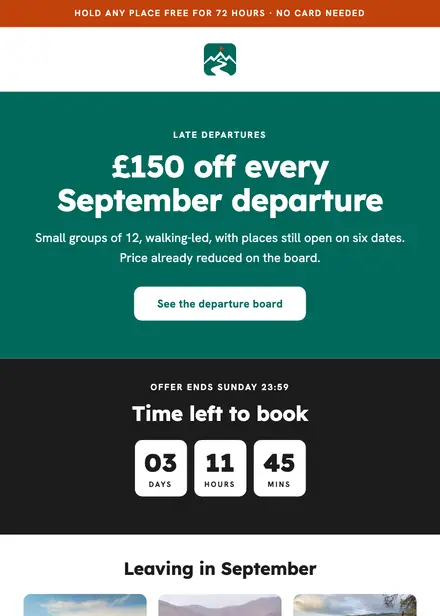
Travel & hospitality · Promotion

Kids & toys · Promotion
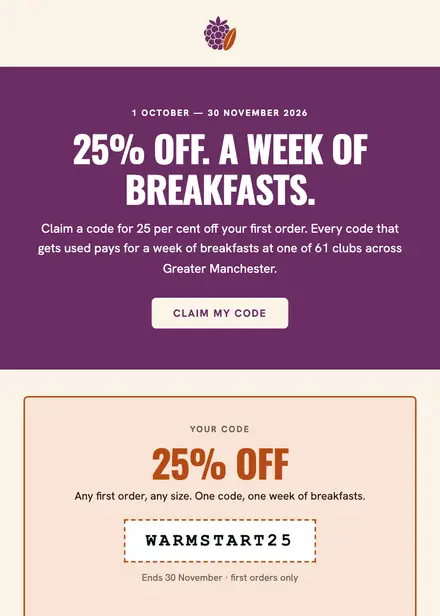
Food & drink · Promotion
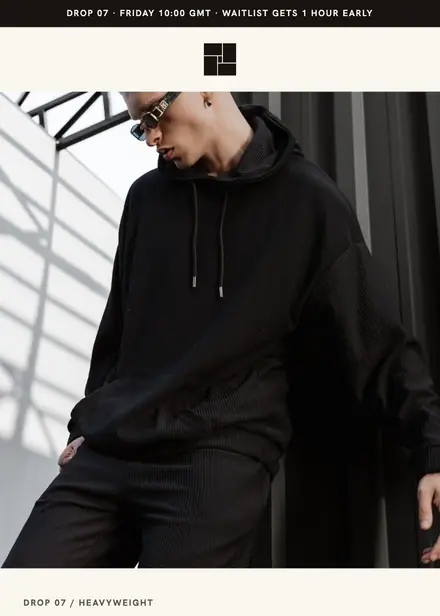
Fashion & apparel · Product launch
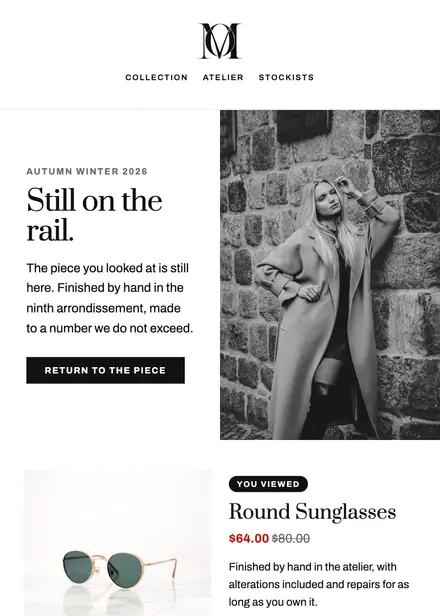
Fashion & apparel · Browse abandonment
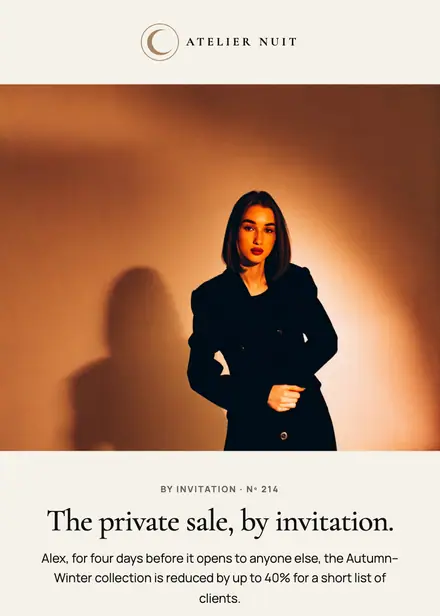
Fashion & apparel · Event & booking
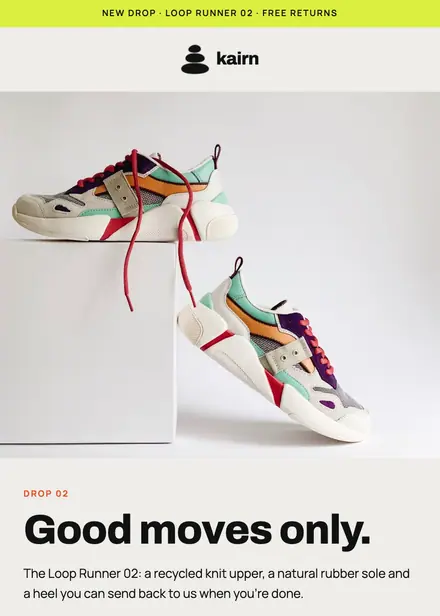
Fashion & apparel · Product launch
Create a free Growthly account, open Templates, then the template gallery, and pick “Tokyo sale up to 60%”. It opens in the editor with every section ready to change.
Yes. Add your logo, two colours and two fonts to the brand kit and apply them, or edit any section and element on its own.
Yes. Add it to any flow as a Send email step, or send it as a one-off campaign.