
FromAtelier Architecture
SubjectJournal No. 14: a museum made of weather
PreviewHow rain, light and board-formed concrete shaped our new coastal gallery. Plus two projects in progress.
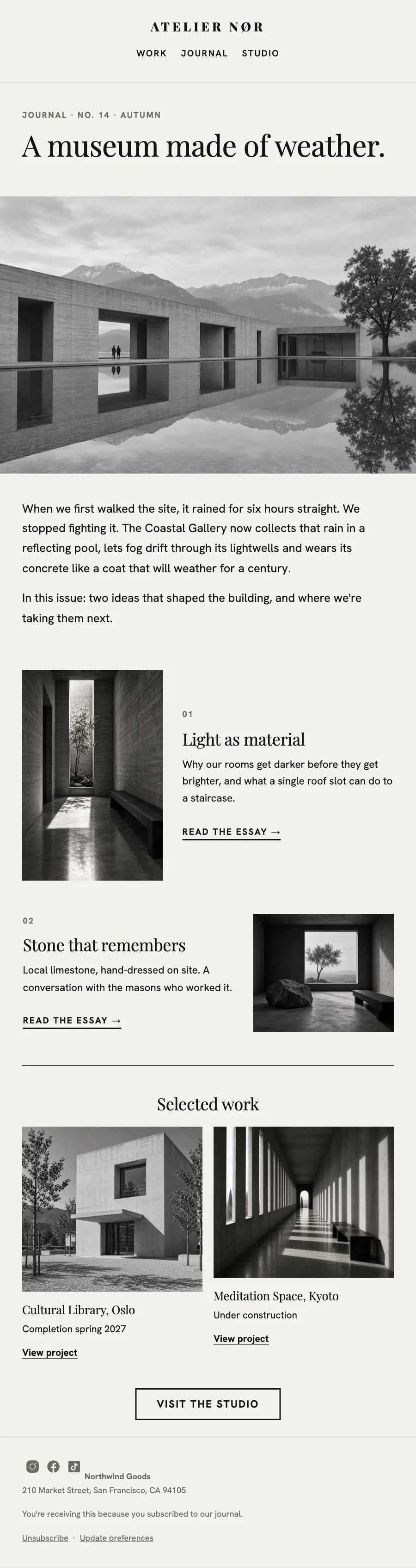
Architecture practice newsletter set like a drawing: numbered essays, black-and-white photographs and selected work.
A practice's page set the way it sets a drawing: numbered bands, a typographic hero, one featured project full bleed and black and white photographs throughout.
The 12 sections of this email from top to bottom, rendered with the sample store and recipient from the app gallery. Each one can be edited, moved or removed.
1Logo header
2Divider
3Section title with a small label
4Full-width photo
5Text
6Two columns: a photo beside a heading, text and a button
7Two columns: a heading, text and a button beside a photo
8Divider
9Two columns, each with a photo, a heading and text, under a heading
10Button
11Divider
12Footer with the unsubscribe link

Professional services · Newsletter
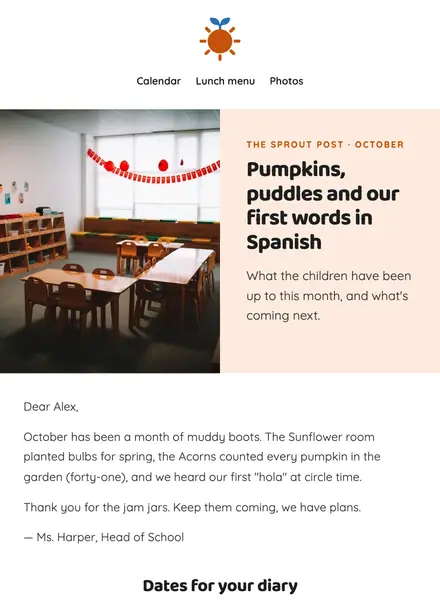
Education · Newsletter
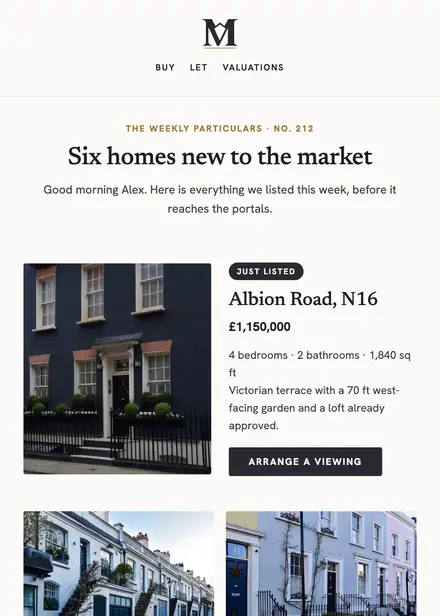
Real estate · Newsletter
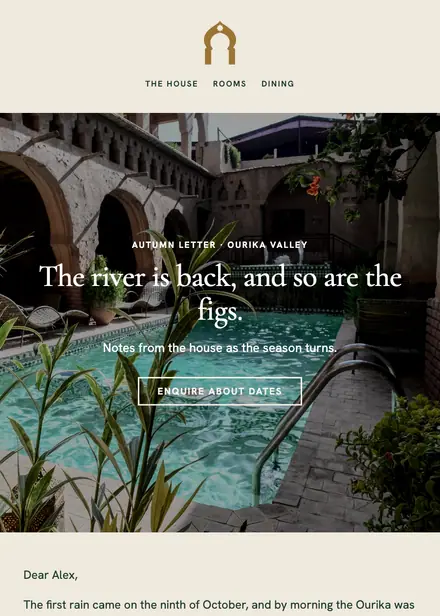
Travel & hospitality · Newsletter

Creative & agency · Welcome
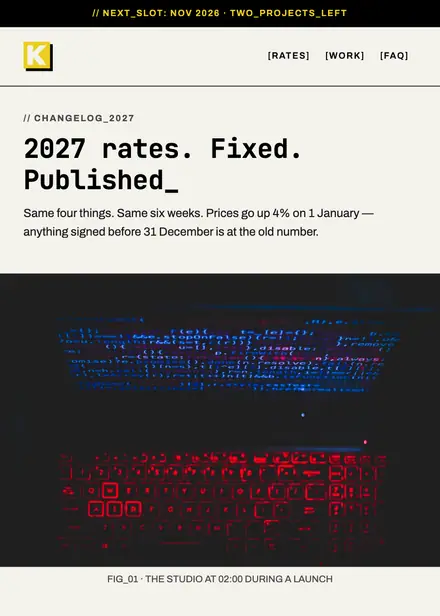
Creative & agency · Announcement
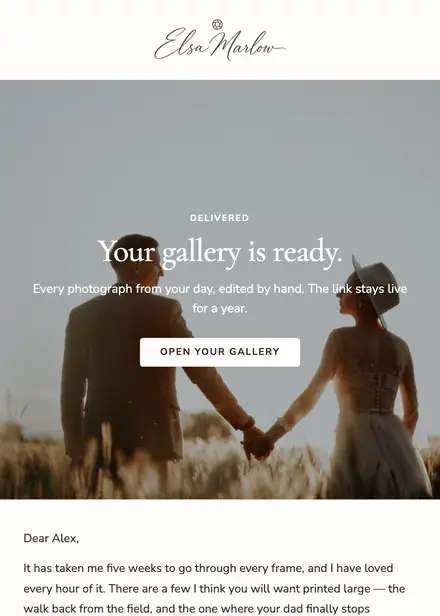
Creative & agency · Review request

Creative & agency · Newsletter
Create a free Growthly account, open Templates, then the template gallery, and pick “Studio journal”. It opens in the editor with every section ready to change.
Yes. Add your logo, two colours and two fonts to the brand kit and apply them, or edit any section and element on its own.
Yes. Add it to any flow as a Send email step, or send it as a one-off campaign.