
FromGarage Sale
SubjectGarage sale: everything must go, up to 70% off
PreviewThe last of every run. No restocks, no back orders — when a size goes, it comes off the sheet.
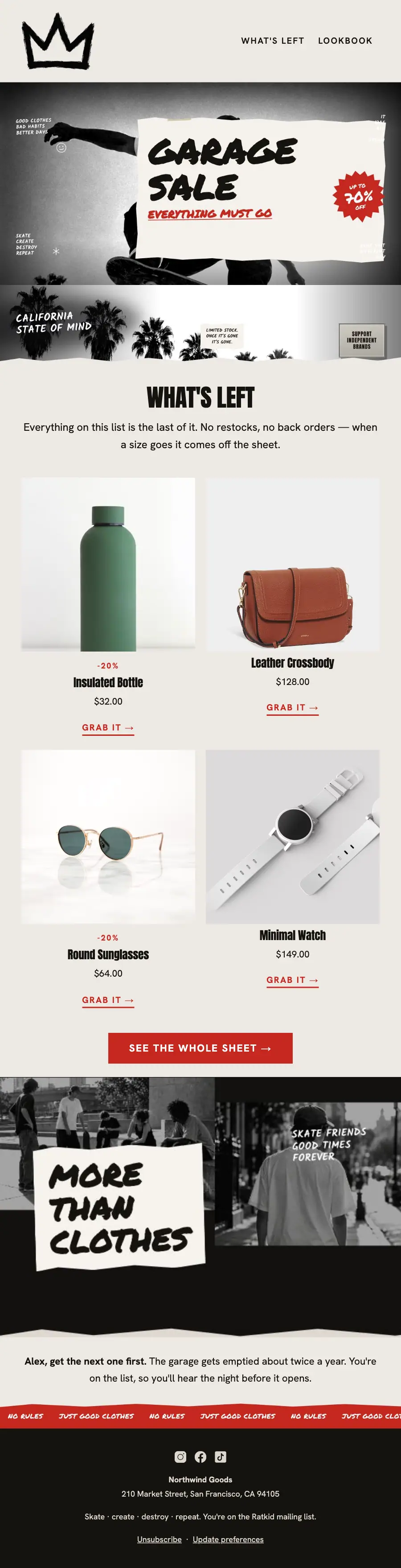
Torn-paper skate clearance: the hand-painted GARAGE SALE poster, a torn palm strip, the index of what's left with sizes crossed off, and a red marquee.
A skate label emptying the back room: a torn-paper collage of black-and-white photographs, hand-painted headlines and one red that only ever means a price.
The 11 sections of this email from top to bottom, rendered with the sample store and recipient from the app gallery. Each one can be edited, moved or removed.
1Logo header
2Full-width photo
3Full-width photo
4A heading and text
5Two columns, each with a photo, a heading, text and a button
6Two columns, each with a photo, a heading, text and a button
7Button
8Full-width photo
9Text
10Full-width photo
11Footer with the unsubscribe link
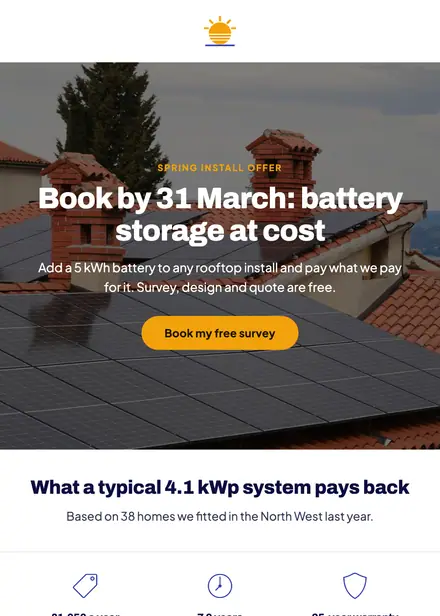
Home services · Promotion
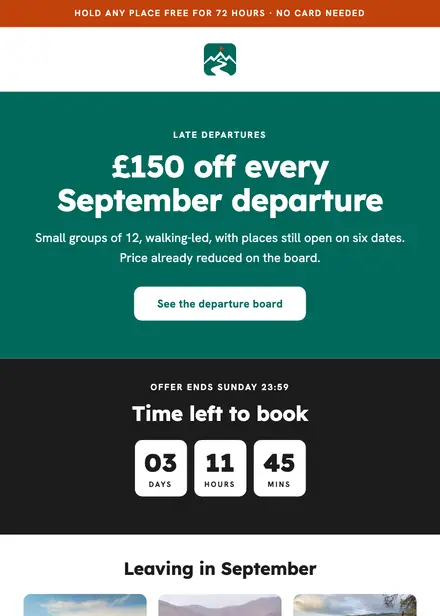
Travel & hospitality · Promotion

Kids & toys · Promotion
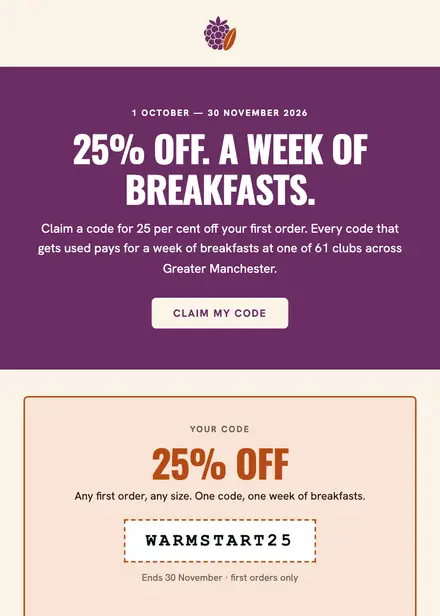
Food & drink · Promotion
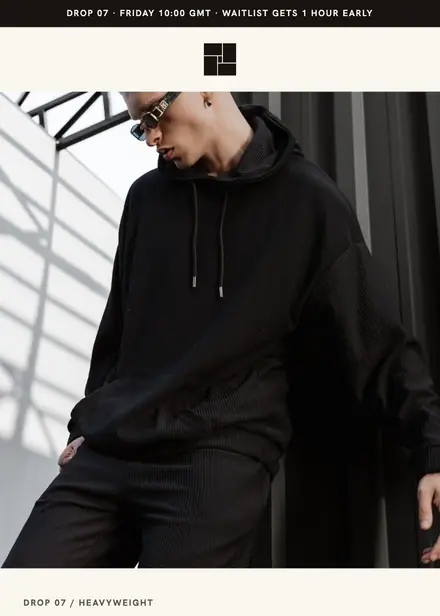
Fashion & apparel · Product launch
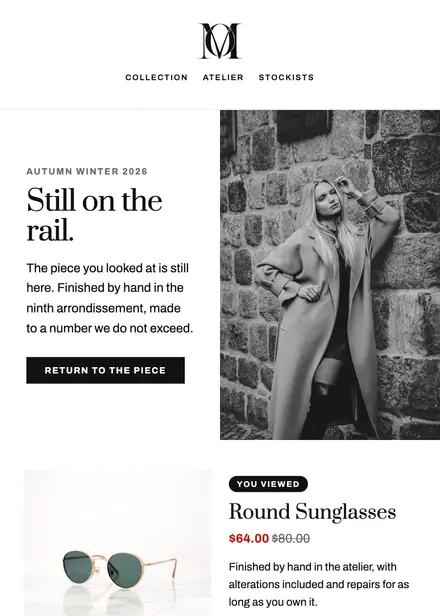
Fashion & apparel · Browse abandonment

Fashion & apparel · Event & booking
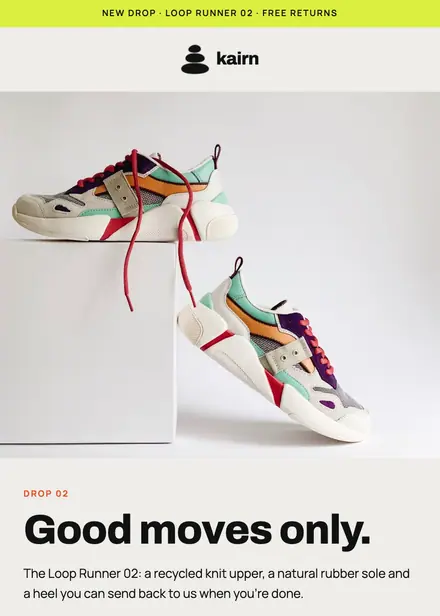
Fashion & apparel · Product launch
Create a free Growthly account, open Templates, then the template gallery, and pick “Ratkid garage sale”. It opens in the editor with every section ready to change.
Yes. Add your logo, two colours and two fonts to the brand kit and apply them, or edit any section and element on its own.
Yes. Add it to any flow as a Send email step, or send it as a one-off campaign.