
FromLynx Festival
SubjectLYNX 2026: phase 1 lineup is here
PreviewNadia Kroon headlines. Three days, five stages on the beach at Da Nang, 16–18 October. Tickets on sale now.
The poster shouted at screen size: the giant LYNX with a black and white cut-out, the black billing in tiers, the orange tickets panel, passes and practicals.
A festival poster in black, white and one orange: the wordmark cropped by the top of the page, cut-out photography multiplied onto the paper, an orange sun burning through a white sky, a headliner set at twice the bill and one sign-up form.
The 8 sections of this email from top to bottom, rendered with the sample store and recipient from the app gallery. Each one can be edited, moved or removed.
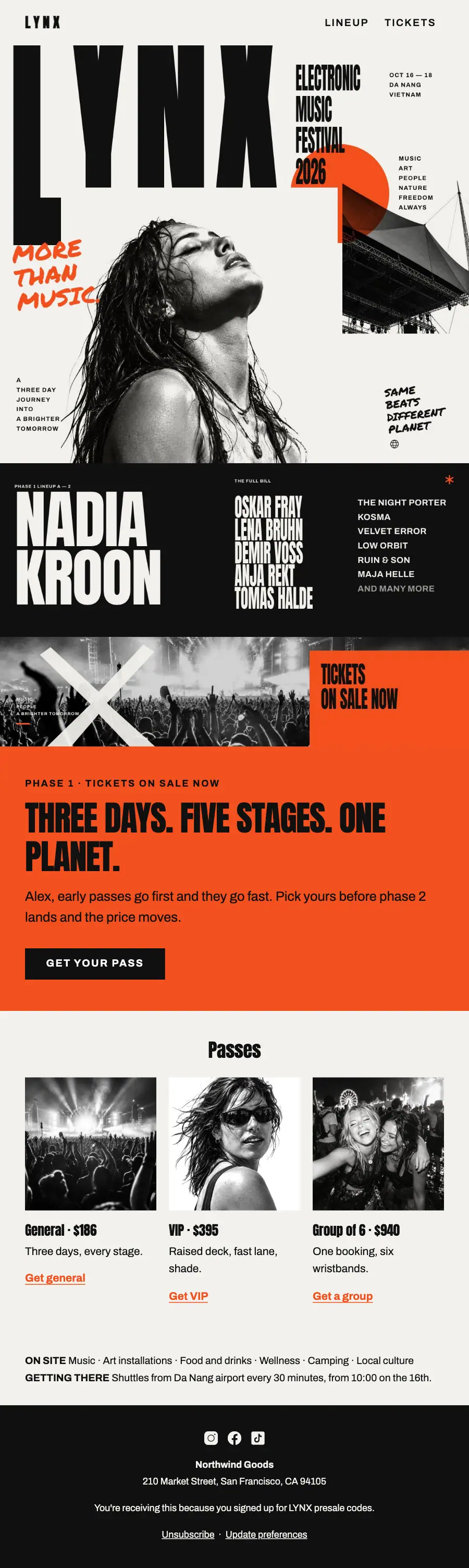
1Logo header
2Full-width photo
3Full-width photo
4Full-width photo
5A small label, a heading, text and a button
6Three columns, each with a photo, a heading and text, under a heading
7Text
8Footer with the unsubscribe link
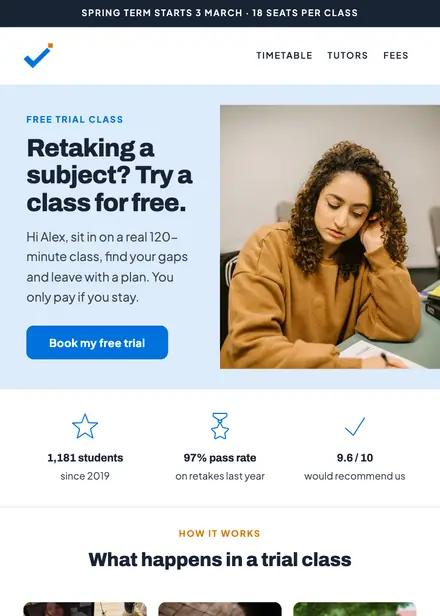
Education · Event & booking
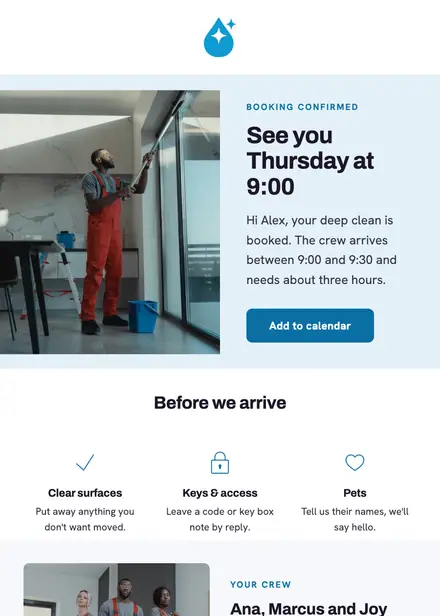
Home services · Event & booking
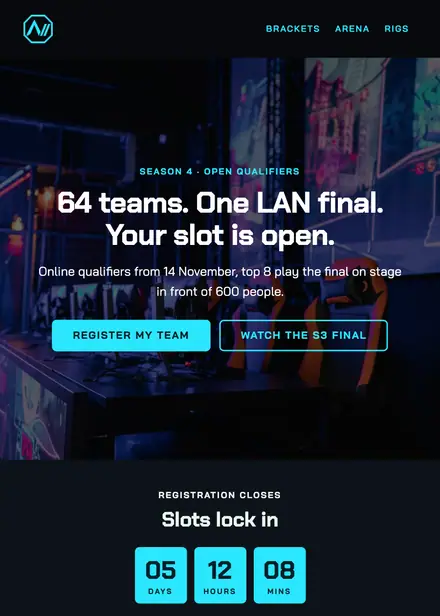
Events & entertainment · Event & booking
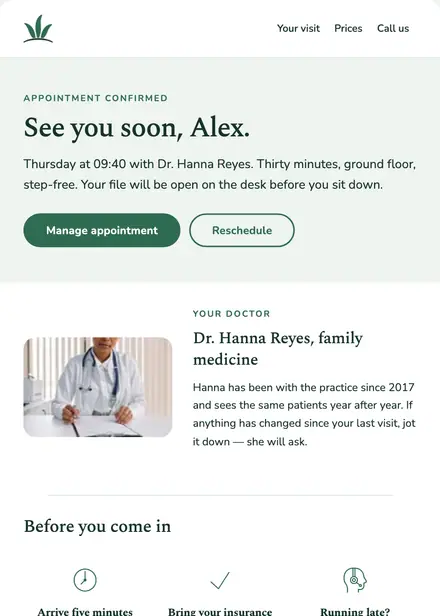
Health & clinics · Event & booking
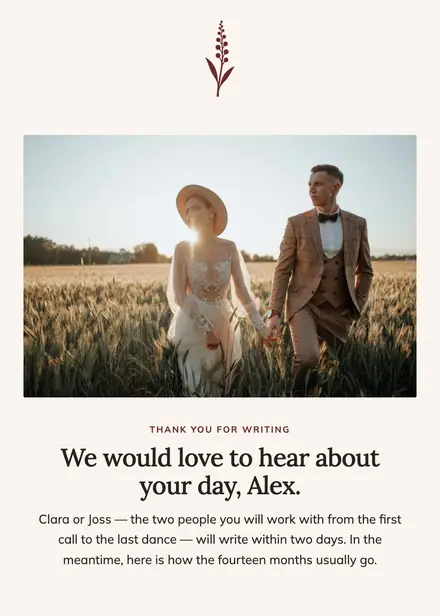
Events & entertainment · Welcome
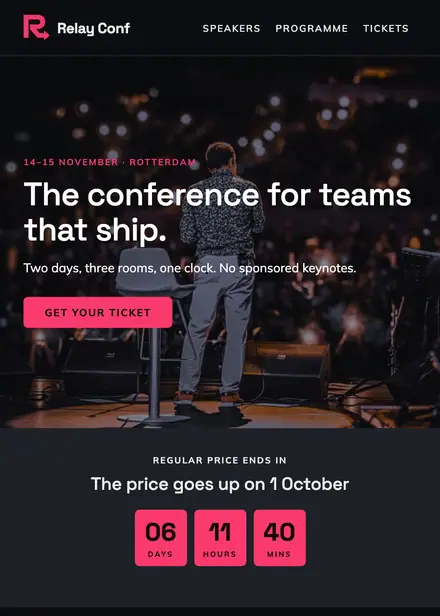
Events & entertainment · Event & booking
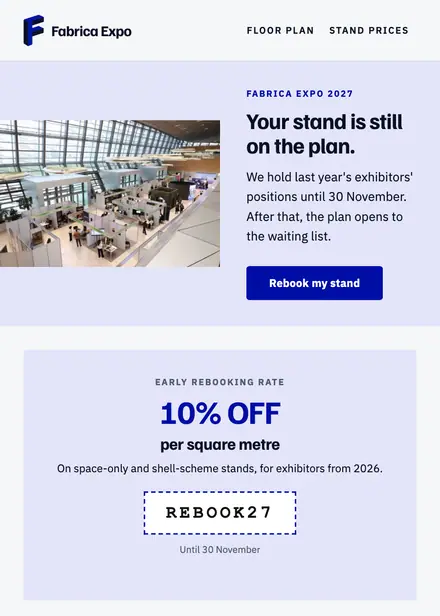
Events & entertainment · Win-back
Events & entertainment · Announcement
Create a free Growthly account, open Templates, then the template gallery, and pick “Phase 1 lineup drop”. It opens in the editor with every section ready to change.
Yes. Add your logo, two colours and two fonts to the brand kit and apply them, or edit any section and element on its own.
Yes. Add it to any flow as a Send email step, or send it as a one-off campaign.