
FromChristmas Home Decor
SubjectThe Journal No. 04: feel like Christmas, room by room
PreviewThree styling ideas from our studio, a table we can't stop looking at and a free styling call
An ivory Christmas decor journal: a living-room tree hero, three styling tips, a full-bleed table scene and a styling-call invite.
A warm ivory Christmas decor shop: a living-room hero, style tiles, product cards, a snowy forest band and a styling-call form.
The 11 sections of this email from top to bottom, rendered with the sample store and recipient from the app gallery. Each one can be edited, moved or removed.
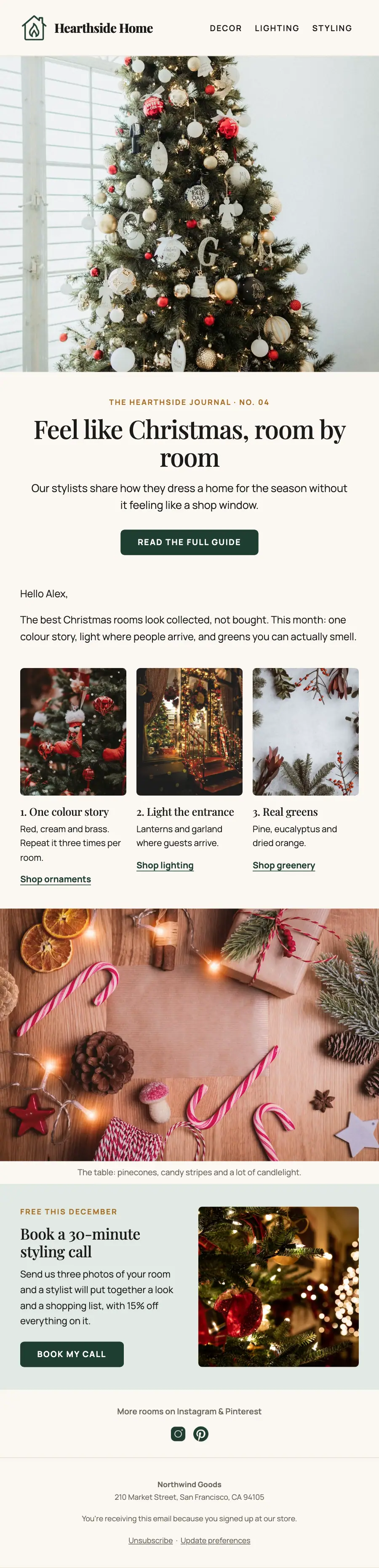
1Logo header
2Divider
3Full-width photo
4A small label, a heading, text and a button
5Text
6Three columns, each with a photo, a heading and text
7Full-width photo
8Two columns: a heading, text and a button beside a photo
9Text and social links
10Divider
11Footer with the unsubscribe link
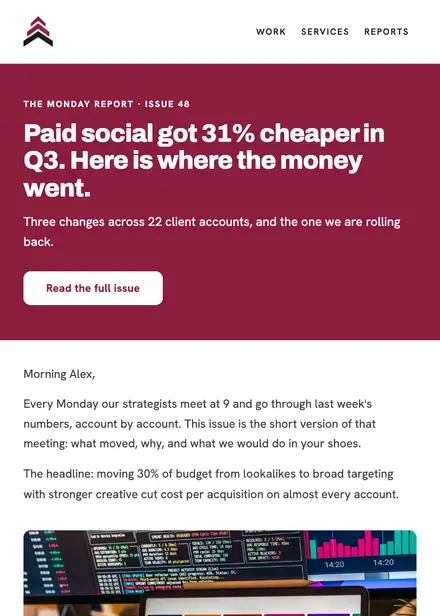
Professional services · Newsletter
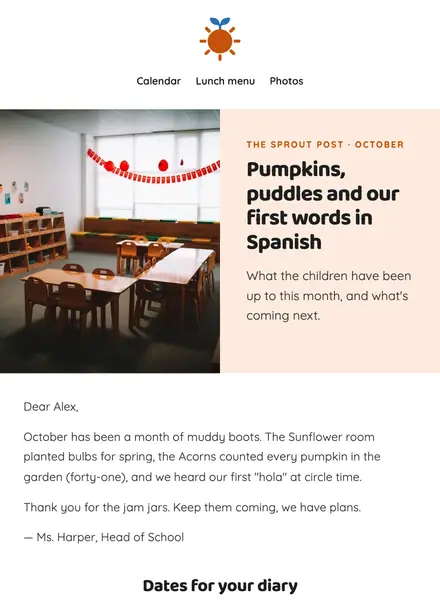
Education · Newsletter
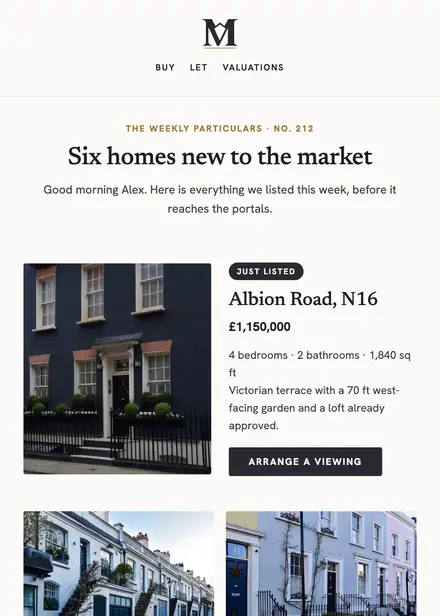
Real estate · Newsletter
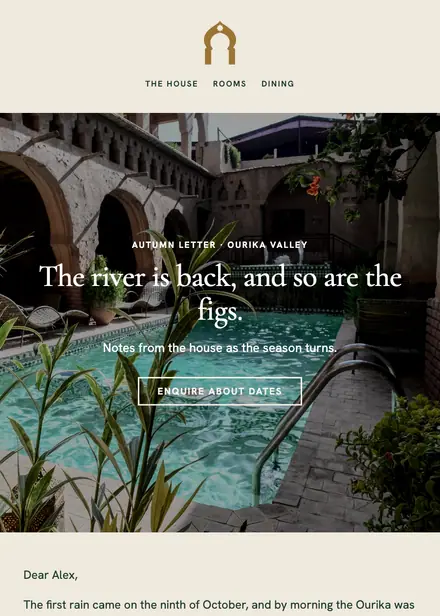
Travel & hospitality · Newsletter
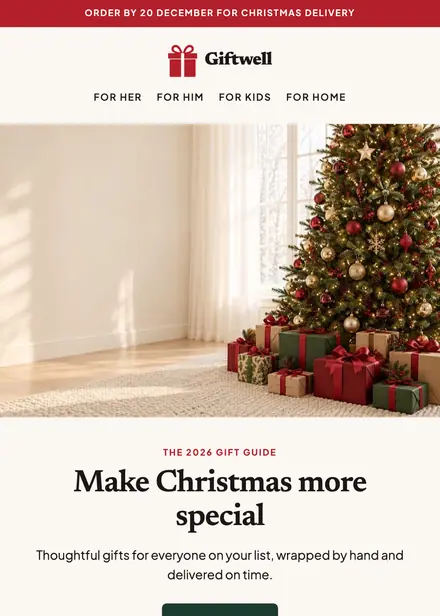
Seasonal & holidays · Holiday

Seasonal & holidays · Holiday

Seasonal & holidays · Promotion
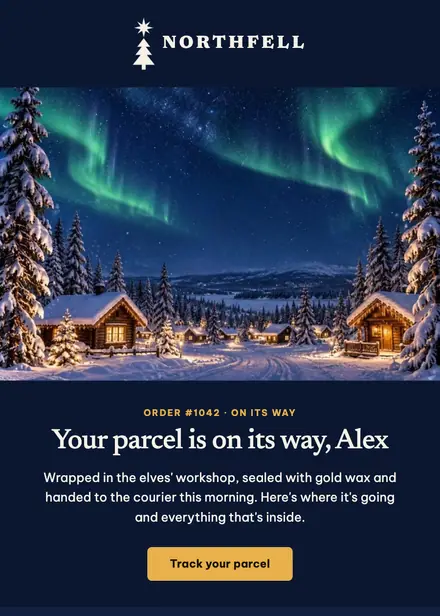
Seasonal & holidays · Order & shipping
Create a free Growthly account, open Templates, then the template gallery, and pick “Hearthside — Christmas styling journal”. It opens in the editor with every section ready to change.
Yes. Add your logo, two colours and two fonts to the brand kit and apply them, or edit any section and element on its own.
Yes. Add it to any flow as a Send email step, or send it as a one-off campaign.