
FromFina Money App
SubjectGive £20, get £20: share Fina with a friend
PreviewYour friends deserve a better money app. Share your link and you both get £20 when they sign up.
Money-app referral campaign: deep pine hero, three-step how-it-works, real member stories and plain fine print.
A money app on light grey with a heavy grotesk: the phone and the card drawn in CSS so every figure stays crisp, one bright green for anything that went up, handwriting on the product and the photograph.
The 7 sections of this email from top to bottom, rendered with the sample store and recipient from the app gallery. Each one can be edited, moved or removed.
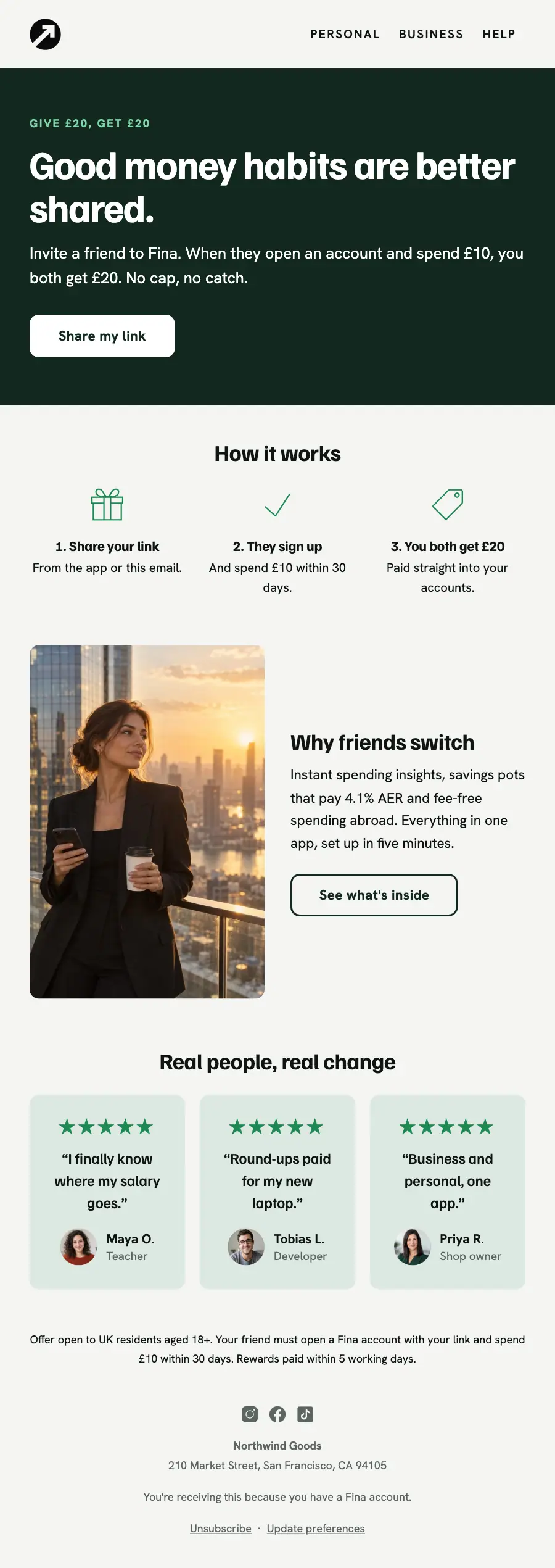
1Logo header
2A small label, a heading, text and a button
3Three columns, each with an icon, a heading and text, under a heading
4Two columns: a photo beside a heading, text and a button
5Three columns, each with a quote, under a heading
6Text
7Footer with the unsubscribe link
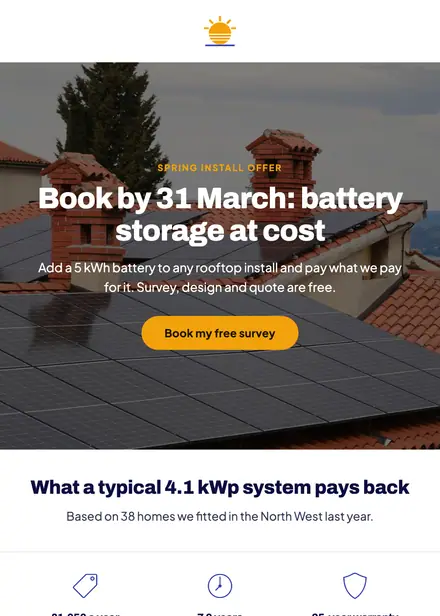
Home services · Promotion
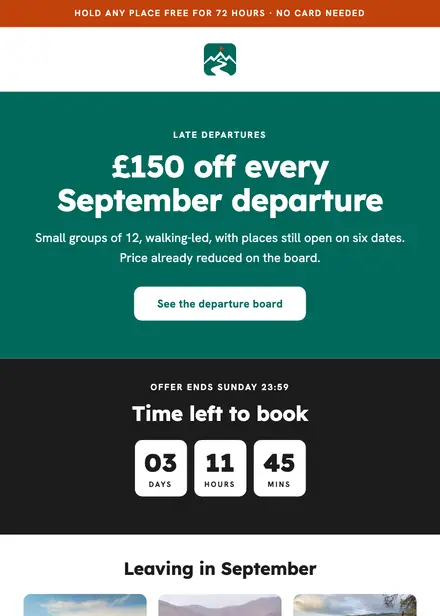
Travel & hospitality · Promotion

Kids & toys · Promotion
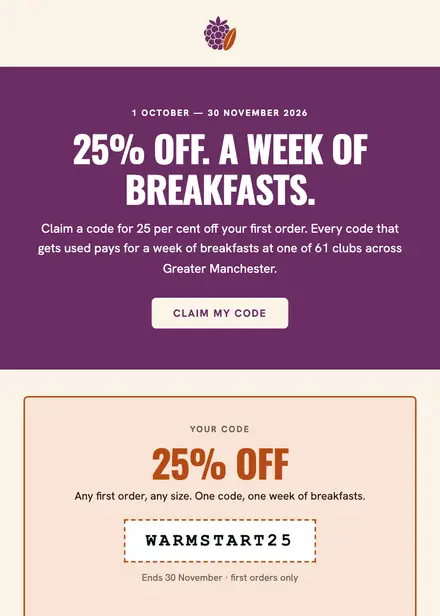
Food & drink · Promotion
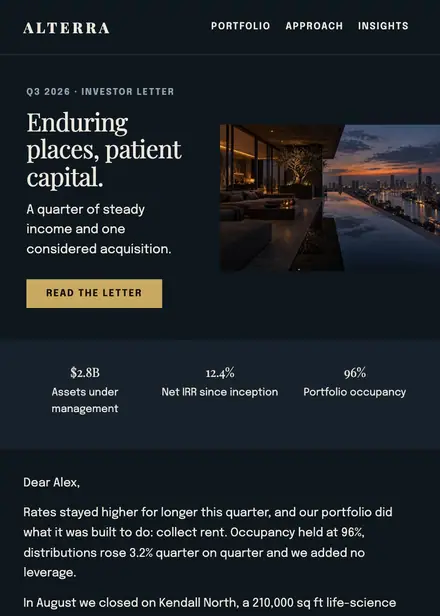
Finance & insurance · Newsletter
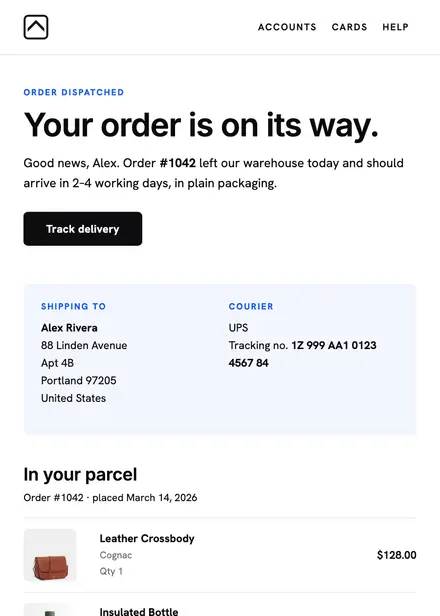
Finance & insurance · Order & shipping
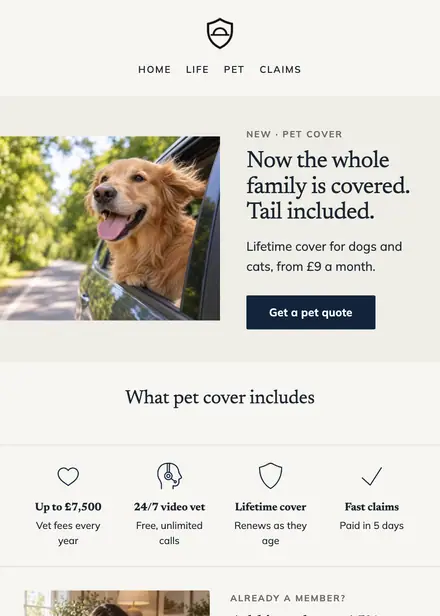
Finance & insurance · Announcement
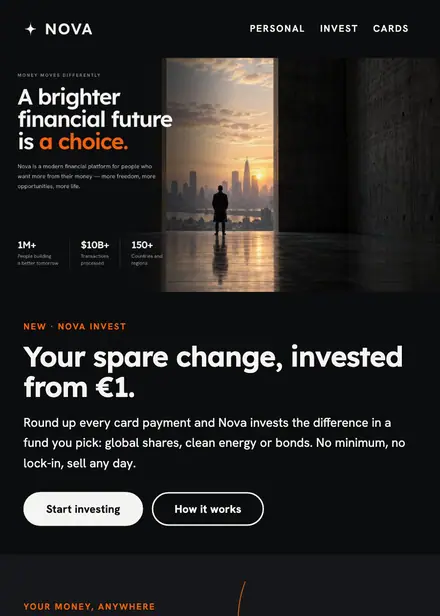
Finance & insurance · Product launch
Create a free Growthly account, open Templates, then the template gallery, and pick “Give £20, get £20”. It opens in the editor with every section ready to change.
Yes. Add your logo, two colours and two fonts to the brand kit and apply them, or edit any section and element on its own.
Yes. Add it to any flow as a Send email step, or send it as a one-off campaign.