
FromTerra
SubjectThe Terralite 45: 1,340 g, built for real terrain
PreviewUltralight, all conditions, no compromises. Our new expedition pack is here, with a frame you can repair in the field.
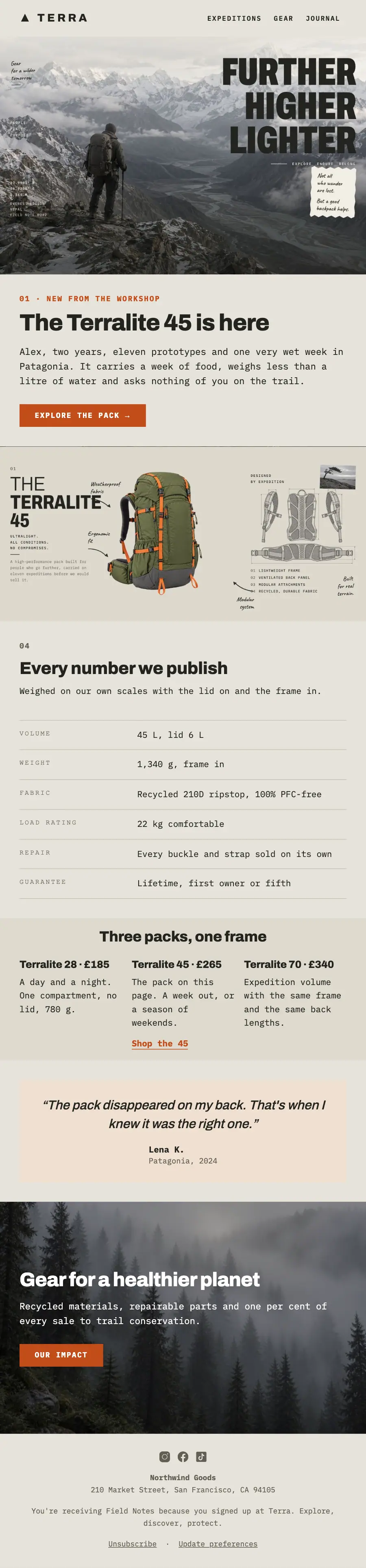
A field notebook on printed paper: the 'Further, higher, lighter' summit hero with a pinned scrap, the backpack cut out with handwritten arrows, spec rows in typewriter mono and a taped quote.
An outfitter's page drawn as a field notebook: printed paper, photographs pasted a degree off square, torn scraps laid over the pictures below them, the product cut out with no frame at all, and every note written by hand with a curved arrow touching the thing it is about.
The 11 sections of this email from top to bottom, rendered with the sample store and recipient from the app gallery. Each one can be edited, moved or removed.
1Logo header
2Full-width photo
3A small label, a heading, text and a button
4Full-width photo
5A small label, a heading and text
6Text
7Spacer
8Three columns, each with a heading and text, under a heading
9Quote
10A heading, text and a button
11Footer with the unsubscribe link
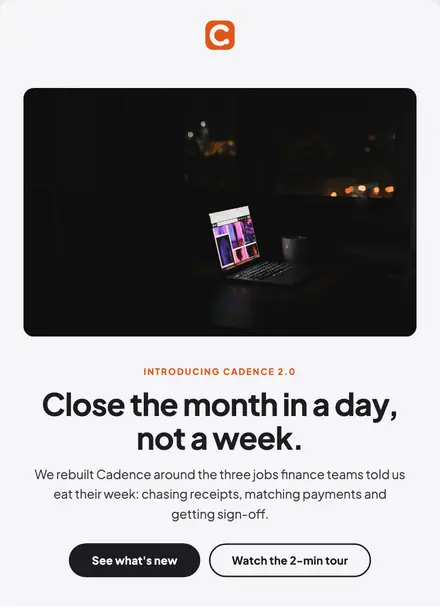
Electronics & tech · Product launch
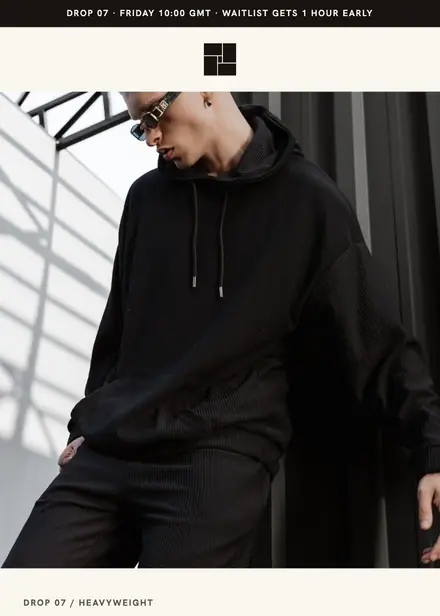
Fashion & apparel · Product launch
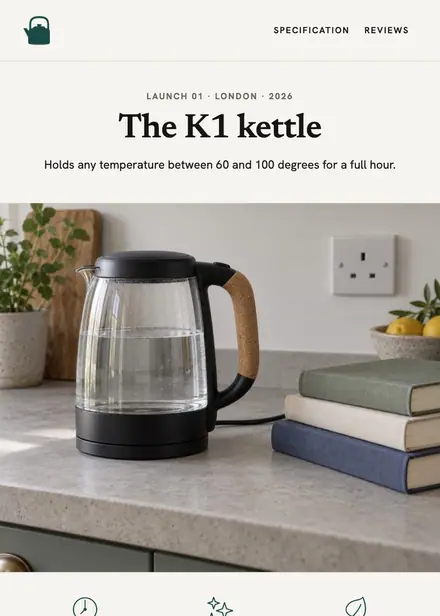
Home & living · Product launch
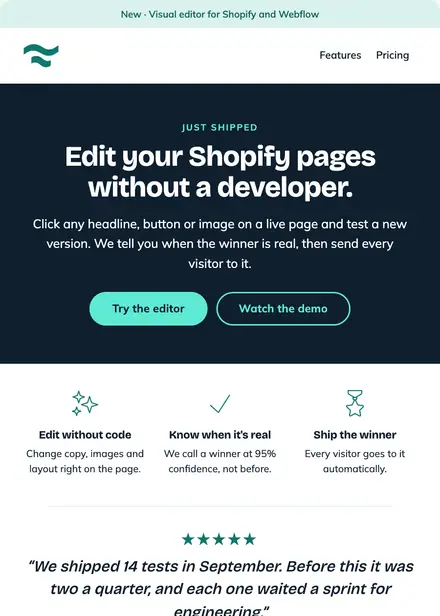
Software & SaaS · Product launch
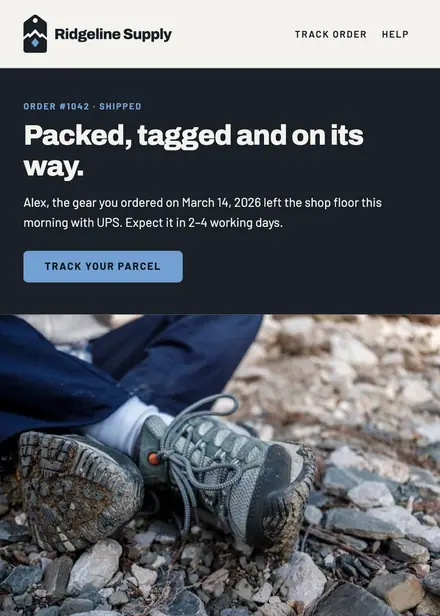
Sports & outdoor · Order & shipping
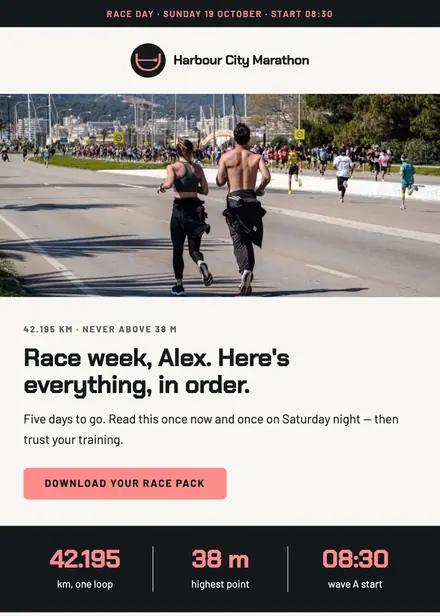
Sports & outdoor · Announcement
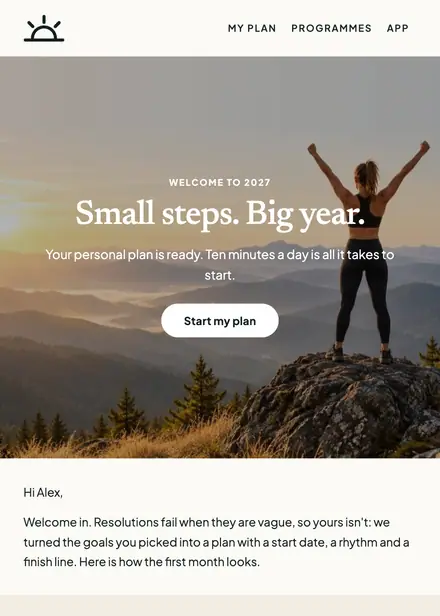
Sports & outdoor · Welcome
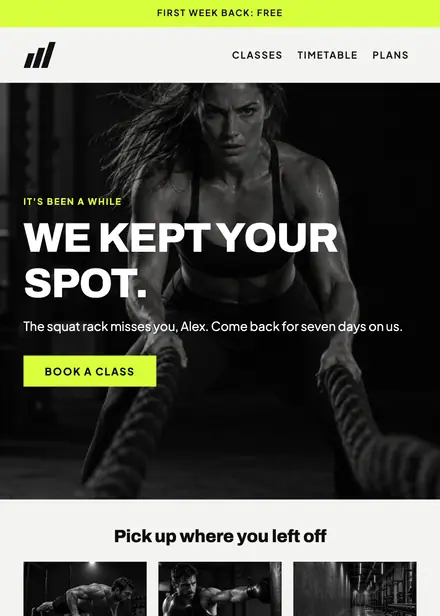
Sports & outdoor · Win-back
Create a free Growthly account, open Templates, then the template gallery, and pick “Field-notebook pack launch”. It opens in the editor with every section ready to change.
Yes. Add your logo, two colours and two fonts to the brand kit and apply them, or edit any section and element on its own.
Yes. Add it to any flow as a Send email step, or send it as a one-off campaign.