
FromDistrict Downtown
SubjectWhat lands next: four downtown drops this month
PreviewShell outerwear Friday, heavyweight fleece Saturday, the City Runner restock and an archive weekend.
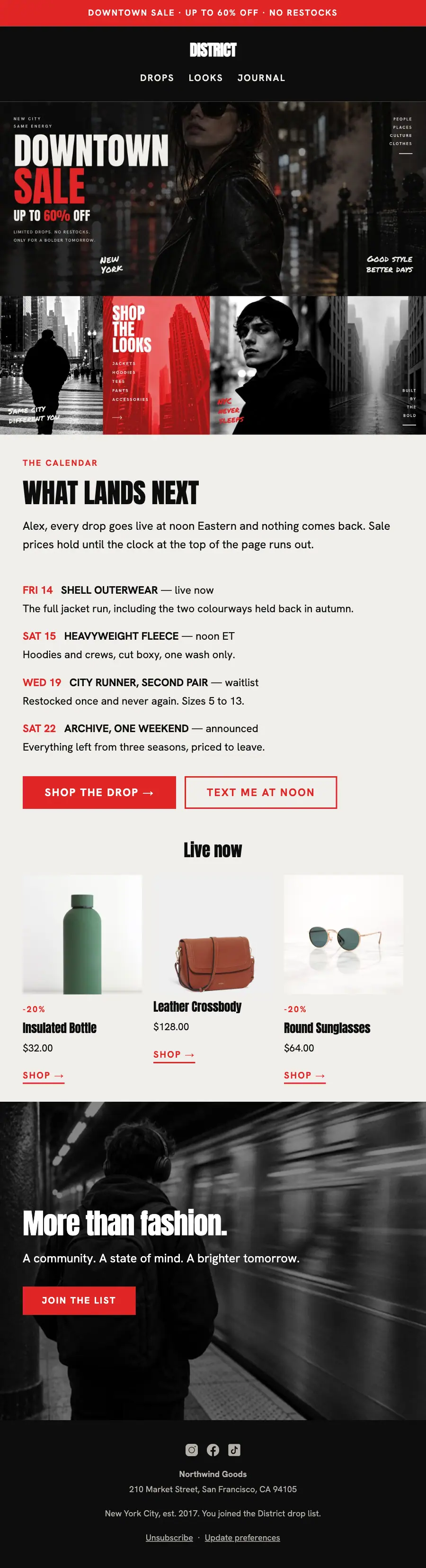
Night-street drop calendar: the distressed DOWNTOWN SALE poster, a gutterless four-panel strip, dated drops in red and a 'text me' button.
A loud downtown-sale page for a New York streetwear label: a full-bleed night street under distressed poster capitals, one red, four-panel photographic strips butted edge to edge with no gutter, and marker lettering laid across the pictures.
The 10 sections of this email from top to bottom, rendered with the sample store and recipient from the app gallery. Each one can be edited, moved or removed.
1Text
2Logo header
3Full-width photo
4Full-width photo
5A small label, a heading and text
6Text
7Button
8Three columns, each with a photo, a heading, text and a button, under a heading
9A heading, text and a button
10Footer with the unsubscribe link
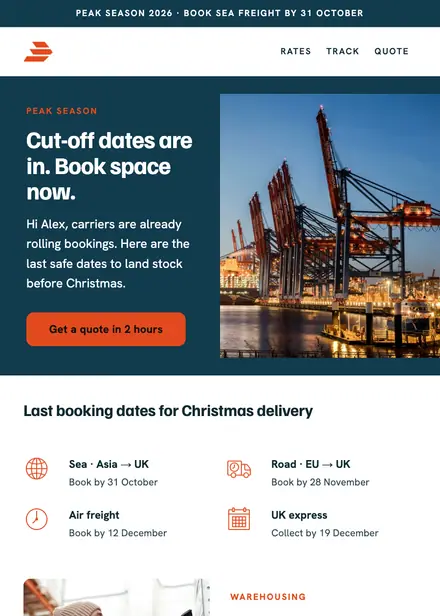
Professional services · Announcement
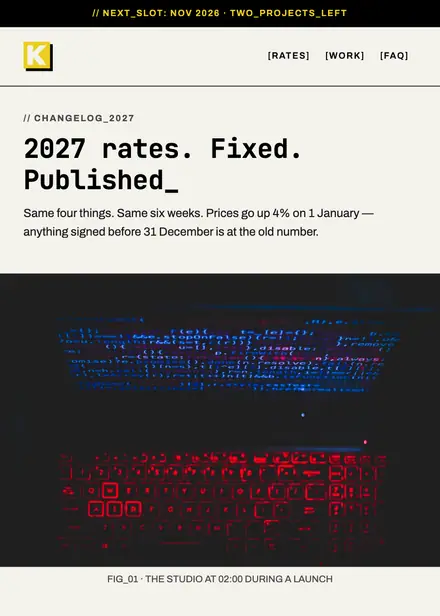
Creative & agency · Announcement

Professional services · Announcement
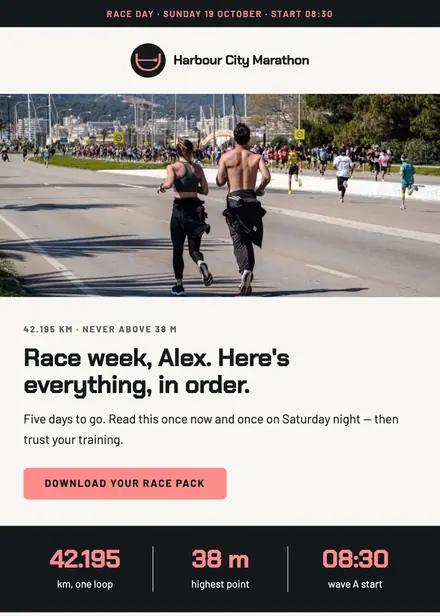
Sports & outdoor · Announcement
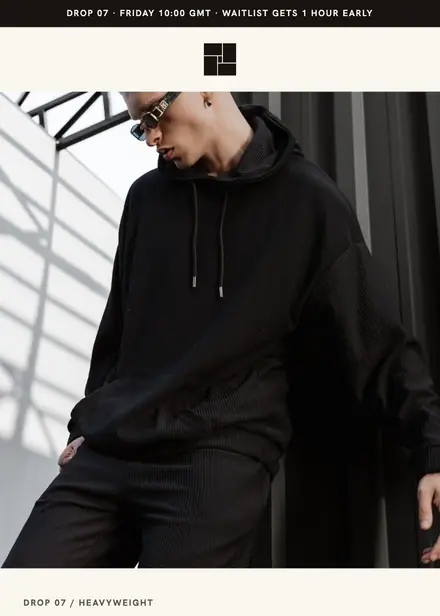
Fashion & apparel · Product launch
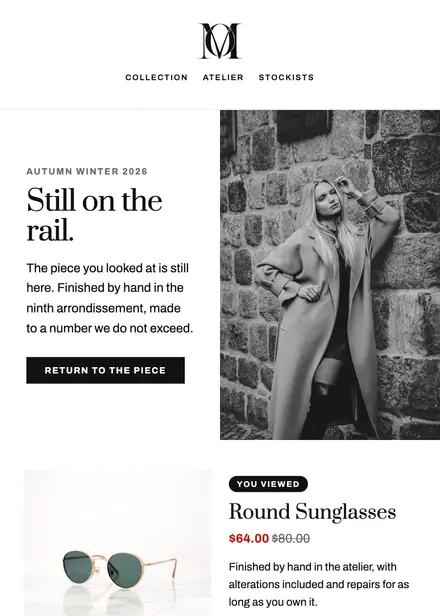
Fashion & apparel · Browse abandonment
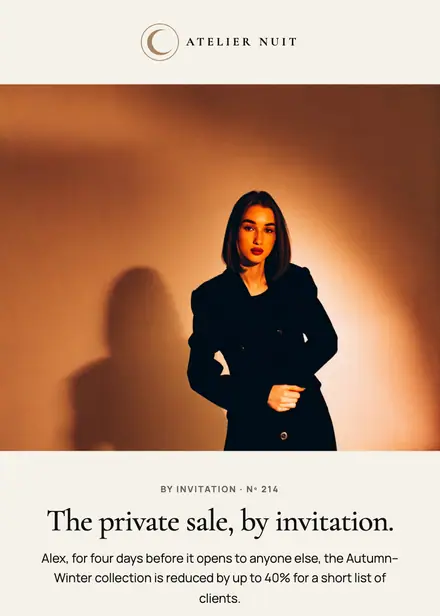
Fashion & apparel · Event & booking
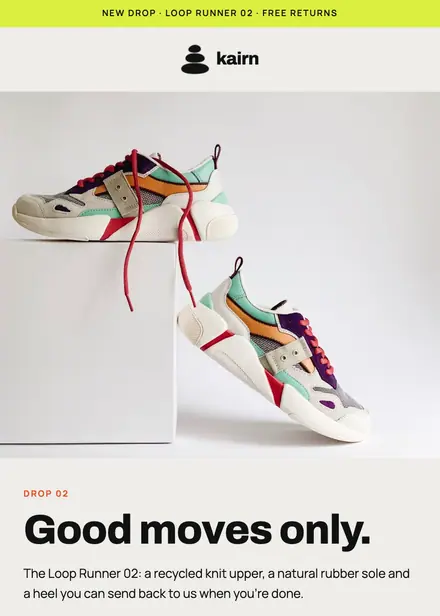
Fashion & apparel · Product launch
Create a free Growthly account, open Templates, then the template gallery, and pick “District what lands next”. It opens in the editor with every section ready to change.
Yes. Add your logo, two colours and two fonts to the brand kit and apply them, or edit any section and element on its own.
Yes. Add it to any flow as a Send email step, or send it as a one-off campaign.