
FromSynth Research Grid
SubjectInvitation: agentic workflows, measured (40 seats)
PreviewAn evening briefing with the three partners: what worked, what failed and what it cost. New York, 12 November.
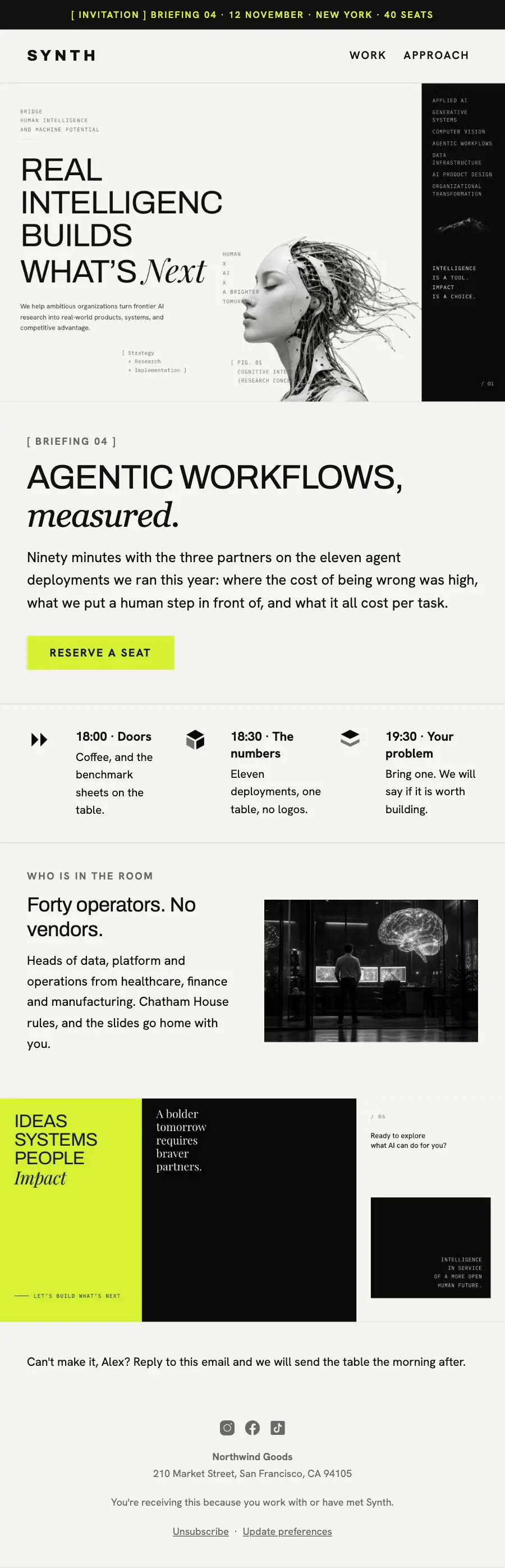
Annual-report grid: the 'What's Next' poster crop, an italic serif accent word, an agenda in ruled cells, the lab photo and the lime/black closing grid.
A research consultancy laid out as a modular grid of cells: figure legends in monospace, one italic word per statement, and two cells inverted to near-black.
The 12 sections of this email from top to bottom, rendered with the sample store and recipient from the app gallery. Each one can be edited, moved or removed.
1Text
2Logo header
3Divider
4Full-width photo
5A small label, a heading, text and a button
6Divider
7Three columns, each with an icon
8Divider
9Two columns: a heading and text beside a photo
10Full-width photo
11Text
12Footer with the unsubscribe link
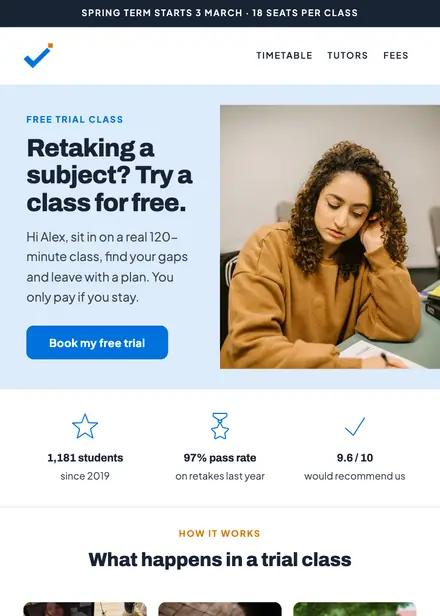
Education · Event & booking
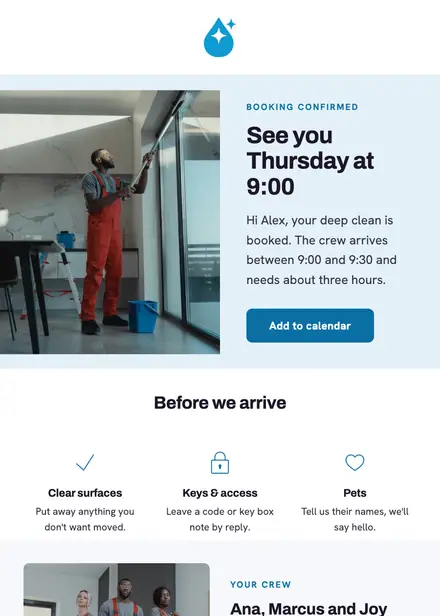
Home services · Event & booking
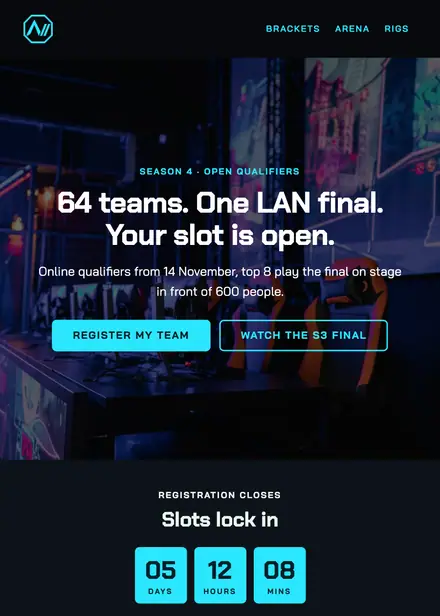
Events & entertainment · Event & booking
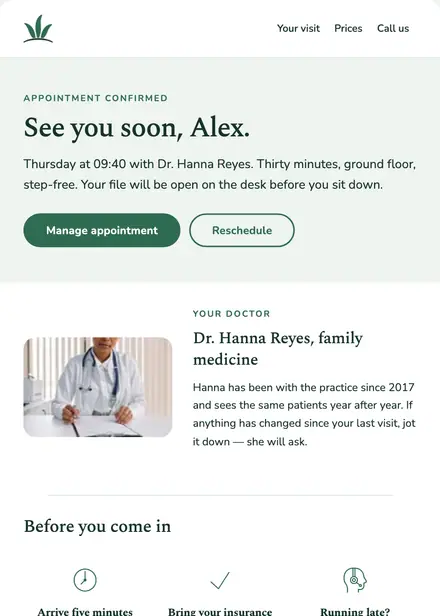
Health & clinics · Event & booking
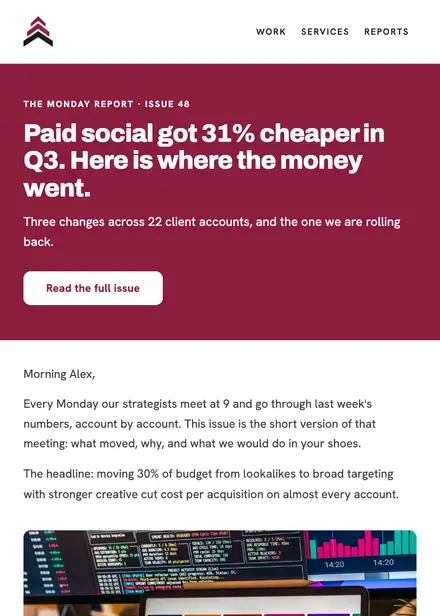
Professional services · Newsletter
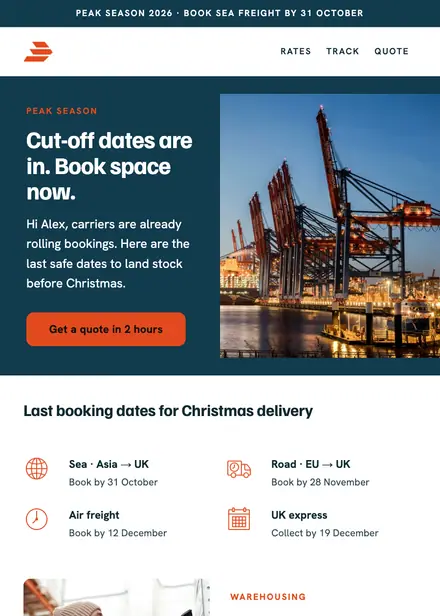
Professional services · Announcement

Professional services · Newsletter

Professional services · Announcement
Create a free Growthly account, open Templates, then the template gallery, and pick “Closed-door AI briefing invite”. It opens in the editor with every section ready to change.
Yes. Add your logo, two colours and two fonts to the brand kit and apply them, or edit any section and element on its own.
Yes. Add it to any flow as a Send email step, or send it as a one-off campaign.