
FromAurelia
SubjectAn hour at the bench in Antwerp, just for you
PreviewTry an engagement ring on with the jeweller who will make it. In the atelier or on a video call.
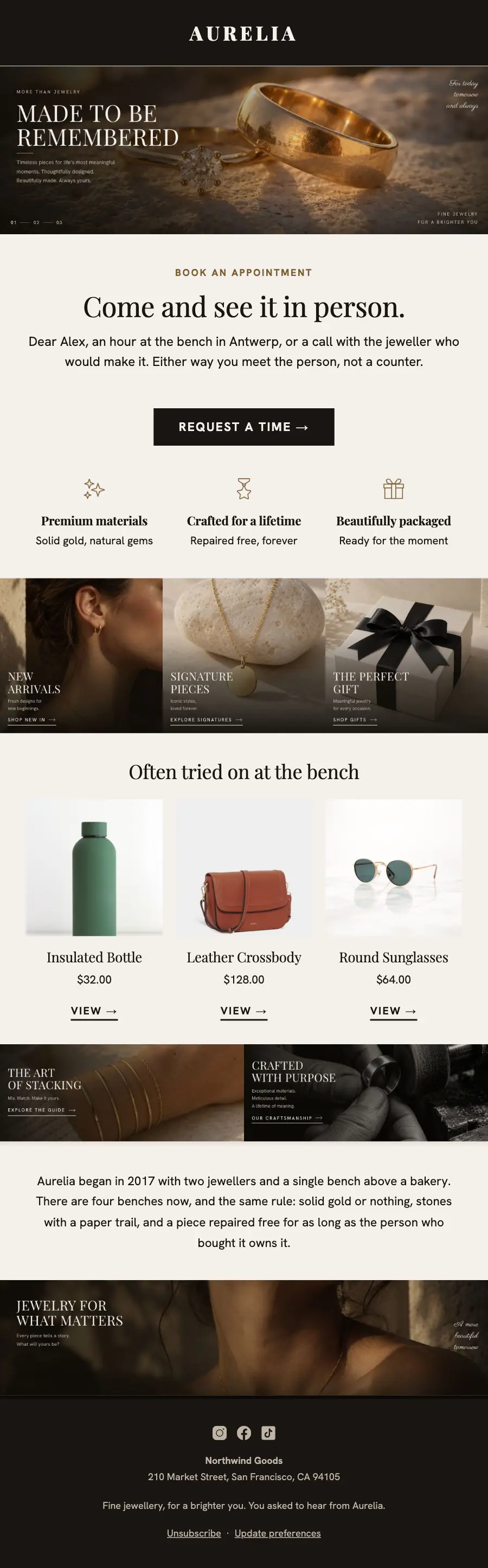
Fine-jewellery appointment invite alternating dark picture bands and pale type bands: MADE TO BE REMEMBERED macro hero, the bench visit, three collections and a portrait close.
A fine jewellery house that alternates two surfaces and nothing else: a warm near-black carrying a photograph edge to edge, and a warm off-white carrying type, with a light Didone in wide capitals and one thin script used only on the pictures.
The 11 sections of this email from top to bottom, rendered with the sample store and recipient from the app gallery. Each one can be edited, moved or removed.
1Logo header
2Full-width photo
3A small label, a heading and text
4Button
5Three columns, each with an icon, a heading and text
6Full-width photo
7Three columns, each with a photo, a heading, text and a button, under a heading
8Full-width photo
9Text
10Full-width photo
11Footer with the unsubscribe link
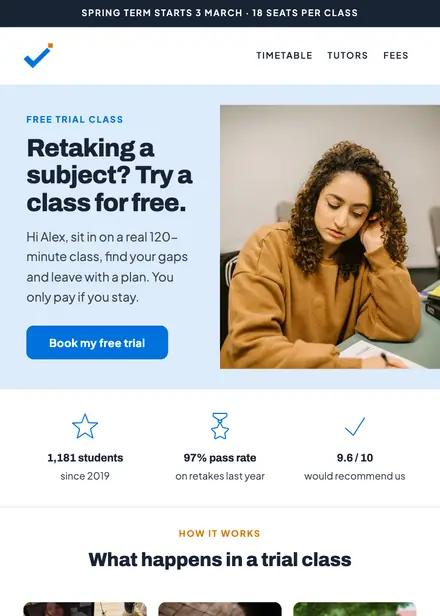
Education · Event & booking
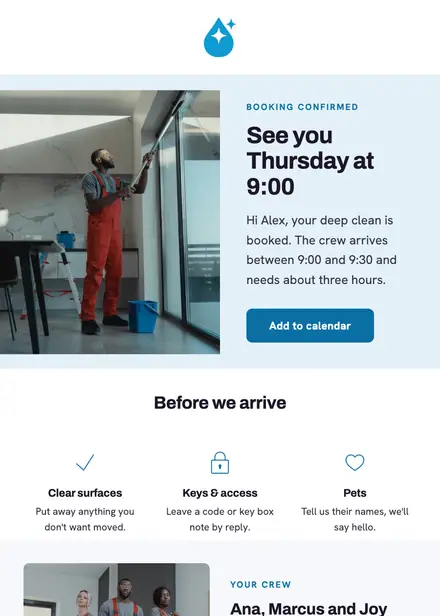
Home services · Event & booking
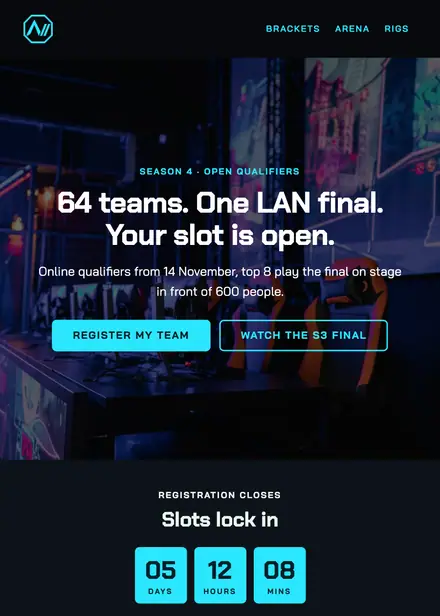
Events & entertainment · Event & booking
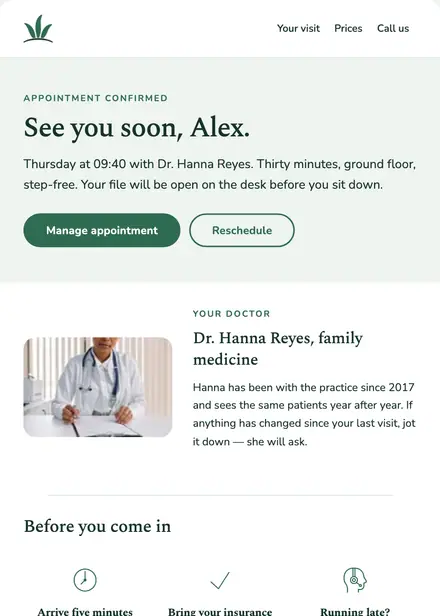
Health & clinics · Event & booking
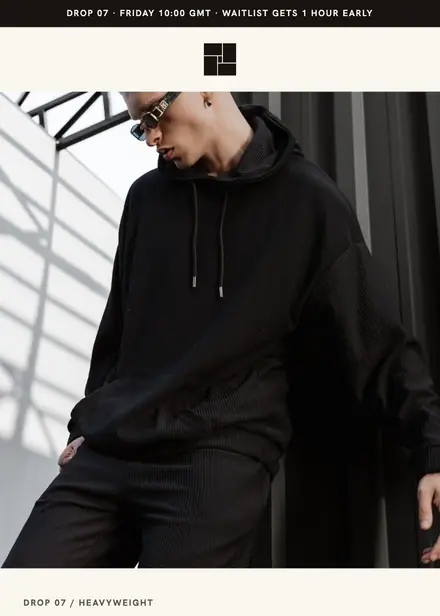
Fashion & apparel · Product launch
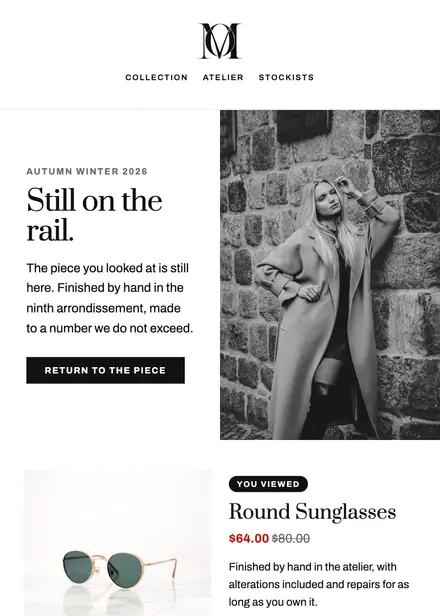
Fashion & apparel · Browse abandonment
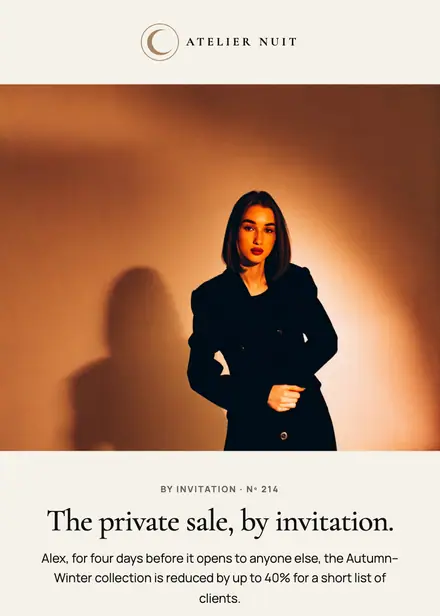
Fashion & apparel · Event & booking
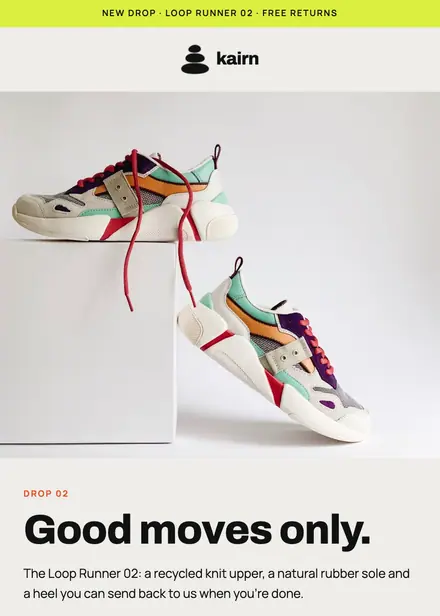
Fashion & apparel · Product launch
Create a free Growthly account, open Templates, then the template gallery, and pick “Aurelia come and see it in person”. It opens in the editor with every section ready to change.
Yes. Add your logo, two colours and two fonts to the brand kit and apply them, or edit any section and element on its own.
Yes. Add it to any flow as a Send email step, or send it as a one-off campaign.